
WordPress · Self-hosting · Infrastructure · Visibility

20 live tools 5 technical clusters No account required

Diagnose your technical problem before committing to a solution.

TechRounder provides free diagnostic tools for WordPress performance, self-hosting, networking, local AI, and technical visibility. Use a tool to understand the problem, then decide what to do next.

Approach Diagnosis before recommendation
Purpose Tools that inform, not upsell
Specialties WordPress, infrastructure, and self-hosting
Access All tools free, no sign-up required
How it works

Each tool gives you a specific answer, not a generic overview.

Run a tool against your actual setup. Get output that tells you what is working, what is not, and what to do next.

Browse all tools
20 free diagnostic tools, live now
5 technical topic clusters
4 problem-based entry paths
0 account or sign-up required

Featured tools

Commonly used tools across the main technical areas.

These tools cover the most frequent diagnostic tasks. Each one produces a clear output you can act on immediately or use to brief a developer.

Tool clusters

Browse tools grouped by the technical area they address.

Each cluster covers a specific domain — WordPress, self-hosting, networking, AI infrastructure, or visibility. Select a cluster to see all available tools within it.

Cluster 1

WordPress and Site Health

Diagnostic tools for WordPress sites experiencing traffic drops, content quality issues, redirect problems, plugin overload, or w…

  • Unexplained drop in organic traffic after a Google update
  • Redirects, plugin overload, or crawl signals that are hard to interpret
  • Weak author credibility or trust signals on content-heavy sites
View cluster

Cluster 2

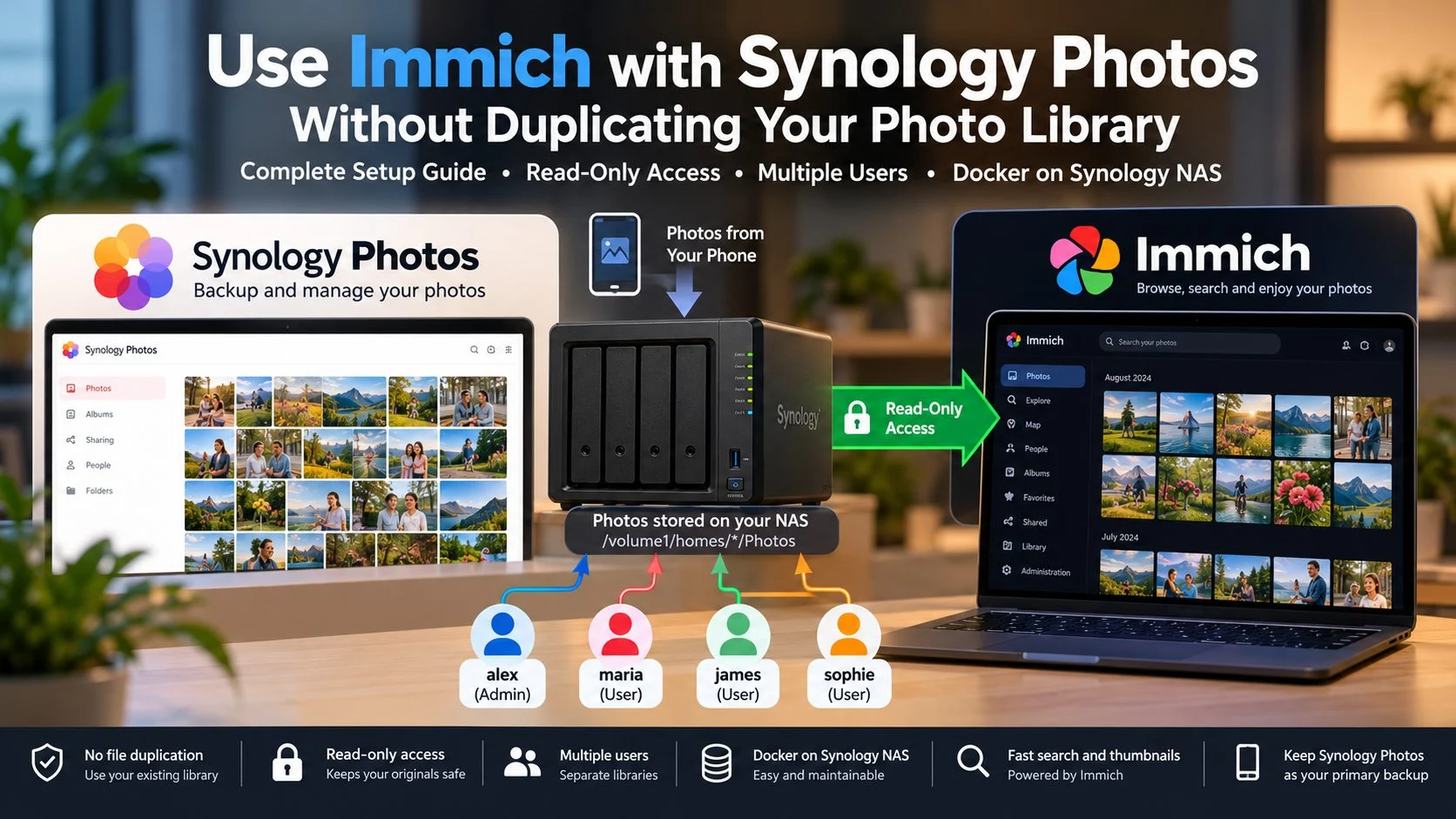
Self-Hosting and Homelab Planning

Planning tools for anyone building or expanding a self-hosted infrastructure. Covers hardware sizing, NAS suitability, Docker sta…

  • Not knowing which hardware tier is enough for the services you want to run
  • Choosing between a NAS, mini PC, server, or Proxmox setup
  • Understanding the real monthly cost of running hardware before buying it
View cluster

Cluster 3

Network, DNS, and Email Infrastructure

Practical checks for the infrastructure layer that most sites depend on but rarely audit — email deliverability, DNS configuratio…

  • Email landing in spam or failing to deliver without any error message
  • Cloudflare or DNS settings that look correct but are causing subtle issues
  • A flat home or office network with no separation between trusted and untrusted devices
View cluster

Cluster 4

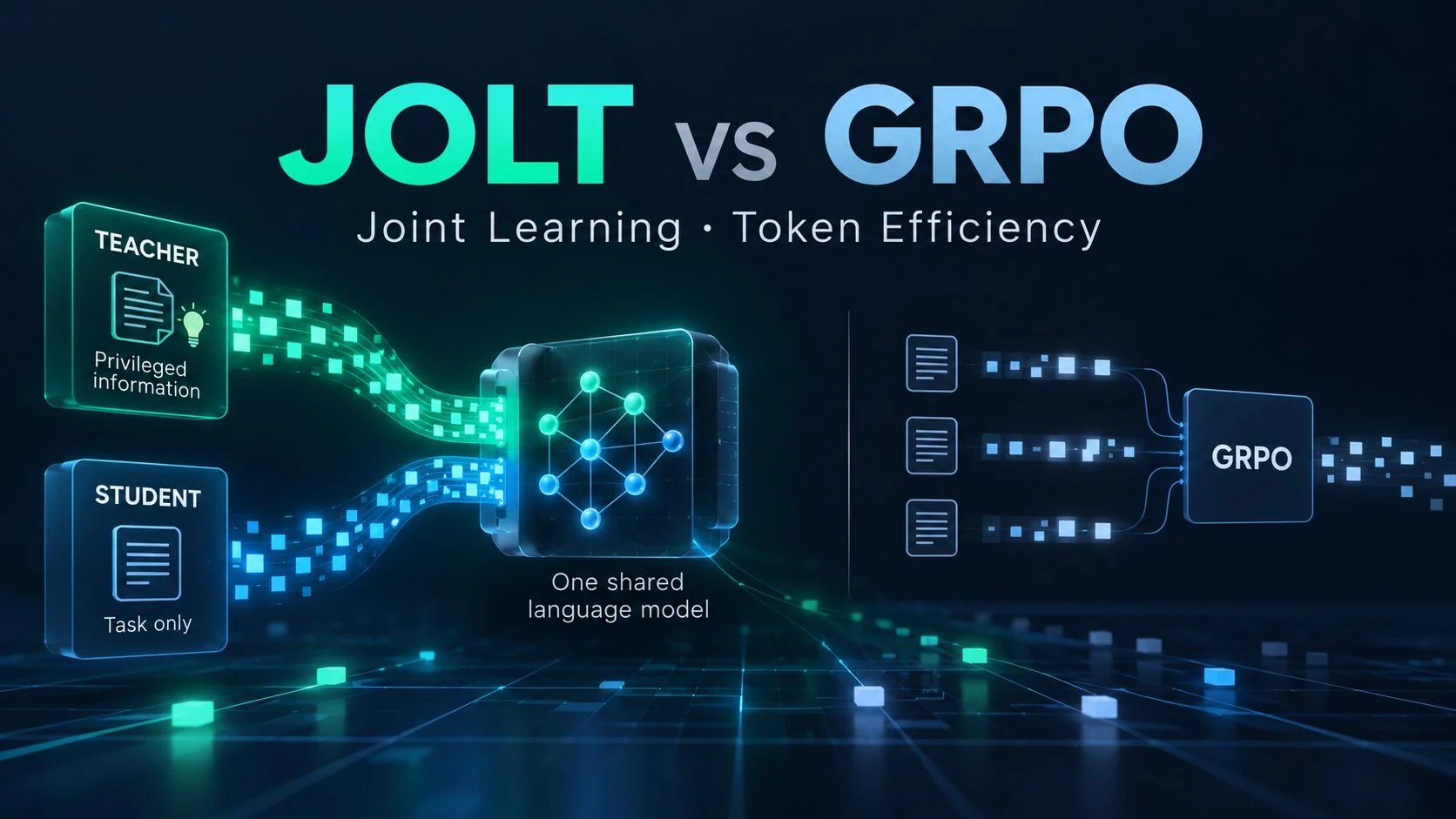
Local AI and Server Infrastructure

Planning and decision tools for running AI workloads locally or privately. Covers hardware readiness for local LLMs, full private…

  • Not knowing whether your current hardware can run a useful local AI model
  • Wanting a private AI setup without guessing which components work together
  • Trying to compare the true long-term cost of a VPS against owning your own server
View cluster

Cluster 5

SEO and Visibility Diagnostics

Visibility tools for publishers who need more than keyword rankings — covering AI Overview readiness, structured data completenes…

  • Uncertainty about whether your content is structured for AI-powered search surfaces
  • Schema markup that exists but is incomplete, outdated, or not doing its job
  • Large sites where content quality has drifted and no clear audit starting point exists
View cluster

From the blog

Technical articles, walkthroughs, and platform-specific guides.

Published articles covering WordPress, hosting, networking, and infrastructure topics with practical detail.

About TechRounder

Tools that give you a clear picture of the problem before any service is involved.

TechRounder exists to make technical decisions more transparent. Each tool is built to produce a result you can understand and act on — whether that means fixing it yourself or briefing someone who can.

What users can expect

  • Clear problem entry points — no ambiguous menu categories.
  • Output that explains the finding, not just flags it.
  • A route to expert help only when the problem requires it.