 Vipin PG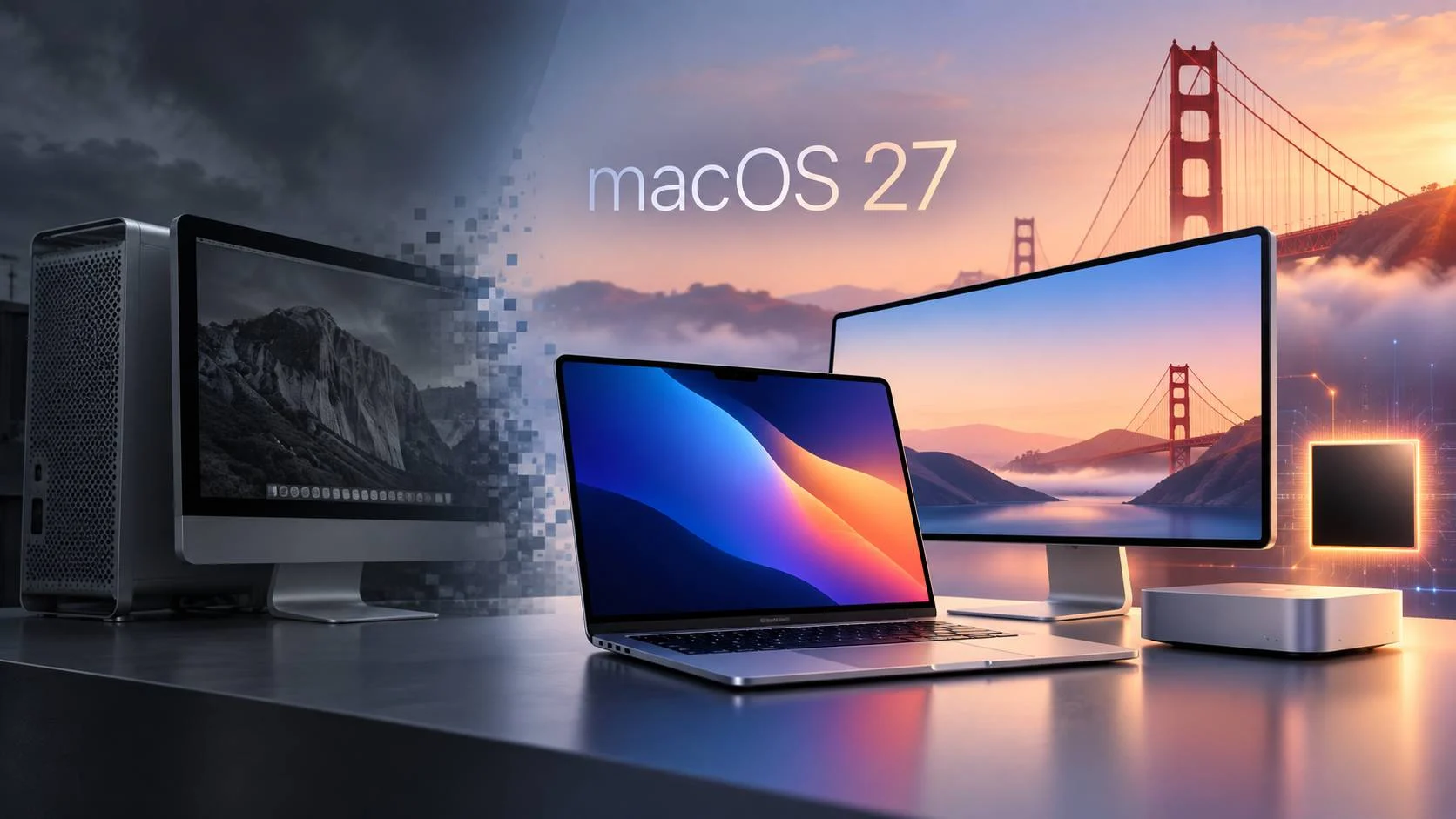
Apple is releasing macOS 27 Golden Gate on September 14, 2026, and this year’s update draws a clear line under the Intel Mac era.
Golden Gate runs only on Apple silicon Macs. Intel Macs that still received macOS 26 Tahoe cannot move to macOS 27, although Apple plans to continue security updates for those machines.
The release also brings Apple’s new Siri AI experience to the Mac, expands Apple Intelligence features, adjusts the Liquid Glass interface, and improves several built-in apps.
There is another change that matters for anyone who still uses older Mac software. Apple’s dedicated Rosetta documentation says macOS 27 is the final macOS release with general-purpose Rosetta support. That gives Intel-only Mac apps one more major macOS version before compatibility becomes much more limited.
macOS 27 Golden Gate arrives September 14
Apple lists September 14 as the public availability date for macOS 27 Golden Gate.
The company released the macOS 27.0 Release Candidate to developers on September 9 after several months of beta testing.
Apple has not published a specific worldwide release time. If Golden Gate does not appear immediately under Software Update, that alone does not mean a Mac is unsupported.
On a compatible Mac, the update should appear under:
System Settings > General > Software Update
macOS 27 supports Apple silicon Macs only
Apple’s compatibility list contains no Intel models.
Golden Gate supports:
- MacBook Neo, 2026
- MacBook Air with Apple silicon, 2020 or later
- MacBook Pro with Apple silicon, 2020 or later
- iMac with Apple silicon, 2021 or later
- Mac mini with Apple silicon, 2020 or later
- Mac Studio, 2022 or later
- Mac Pro with Apple silicon, 2023 or later
You may see macOS 27 described as requiring an “M1 or newer” Mac. That description misses one model.
The 2026 MacBook Neo uses Apple’s A18 Pro chip rather than an M-series processor, and Apple includes it in the macOS 27 compatibility list.
“Apple silicon only” is the more accurate description.
Four Intel Macs stop at macOS 26 Tahoe
A small group of Intel Macs still qualified for macOS 26 Tahoe. Those machines lose access to new major macOS versions with Golden Gate.
The affected models are:
- MacBook Pro 13-inch, 2020, with four Thunderbolt 3 ports
- MacBook Pro 16-inch, 2019
- iMac Retina 5K 27-inch, 2020
- Mac Pro, 2019
These Macs can continue running Tahoe.
Apple has also said it will provide security updates for Intel-based Macs for three years. Owners are therefore not being forced to replace their hardware on September 14.
What changes now is the upgrade path. Tahoe is the final major macOS version for Intel Macs.
Over time, that will also affect application compatibility as developers begin raising their own minimum macOS and hardware requirements.
Intel Mac support and Intel app support end at different times
Golden Gate cannot run on an Intel Mac, but it can still run many Intel Mac applications on an Apple silicon Mac.
Rosetta makes that possible.
Apple created Rosetta 2 during the Apple silicon transition so software compiled for Intel processors could continue running on newer Macs.
For a user, that often means an old Intel-only application can open normally on an M-series Mac even if the developer never produced a native Apple silicon version.
macOS 27 continues that compatibility.
The difference is that Apple now has an end date for general-purpose Rosetta.
macOS 27 is Apple’s final full Rosetta release
Apple’s dedicated Rosetta documentation says general-purpose Rosetta remains available through macOS 27.
Apple also documents Intel binary translation as part of macOS 27.
That matters for users who depend on software that never received an Apple silicon version, including old utilities, specialist business software, audio plugins, legacy creative tools, and abandoned applications.
Those apps may continue working on Golden Gate through Rosetta.
The situation changes after macOS 27.
Apple says future macOS versions will retain only a limited portion of Rosetta for some older games that rely on Intel-based frameworks.
General Intel application compatibility is scheduled to end.
For people who still depend on Intel-only software, Golden Gate is effectively the final full compatibility window.
Apple’s own Rosetta documentation currently conflicts
There is one piece of Apple documentation that does not match the company’s dedicated Rosetta guidance.
A September 9 Apple Developer announcement says macOS 26 is the final release supporting “Intel Mac computers and Rosetta.”
Apple’s separate Rosetta documentation says general-purpose Rosetta remains available through macOS 27 and describes Golden Gate as the final Rosetta release.
Those statements cannot both describe the same cutoff.
The Rosetta-specific documentation gives much more detail about Intel binary translation in macOS 27, and it matches Apple’s earlier public transition plan.
For now, that is the stronger source.
The September 9 wording appears to combine two separate changes: the end of Intel Mac hardware support and the later end of broad Intel app translation.
Until Apple edits or clarifies that developer post, anyone relying on Intel-only software should treat the dedicated Rosetta documentation as the more specific guidance and still test critical apps before upgrading a production Mac.
Siri AI comes to the Mac with Golden Gate
Siri gets a much larger role in macOS 27.
Apple’s new Siri AI system can handle more conversational requests, work with information from supported apps, use personal context, respond to what is visible on the screen, and reach wider online knowledge when needed.
Users can speak to Siri or type requests.
Visual Intelligence also comes to macOS. It can work with content displayed on the Mac screen, which allows Siri and other Apple Intelligence features to act on information already in front of the user.
Apple has also added a dedicated Siri app for accessing conversations and starting new ones.
Siri AI launches as a beta and is initially rolling out in English.
M1 and M2 Macs still support Siri AI
Another detail has caused some confusion.
Apple says its most powerful on-device AI model requires:
- M3 or later
- At least 12GB of unified memory
That requirement does not apply to the entire Siri AI system.
Apple’s broader Apple Intelligence compatibility includes Macs with M1 or later, along with the A18 Pro-based MacBook Neo.
An M1 or M2 Mac that supports Golden Gate can still use the main Siri AI and Apple Intelligence features available for that hardware.
The M3 and 12GB requirement applies to specific higher-end local AI functions. Apple has associated this more capable on-device model with features such as more advanced dictation and more expressive Siri voices.
An owner of an M1 or M2 Mac should therefore not read the 12GB requirement as a general macOS 27 or Siri AI requirement.
Mac users in the EU get Siri AI
The European rollout is different on the Mac than it is on some other Apple devices.
Apple says Siri AI will initially be unavailable on iPhone, iPad, and Apple Watch in the European Union because of issues related to the Digital Markets Act.
macOS is treated differently.
Apple says Siri AI can be used on Macs in the EU when the system is configured to a supported language.
Apple Vision Pro is also outside that initial restriction.
For European Apple users, the Mac may therefore provide access to Apple’s newer Siri system before the same features arrive on iPhone or iPad.
Apple says the new Siri AI and Apple Intelligence features are not initially available in China while it works through local regulatory requirements.
Golden Gate refines Liquid Glass instead of replacing it
macOS 26 Tahoe introduced Apple’s Liquid Glass interface across the Mac.
Golden Gate keeps that design and adjusts it.
Apple has worked on readability, contrast, toolbar consistency, sidebar appearance, window shapes, and other interface details.
Users also get more control over how transparent or tinted parts of the interface appear.
The changes are more about cleaning up the Tahoe design than introducing another visual overhaul one year later.
Safari, Mail, Photos, Shortcuts, and other apps get updates
Apple is spreading many of the macOS 27 changes across its built-in applications.
Safari gets improvements to tab organization and webpage notifications.
Mail receives search improvements.
Photos gains more AI-assisted editing features, although some functions are scheduled for later updates.
Shortcuts can work with more natural language and Apple Intelligence functions.
Calendar, Maps, parental controls, search, video podcasts, iCloud Shared Albums, display support, and other parts of macOS also receive changes.
Apple says Golden Gate improves performance in areas such as AirDrop transfers, browsing files over a network, Safari start-page loading, and general responsiveness.
Intel Mac owners do not need to replace their computers today
A Mac running Tahoe does not stop working because Golden Gate exists.
For an Intel Mac that still performs well, staying on Tahoe can be a reasonable choice while Apple continues providing security updates.
The pressure to replace the machine will increase gradually.
New applications may begin requiring Apple silicon. Existing apps may stop releasing Intel builds. Features tied to Apple Intelligence are already unavailable on Intel hardware.
Those software changes are more likely to determine when an Intel Mac becomes impractical than the release of Golden Gate itself.
Apple silicon users should check for Intel-only apps before upgrading
Most Apple silicon owners should have a straightforward path to macOS 27.
The main exception is anyone who still depends on older Intel software.
An Intel-only application that currently works through Rosetta still has a future compatibility problem unless the developer releases a native Apple silicon version.
Before upgrading a work Mac, check the apps that matter most and find out whether they are:
- Native Apple silicon apps
- Universal apps that contain both Intel and Apple silicon code
- Intel-only apps running through Rosetta
That check becomes even more useful during the macOS 27 cycle because Apple has now documented where general Rosetta support ends.
The Mac’s Intel transition now has two deadlines
Apple began selling Apple silicon Macs in November 2020.
Nearly six years later, macOS itself has moved fully to Apple silicon.
Intel Macs stop receiving new major macOS versions with Tahoe.
Intel applications get a little more time. Apple’s dedicated Rosetta documentation keeps broad Intel app translation available through macOS 27, with much narrower support planned after that.
If you are planning to install Golden Gate today, my recommendation is simple: check the few applications you cannot afford to lose before starting the upgrade. If any of them still require Rosetta, macOS 27 gives you more time, but it is also the right time to find a native Apple silicon replacement before the next macOS cycle.