 Vipin PG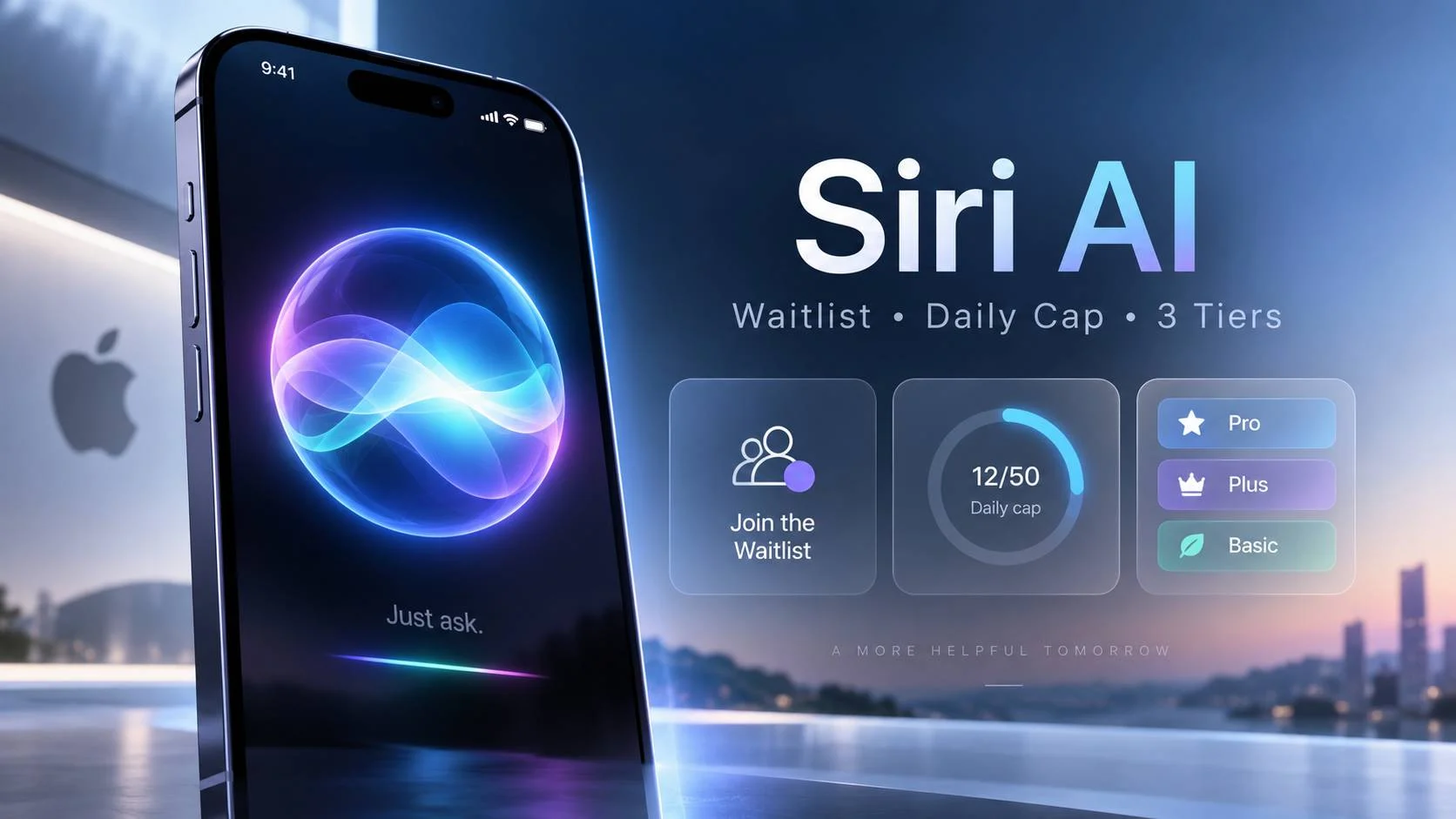
Apple released iOS 27, iPadOS 27, macOS 27 Golden Gate, watchOS 27 and visionOS 27 on 14 September, and put a rebuilt assistant called Siri AI at the center of all five. It is the feature Apple first promised in 2024 and then postponed twice.
Installing the update does not give it to you.
Siri AI ships as a beta you have to ask for. You open Settings, go to Apple Intelligence & Siri, and tap “Try Siri AI (Beta)”. That puts you in a queue. A server hands back an estimated wait and adjusts that estimate as demand moves. People who joined during the beta period reported waits of around a week. The only supported language at launch is English.
Most of the launch coverage stopped there. Two things underneath matter more. Access is split into three tiers that Apple documents in three different places, and the assistant arrives attached to a usage meter with no numbers printed on it.
Three tiers, and three different products
Apple’s hardware list is longer than it looks. There are three separate bars, and clearing one does not clear the next.
iOS 27 runs on iPhone 11 and later, plus the second generation iPhone SE. That gets you the Liquid Glass transparency slider, the rebuilt parental controls, faster app launches and a redesigned Screen Time.
Apple Intelligence sits above that. It needs an iPhone 16 or later, an iPhone 15 Pro or 15 Pro Max, an iPhone Air, an iPhone Duo, an iPad mini with the A17 Pro, an iPad with M1 or later, a Mac with M1 or later, a MacBook Neo, an Apple Vision Pro, or an Apple Watch Series 9 or later paired to a compatible iPhone.
The third bar is the one Apple does not print beside the others. The strongest on-device model in the new family, AFM 3 Core Advanced, runs only on Apple’s most capable hardware: iPhone 17 Pro, iPhone 17 Pro Max, iPhone Air, an M4 or later iPad, or an M3 or later Mac with 12GB of memory or more. It is a 20 billion parameter model on a phone, and it manages that by activating only 1 to 4 billion parameters per request.
Everyone else on Apple Intelligence gets the smaller AFM 3 Core model. That gap changes what the assistant can do. Dictation accuracy and the quality of a long back and forth depend on which model you land on, and AFM 3 Core Advanced is what lets Siri match the mood of a reply instead of reading a script at you.
Read the three bars together and the spread is wide. An iPhone 11 gets a free update and no Apple Intelligence at all. An iPhone 15 gets Apple Intelligence and no Siri AI. An iPhone 15 Pro gets Siri AI running the lighter on-device model. An iPhone 17 Pro gets the whole thing. Four devices, four different assistants, one version number.
The usage cap Apple did not put a number on
This part is in Apple’s support documentation, in a footnote.
Certain Apple Intelligence features “that rely on server-side models are subject to daily usage limits, including but not limited to Siri AI, Intelligent Photo Editing Tools, Image Playground, and AFM 3 Cloud models in Shortcuts.” Those limits “may vary by feature, request complexity, system demand, system policies, and other factors.”
Then the sentence that matters: “Expanded access to such features will be available for a fee in the future.”
Apple has published no cap, no price, no launch date for the paid tier, and no explanation of how requests get counted. It has not said whether a one-line question and a long multi-step task draw on the same allowance, or where a user would look to see what is left. Reporting around the launch points to higher iCloud+ tiers as the likely home for bigger allowances, since Apple already bundles storage, Private Relay, Apple TV and Apple Arcade into that subscription. Apple has not confirmed it.
Siri has shipped free with the operating system since 2011. No earlier version carried a published ceiling. That makes this the first time Apple has metered a core system feature, and the first time a buyer cannot see the meter before agreeing to it.
In the EU, a Mac gets in and an iPhone does not
Apple’s availability notes split the European Union by platform. Siri AI “will not be available initially in the EU in iOS, iPadOS, and watchOS.” The next sentence says Mac and Apple Vision Pro users in the EU can reach it “when set to a supported language.”
Supported language currently means English. So a Mac or a Vision Pro inside the EU runs Siri AI today if its language is set to English, while the same person’s iPhone will not. Apple Watch follows the paired iPhone, so it stays blocked too.
That asymmetry leaves German out as well. Apple Intelligence already supports German, Italian, Danish, Dutch, Norwegian, Swedish, Turkish, Vietnamese and several more. Siri AI supports English and nothing else yet. The October expansion covers French, Japanese, Korean, Portuguese and Spanish, and German has no announced date.
China is blocked while Apple works through regulatory requirements there, and Siri AI is unavailable to anyone under 13 wherever it launches. India is not on Apple’s restricted list, so the English beta reaches here through the same waitlist.
The rest of the update still arrives in Europe: the Liquid Glass slider, the parental controls, Image Playground, the photo editing tools. The block covers the assistant, not Apple Intelligence.
What the first hands-on tests found
Three reviewers who ran the beta through the summer reached similar conclusions, and their failures are more useful than their praise.
Dan Moren at Six Colors described asking Siri over CarPlay to play a specific older episode of The Rest is History about the American Revolution. He never named the episode. Siri found it and played it. In his words, Siri AI “largely delivers on what the company promised, albeit a couple of years later than intended.” It also answered questions about his own life, including the date of a pool party his wife had texted about and which of his neighbours would be there.
His failures are worth reading closely. When he asked when a neighbour had said they would be back from vacation, Siri located the right text message and then reported that no return date had been mentioned, even though the date was sitting in the message. He screenshotted a list of conference panels and asked for them in his calendar, and got one entry at the wrong time in the wrong timezone. It misheard “Dunkin'” as “Duncan”.
Ivan Mehta at TechCrunch wrote that he had given up on Siri before this update and now uses it again for multi-step requests and for reading what is on his screen. He got a genuinely good result in a restaurant. He asked Siri what drink he was holding, it guessed green juice, and once he mentioned the restaurant was Indian it offered Jaljeera or Aam Panna. It was Aam Panna. He also built a shortcut that Shazams songs he hears in bars and saves the track along with the location it was playing in.
Federico Viticci at MacStories says he now reaches for Siri instead of Google or ChatGPT for simple factual questions. He also explains the mechanism behind the feature that impressed Moren. Apps in iOS 27 embed invisible annotations about their own content, so Siri receives structured metadata about what is on screen rather than taking a screenshot and running text recognition over it. That is why “play the third one” works inside the Music app. His criticism lands on personal context: he repeatedly found that questions with answers buried in his messages could not be answered at all, or came back with stale information, which he puts down to an on-device index that does not refresh on demand.
The Google question, and what Apple actually built
Majority say Siri AI runs on Gemini. That is not what happened, and the difference decides how you should read Apple’s privacy claims.
Craig Federighi, Apple’s software chief, put it plainly: “We use none of the models that Google deploys to their customers, nor do we use the infrastructure and means by which they employ models to their customers.” Asked how much Google Assistant went into it, he pointed at an empty chart.
The real arrangement is narrower. Apple trained five Apple Foundation Models on its own data and reinforcement learning, then refined them against output from Google’s Gemini frontier models. Gemini improved Apple’s models. The shipped models belong to Apple. Two of them run on the device, AFM 3 Core and AFM 3 Core Advanced. Three run on servers: AFM 3 Cloud, ADM 3 Cloud for image work, and AFM 3 Cloud Pro for the heaviest reasoning and agentic tasks.
The one genuine dependency is compute. AFM 3 Cloud Pro needs more processing power than Apple’s own Private Cloud Compute could supply, so it runs on Nvidia GPUs inside Google Cloud under a confidential computing arrangement where the hardware cannot read what is running on it. Apple has opened that setup to outside security review. It is a paying customer of Google’s infrastructure, and the models are still Apple’s.
A routing layer Apple calls the system orchestrator sends each request to whichever model fits, on-device or in the cloud. Federighi called it “key to the privacy architecture of our entire system.” That architecture is Apple’s actual argument, and it is the one the company’s new CEO made on stage. Getting the same answers about your own life out of a standalone chatbot means handing that chatbot your messages, your photos and your email.
What to check before you assume you have it
Run your device against the three bars rather than the release notes. An iPhone 15 gets the operating system and neither of the assistant features.
Update first, then wait. The Apple Intelligence models download after the install, and Apple recommends leaving the device on Wi-Fi and power until they finish.
If you are in the European Union and want Siri AI today, a Mac set to English is the door that is open. Your iPhone is not.
Join the waitlist early if you intend to test it seriously, because the queue is real and Apple controls the pace.
Spend the first week watching which features stop responding rather than which ones work. Apple has not published the caps, so the only way to learn them is to hit one. Knowing which request burned the allowance is the difference between a fair test and a bad first impression.
I have been tracking the 2027 software cycle since the first developer beta in June, and the metering question is the one I keep coming back to. If you hit a limit, or find a way to check what is left, I would like to hear about it. Right now Apple is the only party that can see the dial.