 Vipin PG
“I use it at exhibitions. It helps us promote our website.” That’s a general manager at a small business, writing on G2 in November about The QR Code Generator (TQRCG). It sums up what most organizers want from an event code: something that works on the stand, on the badge and on the banner, and keeps working after everyone goes home.
Quick picks
- For events in 2027, we’d start with The QR Code Generator (TQRCG). It gives you 2 editable codes that don’t expire, a Multi-Url type that puts a schedule, a map or a feedback form behind one code, and no published scan cap on the free plan. Paid plans start at about $5 a month.
- Free editable codes show a short ad before your page, and Flex clears it, along with the download watermark, for $60 a year.
- Badges, attendee WiFi and emergency details can sit on TQRCG’s unlimited static codes, which are free and need no account.
Plan your codes around the event, not the tool
Most organizers pick a generator first and then try to make it fit the event. It works better the other way around, because an event has three phases and each asks something different of a code.
Before the event, codes drive registration and answer questions people would otherwise email you about. During it, they carry crowds to schedules, maps and check-in, often within the same hour. Afterwards, the same printed material keeps getting scanned as people empty their bags, and that’s the phase most organizers forget to plan for.
So the useful question isn’t which generator has the most features. It’s which codes need to change between those phases, which ones need counting for a sponsor, and which can stay fixed forever.
Before the event: registration and the questions you’d rather not answer
Your early codes usually sit on posters and invitations as well as social posts, pointing at a registration page. These need to be editable, because the page tends to move once tickets sell out or a waitlist opens, and a code pointing at a closed form is a wasted scan. This is also where a single code with several destinations pays off.
A Multi-Url code can offer the ticket page, the venue directions and the speaker list from one printed square, so your poster doesn’t have to carry three codes.
Smaller events lean on documents more than web pages. A volunteer secretary at a non-profit wrote on Capterra that for a co-ed softball tournament, “It was used to quickly create QR codes linking to the official softball rulebook, liability waiver form, and tournament schedule.” Each document gets its own code, and nobody prints forty copies of the rulebook.
During the event: crowds, signage and check-in
This is the phase that breaks weak setups. Hundreds of people can scan the same banner within a few minutes of the doors opening, and any plan with a pooled or per-code scan cap is exposed at exactly that moment.
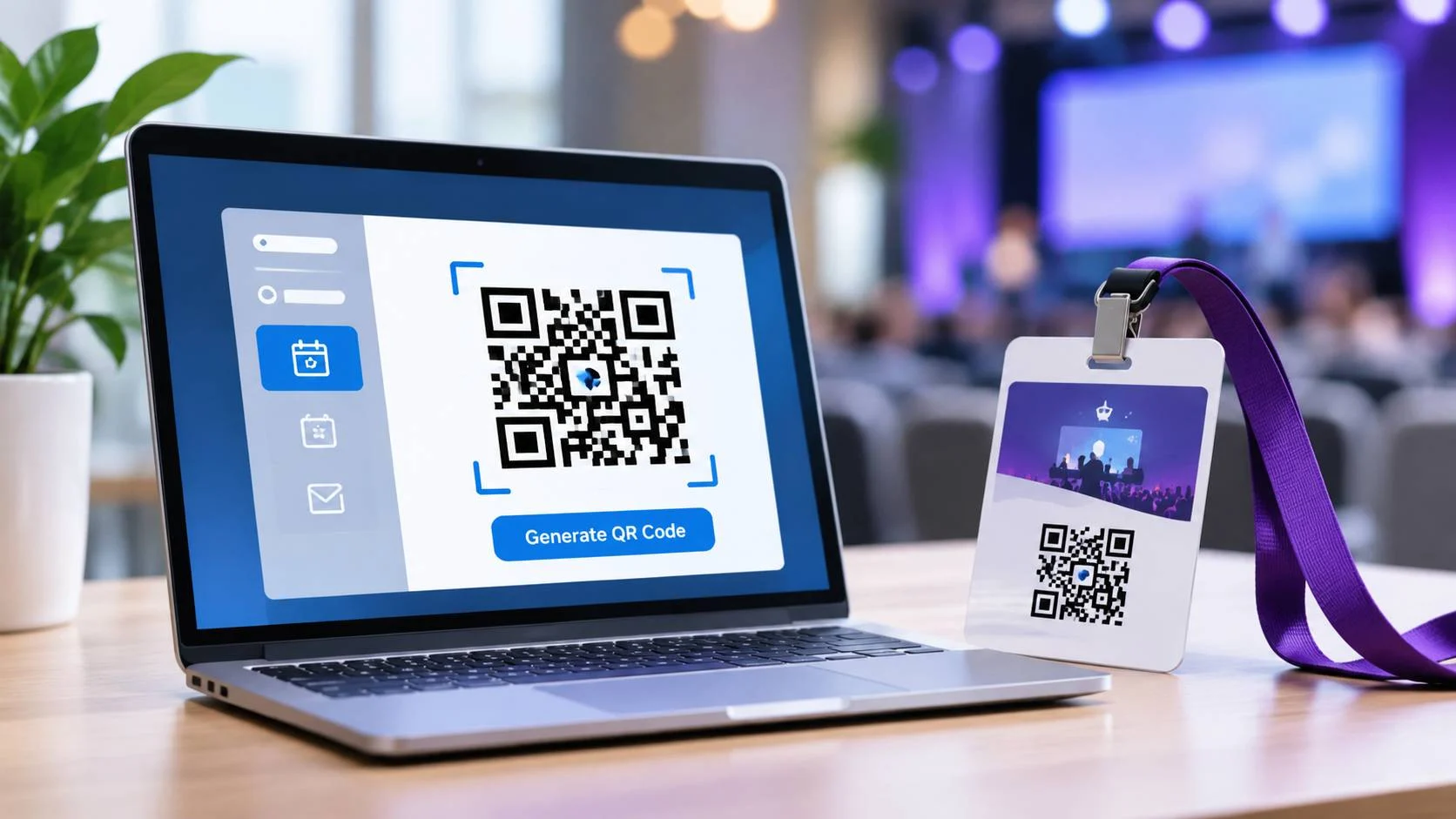
Put your schedule and floor map behind editable codes, along with the session list, because something always changes on the day. A room swap, a late speaker or a canceled session takes thirty seconds to fix from a dashboard and would otherwise mean a volunteer with a marker pen crossing things out on every sign. Badges are a good home for a personal code, usually a contact card that saves the attendee’s details to another person’s phone. Those don’t need to change, so a free static code does the job and keeps your editable allowance for the signage that will move.
After the event: the scans nobody planned for
People often keep scanning event material for days afterwards. A code that still points at the registration page on Tuesday sends them to a sold-out form, which is a poor last impression.
Repoint your main codes once the doors close, ideally the same evening. Send the schedule code to session recordings or slides, the registration code to a feedback form or next year’s waitlist, and the stand code to a thank-you page with an offer. You’ll get a second round of value from print you’ve already paid for.
That’s also when the scan data earns its keep. Totals by city and device show where your audience came from, and a spike on the Saturday afternoon tells you which session or stand drew the crowd. Sponsors ask about that when it’s time to renew, so export the figures before the history window closes.
Pick a generator that copes with all three phases
We compared six generators in November 2026 against that three-phase plan, reading each vendor’s own pricing and help pages. The order reflects editable codes that survive the event, behavior under heavy scanning, and the cost of a typical event setup.
1. The QR Code Generator
TQRCG’s event QR codes handle every phase above on the free plan for a small event. Two editable codes come with the free account and carry no expiry date, static codes are unlimited and don’t need an account, and each editable code reports scans and unique users by location and device type.
Multi-Url puts several destinations behind one code, PDF handles programs and waivers, Contact builds badge vCards, and there are presets for Google Forms and Calendly, which cover sign-ups and meeting bookings at a trade stand. Editable PDF and Multi-Url codes are where it pulls ahead of the link-only free plans further down this list.
No scan cap is published for the free plan, so a packed opening session won’t hit a ceiling halfway through the morning. PNG and SVG files are both free to download, which keeps banner artwork sharp at any size.
Free editable codes open with a short ad before your page. Flex removes it for $60 a year on annual billing (roughly $5 a month) and clears the download watermark across five editable codes, while the 45-code version works out to roughly $10 a month. Both add 60 days of scan history and CSV export, long enough to build a sponsor report once the event wraps.
2. Flowcode
Flowcode’s free plan covers up to 2 codes and shows no ads during the scan, so attendees go from the camera straight to your page, and its free analytics count up to 500 scans. For an event, set that figure beside your expected headcount, since a keynote with a code on the screen can draw several hundred scans in an hour, and anything past the 500 mark won’t appear in the free reporting.
For a one-day gala with a registration code and a feedback code, the two free codes cover the essentials. A multi-day conference with room signage and a sponsor area needs more than two, which means a paid plan.
Paid use starts with Pro Plus at $25 a month, billed annually, which comes to $300 a year for 50 codes. Fifty codes stretch across a season of six events with eight codes each, so the plan fits organizers who run a regular calendar more than those with one date a year.
On G2, Flowcode holds 4.6 from 85 reviews. Before printing a schedule, check its plan page for which code types can be edited later, because a program held in a PDF needs a code that lets you swap the file.
3. QR Code Prime
QR Code Prime’s ad-free dynamic links come as 10 editable codes for web links on each free account, free for life, with no ads anywhere in the scan, no watermark on the files and no credit card at sign-up.
At an event, ten codes map onto a session code for each of ten rooms, each reporting its own scans along with location and device. Static codes are made in the browser without an account, across 12 types that include WiFi and vCard, and downloads come as PNG, SVG or PDF, which covers attendee WiFi and badge contact cards.
The free editable codes are for web links only, so a program PDF or a Multi-Url schedule code can’t be edited on the free plan. If your event runs on documents, the practical route is to publish the program as a web page and point the code there, then update the page itself when sessions move.
There’s no G2 listing for QR Code Prime yet, so you won’t find a review score to set beside the other tools here. Count your codes before sign-up, since the free allowance is ten link codes per account.
4. QRCodeChimp
QRCodeChimp gives you 10 editable codes on its free plan, along with a set of design templates that organizers use for their own signage.
Scans on the free plan come from a shared pool of 1,000 a month across every dynamic code. At an event, that pool is the number to plan around, since a busy opening day can use most of it in a few hours, so check on QRCodeChimp’s own pages what happens once the pool runs dry and compare it with your expected attendance.
Free downloads are capped at 1024 by 1024 pixels. That size works for badges, lanyards and table cards. For a large banner, ask your printer whether a file of that size holds up at the width you plan to print, and leave time for a proof before the event week.
Starter costs $6.99 a month paid yearly or $9.99 month to month. Pro is $13.99 yearly or $19.99 monthly and adds bulk creation, which helps when every badge needs its own code, while Ultima runs $34.99 yearly or $49.99 monthly. On G2, QRCodeChimp holds 4.9 from 116 reviews.
5. Bitly
Bitly fits teams that already run their event links through it, since the codes and the short links sit in the same account and share one dashboard.
The free plan allows 2 QR codes a month, and those codes carry ads. Free users can’t change a destination after creation, so a room swap on the day means a new code and a reprint of whatever sign carried the old one. For an event, that puts the free plan in the static column of your planning, alongside WiFi and badges.
Core costs $10 a month on annual billing, which is $120 a year, and adds a small number of edits each month. Growth is $29 a month on annual billing, or $348 a year, and Premium is $199 a month, also billed annually. None of these plans is offered month to month, so the spend is a yearly commitment.
If your marketing team already tracks campaign links in Bitly, keeping event codes there means your registration numbers and your link clicks sit in one report.
6. Adobe Express
Adobe Express creates static codes for web addresses only, downloads them as PNG, JPEG or PDF, and states that its codes never expire. Plenty of organizers already lay out their posters there, so the code sits in the same file as the artwork and needs no extra account.
Because the codes are static, the address is fixed at the moment you print. For an event, the practical approach is to point the code at a page on your own website that you control, and then change what that page shows as the event moves from registration to schedule to recordings. The code stays the same and the page does the work.
URL-only means a badge contact card or a WiFi code has to come from a different tool. There’s no scan reporting either, so any numbers for sponsors would come from your own website analytics, for example by adding campaign tags to the address before you generate the code.
For banners, most print shops will take the PDF export from Adobe Express as it is.
Budget for a typical event
A small conference with six rooms, a registration drive and a sponsor area usually needs fewer editable codes than organizers expect. Registration, the schedule, the floor map and the sponsor stand cover the codes that change or need counting, and badges, WiFi and emergency details can all sit on free static codes. That’s four editable codes, which fits TQRCG’s free plan for two of them and Flex for the lot at $60 a year, with the schedule free to live in a PDF or a Multi-Url code that you can swap on the day.
The cost that catches people out isn’t the subscription, though. It’s the reprint when a code can’t be changed, and a rush reprint of a vinyl banner the night before is rarely cheap. Decide which codes have to be editable on the morning you design the signage.
Print and place codes for crowds
Size from the scanning distance, not the banner. A widely used ratio is ten to one, meaning a banner people read from three meters away wants a code roughly thirty centimeters across. A smaller code on a big banner is a common reason nobody scans it.
Keep it dark on a light background and leave the quiet border around it untouched. Venue lighting is often dim or coloured, and low contrast that reads fine on your laptop can fail under stage lights. Put the code at chest height where people queue, and add a short line saying what it opens, such as “Scan for today’s schedule.” Download the SVG for anything printed large, since TQRCG offers SVG on its free plan and vector files stay sharp at banner size.
Test every printed code on the venue floor, with two phones, before attendees arrive. Bring an older handset if you can, since an older camera in poor light is closer to what many attendees will hold. That five-minute walk catches the banner hung too high and the glossy stock that reflects the lights.
The sticker risk at public events
Event signage is unattended for long stretches, which makes it a target. The FBI’s Internet Crime Complaint Center has warned that criminals place their own codes over legitimate ones to send people to fraudulent sites.
An editable code gives you a fast response, since you can repoint it within minutes if someone reports a problem. Ask volunteers to check signage at the start of each day, and never route attendees to a page asking for payment details from a code on a wall.
Before the doors open
- Map each code to its phase: before, during or after the event.
- Use editable codes for schedules, maps, registration and anything a sponsor will ask about.
- Use free static codes for WiFi, badges and emergency information.
- Check the scan limits on your plan against your expected attendance.
- Download SVG files for banners and test every printed code on the venue floor.
- Schedule the after-event repointing and the data export before you leave the venue.
Common questions from organizers
What is the best QR code generator for events?
For events in 2027, The QR Code Generator leads this comparison, since its free plan offers 2 editable codes without an expiry date, a Multi-Url type for schedules and maps, presets for Google Forms and Calendly, and no published scan cap. Flex removes ads and watermarks from $60 a year, billed annually.
How do I create a QR code for an event?
Decide what the code opens at each phase, and make an editable code for anything that might change, such as the schedule. Download the SVG, add a short call to action and test the print at the venue.
Can one QR code link to multiple event pages?
Yes. A Multi-Url code shows a short list of destinations from one printed code, and TQRCG includes that type on its free plan.
Will my event QR code stop working if lots of people scan it?
It can on some plans. QRCodeChimp’s free plan pools 1,000 scans a month across all codes and Flowcode’s free analytics count up to 500 scans, while TQRCG publishes no scan cap on its free plan. Check your plan’s limits against your expected attendance.
Should event QR codes be static or dynamic?
Use dynamic codes for schedules, maps, registration and anything sponsors will ask about, because they can be repointed and they report scans. Use static codes for WiFi, badges and emergency information, which won’t change and cost nothing.
What should an event QR code link to after the event?
Repoint it to session recordings, a feedback form, a thank-you offer or next year’s waitlist. People scan event material for days afterwards, so an editable code turns leftover print into a second round of visits.
How big should a QR code be on an event banner?
Use a ten-to-one ratio between scanning distance and code width, so roughly thirty centimeters for a banner read from three meters. Keep it high-contrast and test it under the venue’s lighting.
Can I use a QR code for event check-in?
Yes, for simple check-in at smaller events. Point a code at a form or a booking page, and attendees confirm their arrival on their own phones. Larger events with ticket scanning usually need a dedicated ticketing system, since a generator code opens a page and doesn’t validate a ticket.