 Vipin PG
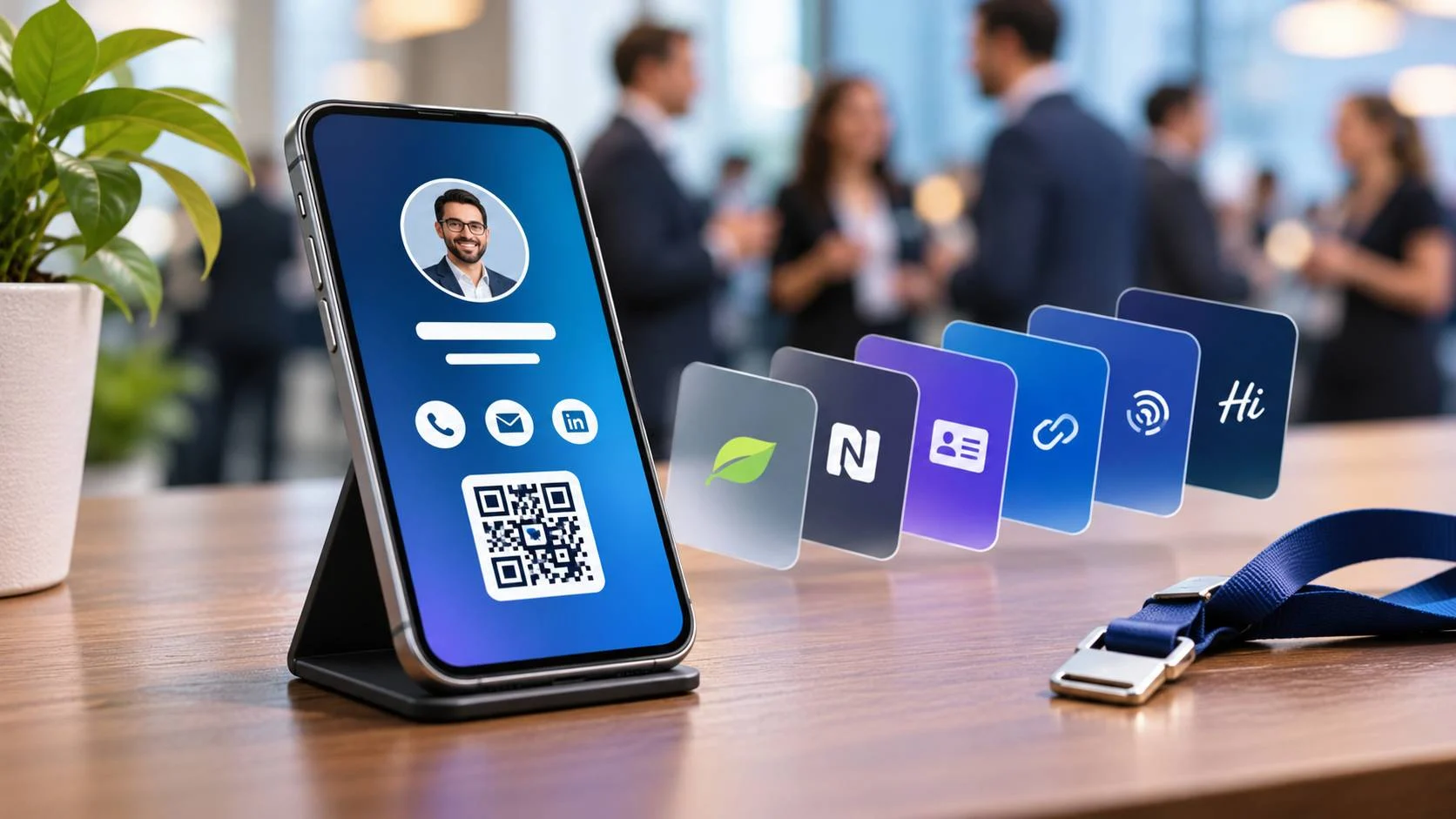
A networking event is two minutes of conversation and a handshake. Whatever card you share in that moment has one job: make sure both people can find each other on Monday, along with the context of what they talked about.
For sales, marketing and events teams, our pick is Uniqode. Its cards go straight into Apple or Google Wallet, swap details in both directions, and push every new contact into Salesforce, HubSpot, Microsoft Dynamics 365 or Pipedrive. The other five cards get the same close look below, so you can see how each one handles the handshake and the follow-up.
- With Uniqode, the person you meet can save your card to Apple or Google Wallet in 1 tap and send their own details back through two-way contact sharing.
- A card lead reaches Salesforce the moment it’s captured, and if that email is already in the CRM, the 1 existing record is updated rather than copied.
- In Pipedrive, the owner of the card becomes the owner of each new contact, so a 3-person team’s leads stay with whoever met them.
- Card analytics in Uniqode count views, shares and contact saves, and AI enrichment comes with 20 credits each month.
Vendor details here were taken from each company’s own pages on 15 or 16 November 2026, and from Uniqode’s pages on 20 November 2026. All prices are in US dollars. The example used throughout is made up for illustration: a founder and two account executives heading to a city startup meetup and a regional industry mixer, expecting about 60 conversations between them.
What a networking card has to do
A card earns its place at an event in four ways. It has to share fast, without the other person installing anything. It has to capture the other person’s details, not just hand yours over. It has to remember what was said, and it has to land in the CRM without someone retyping it on Monday.
That last step is where cards really differ. Sharing is easy now, but follow-up isn’t, and it’s the part that decides whether 60 conversations turn into meetings or into a pile of names nobody recognizes a week later.
1. Uniqode: our pick for teams that follow up in the CRM
Uniqode’s digital business card is built for the follow-up as much as for the handshake. A card can be saved straight into Apple or Google Wallet. The plan also includes a contact manager with two-way sharing, so the person you’ve just met can send their details back on the spot.
Branding carries through as well. Each card takes custom fonts and styles. Cards also come in several languages with a branded QR code, which helps at a mixer where half the room would rather read in Spanish or French.
The follow-up is where it pulls ahead. Card leads travel natively into Salesforce, HubSpot, Microsoft Dynamics 365, Pipedrive and Outlook Contacts, and Zapier, Make, webhooks or the open API reach almost anything else. A new contact lands in Salesforce as soon as it’s captured, and when its email already exists there, the existing record gets the update instead of a twin.
Context survives the drive home. Reps can tag a contact and leave a spoken note, and AI enrichment pulls in the person’s email, phone, LinkedIn profile and company from more than ten sources. Card analytics then show views, shares and contact saves, so the team can see which of the two events actually produced conversations, how many people saved the card, and how often it was shared after the night itself.
For larger teams, cards are provisioned and removed centrally under Uniqode’s Business+ plan, which is sized to the team. On security, Uniqode is SOC 2 Type II certified and aligned with ISO 27001:2022, GDPR and HIPAA, with a HIPAA business associate agreement available.
One G2 reviewer, a graphic designer and marketing assistant at a small business, explained in September 2022 that the team could print conference materials and “not have to worry about creating sticker patches for updated QR codes”.
2. HiHello: cards, a scanner and team plans
HiHello’s free Personal plan comes with 2 digital business cards and a long list of ways to share them, from QR codes and widgets to email, SMS and WhatsApp. The plan says you can “Add your card to Apple and Google Wallet”, and Professional costs $6 a month, or $72 a year, for one person.
Its Universal Contact Scanner reads paper cards and badges, with 5 scans a month on Personal and 20 on Professional. Business, at $5 per user a month for teams of 5 to 100, brings consent-based lead forms and event capture, and it lists integrations with Salesforce, HubSpot and Microsoft Dynamics.
For the example trio, Business has a 5-user minimum, so the team would be paying for two empty seats. HiHello lists SOC 2 Type II under security on its pricing page, and its Business plan starts with a 14-day trial for teams of five or more, so a growing team can test the scanner and the CRM link before committing.
3. Blinq: plans from free to Business
Blinq offers a free card for individuals with no time limit. Its Premium plan, $7.33 a month billed annually, allows up to five branded cards with the company logo on the QR code. Pro, at $16.58, brings AI enrichment and an unlimited AI notetaker.
Business is billed per card, at $4.99 a month on an annual plan, with a five-card starting point, and it’s the plan Blinq positions for teams that want CRM sync. Its event page describes scanning badges, paper cards and QR codes, and keeping notes going when the hall loses its signal.
There’s also a usage charge to budget for at larger events: the pricing page lists $9.99 for each lead captured and enriched there. Enterprise adds enforced single sign-on, SCIM provisioning and a SOC 2 Type II report on request.
4. Popl: NFC sharing and quoted team plans
Popl’s NFC accessories let you “share your digital business card with a single tap to the other person’s phone”. Its cards also go out by QR code and through Apple and Google Wallet. A feature called Lead Capture Mode asks the other person to fill in a short form before they see your card.
On capture, Popl handles paper cards, QR codes, custom forms and typed entries. Its Teams plans include AI enrichment, which Popl says draws on Apollo, RocketReach and more than 18 other data partners in sequence.
There’s no published team price, so buyers book a demo for a quote, and Popl’s help center sets a five-member minimum for Teams.
5. Wave Connect: free, Pro and Teams plans
Wave Connect’s free plan already covers unlimited sharing and saved contacts, Apple and Google Wallet, and a lead form with two-way exchange. Pro, $7 a month on annual billing, adds branding, a customizable lead form and a direct CRM connection.
The team plan costs $5 per user a month, also billed annually, and needs at least three users. It brings an admin console, reusable templates, content locking and one dashboard for everyone’s contacts, and Wave also sells NFC cards and a separate event capture product for teams that scan badges at trade shows as well as swapping cards at smaller networking nights.
6. Mobilo: NFC cards for teams
Mobilo is best known for its physical NFC cards. Its pricing page describes a “Physical NFC Card Tap or scan to share instantly”, with a digital profile, a link and a QR code included.
The digital card on its own is listed as free, and Mobilo’s team solution promises one place to manage employee profiles, cards, branding and leads. When the page was read, it was promoting a branded card at $5 or a custom design at $10, with 90 days of its Pro plan included.
Six networking cards side by side
Here’s how the six compare on sharing, capturing the other person and getting contacts into a CRM. Every row carries the date it was read, because card plans change often and a buyer should check the current version before choosing.
| Card | Sharing | Capturing the other person | CRM sync | Read on |
|---|---|---|---|---|
| Uniqode | Wallet, branded QR code, multi-language cards | Two-way contact sharing; badge and paper card scans | Salesforce, HubSpot, Dynamics 365, Pipedrive, Outlook | 20 Nov 2026 |
| HiHello | QR, widget, email, SMS, WhatsApp, Wallet | Scanner allowance by plan; lead forms on Business | Salesforce, HubSpot, Dynamics on Business | 16 Nov 2026 |
| Blinq | Branded cards, QR code | Badge, card and QR scans | Business plan | 16 Nov 2026 |
| Popl | NFC, QR, Wallet | Lead Capture Mode, card scans, forms | Salesforce Auto Sync | 25 Oct 2026 |
| Wave Connect | QR, email, SMS, Wallet | Lead form, two-way exchange | Direct sync from Pro | 16 Nov 2026 |
| Mobilo | NFC card, link, QR | Leads on the team solution | Not stated on the pricing page | 16 Nov 2026 |
What decided the pick
Four questions decided the ranking. The first was whether a card shares without an app, and every card here does, through a QR code and, for most, a Wallet pass. The second was whether it captures the other person too, and Uniqode’s two-way sharing plus its badge and paper card scanning cover both directions.
The third was whether the conversation survives the evening. Tags, spoken notes and enrichment from more than ten sources give Uniqode the fullest answer there. The fourth was whether the contact lands cleanly in the CRM, and Uniqode’s instant Salesforce sync with duplicate control, its field rules for HubSpot and Dynamics 365, and its owner assignment in Pipedrive settled the order.
A plan for two events in one week
The example trio has two very different rooms ahead. The startup meetup will be loud, short and full of founders and investors. The industry mixer will be slower, with buyers who expect a proper follow-up email within a day or two.
For the meetup, speed matters most, so a Wallet pass and a QR code on the phone’s lock screen will do most of the work. For the mixer, the tags and spoken notes carry more weight. A buyer who mentioned a budget or a deadline should hear back about exactly that, from the person they actually spoke to.
In both rooms, the same card and the same account keep things simple. Every contact from both nights lands in one place, sorted by tag and owner, and the founder can see on Tuesday which event was worth the ticket.
Making 60 conversations count
For the example trio, the night of the mixer is the easy part. The real test comes on Monday morning. That’s when 60 new contacts either sit in the CRM with the right owner and a note attached, or sit in three phones with nothing to say who they were or why they mattered.
A short routine helps. Agree on two or three tags before the event, such as investor, partner and customer, so that every contact gets sorted the moment it’s saved. Record a ten-second spoken note after any conversation that ends with a promise to follow up, because that’s the detail people forget first. And check the CRM owner rules, so each contact reaches the person who actually met them.
It’s also worth deciding who follows up with whom before the event starts, because three people working one room will often meet the same investor. With owner assignment and a single shared account, the second conversation adds to the first record rather than starting a new one.
That’s where a card built for follow-up earns its keep. It’s not glamorous, but it works. It turns a stack of introductions into a list someone can act on before lunch.
Questions about digital business cards at events
What is the best digital business card for networking events?
Our pick for sales, marketing and events teams that follow up in a CRM is Uniqode. Its cards save to Apple and Google Wallet, swap details both ways, and send each new contact to Salesforce, HubSpot, Microsoft Dynamics 365 or Pipedrive.
Can a digital business card collect the other person’s details?
With Uniqode, two-way contact sharing sends the other person’s details back to you, and they’re kept in a contact manager. Reps can also scan conference badges and paper cards, so every introduction ends up in the same account.
Do digital business cards work with Apple Wallet?
Yes, a Uniqode card can be saved directly to Apple or Google Wallet for quick access. The other person doesn’t need to install anything to keep your details.
Can a digital business card send contacts to my CRM?
Yes, natively: Uniqode connects card contacts to Salesforce, HubSpot, Microsoft Dynamics 365, Pipedrive and Outlook Contacts. Beyond those five, Zapier, Make, webhooks and the open API reach thousands of other tools.
Can I add notes to a contact I meet at an event?
In Uniqode, reps can tag each contact and record a short spoken note. AI enrichment then adds the person’s email, phone, LinkedIn profile and company from more than ten sources.
Can I see how my digital business card performs?
Yes, card analytics in Uniqode show views, shares and contact saves for every card. A team can compare events and see which ones produced the most conversations.
Pick the card for Monday, not for the mixer
Any of these cards will share your details on the night. The difference shows on Monday, when the contacts either flow into the CRM with notes and owners or wait to be retyped by someone who wasn’t there. For a team that sells through Salesforce, HubSpot, Dynamics 365 or Pipedrive, Uniqode’s cards take care of that Monday. Which of your last 60 introductions turned into a meeting?