Vipin PG
When you open USPS tracking and see the message “DI Not Available for This Package”, it can feel like something has gone wrong. But it hasn’t. USPS has a feature called Delivery Instructions (DI) that lets recipients decide exactly where or how their package gets dropped off , at a neighbor’s house, held at the post office, or left at a specific spot. When this message appears, it simply means that option is not available for your particular package, for one reason or another. Your package is safe and still on its way.
Why You’re Seeing This Message
Before jumping into fixes, it helps to know why this happens. Here are the most common reasons USPS blocks Delivery Instructions for a package:
- The package is already out for delivery or has been delivered
- The sender requires a signature upon delivery
- The package is insured for $500 or more
- It is an international shipment
- It is being sent to a military address (APO, FPO, or DPO)
- A Hold for Pickup or Package Intercept is already active
- The sender has manually disabled the DI option
What You Can Do About It
Step 1: Check Your Tracking Status First
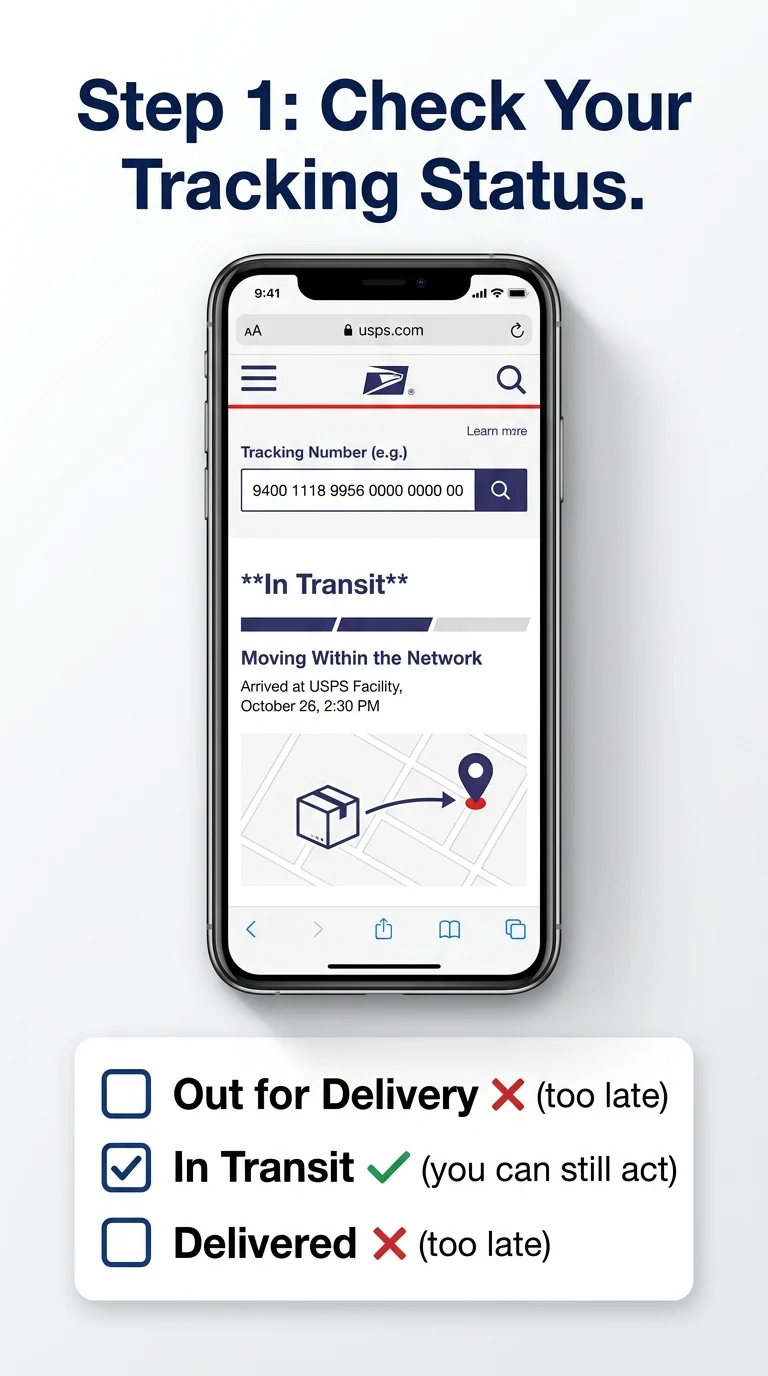
Go to USPS.com and enter your tracking number. Look at the current status of your package. If it says “Out for Delivery” or “Delivered,” that’s why DI is unavailable , the window to change delivery instructions has already passed. If it’s still in transit, move to the next steps.
Step 2: Sign In to Your USPS.com Account
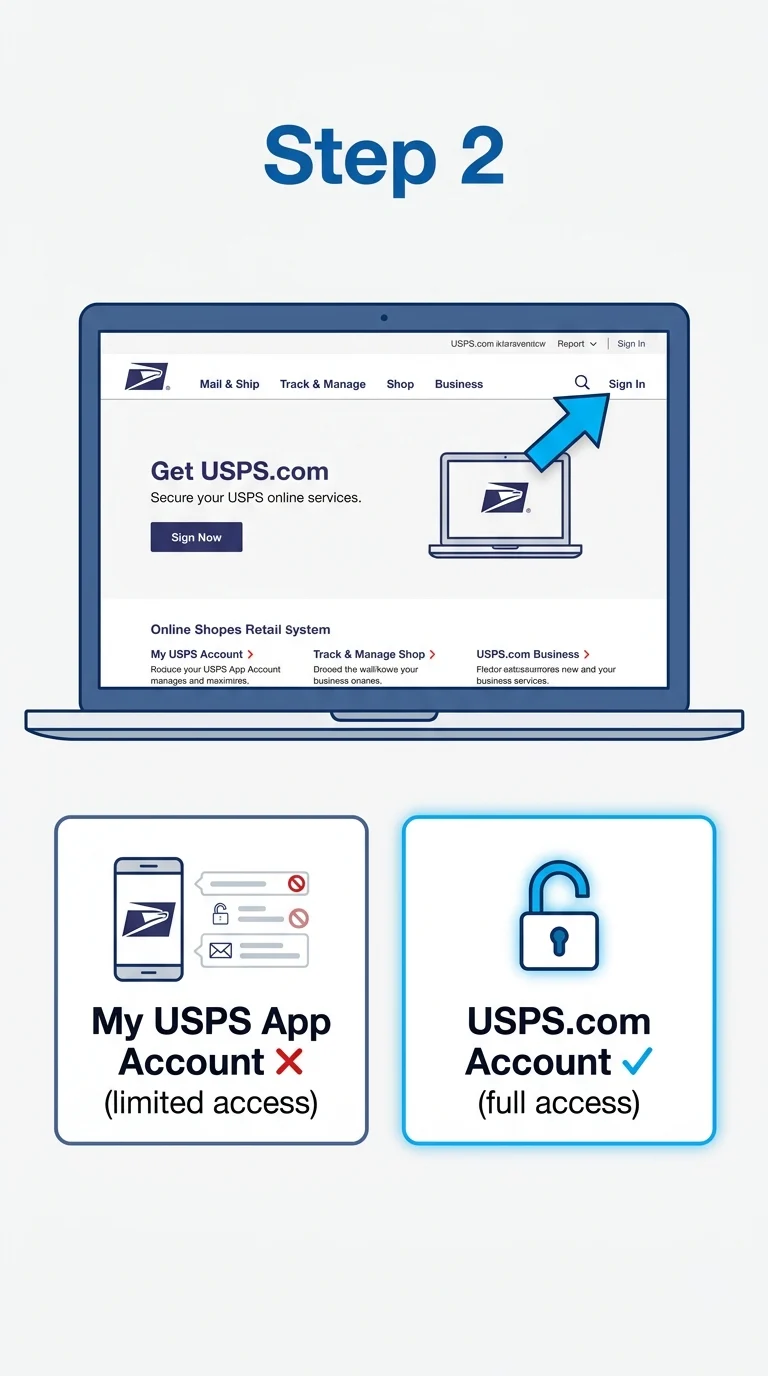
Many DI features only work when you are signed in to a full USPS.com account , not the My USPS app account. Open USPS.com, click Sign In at the top right, and log in. If you do not have an account, register for free. A signed-in account open more delivery management options than a guest session.
Step 3: Try the Delivery Instructions Page Directly
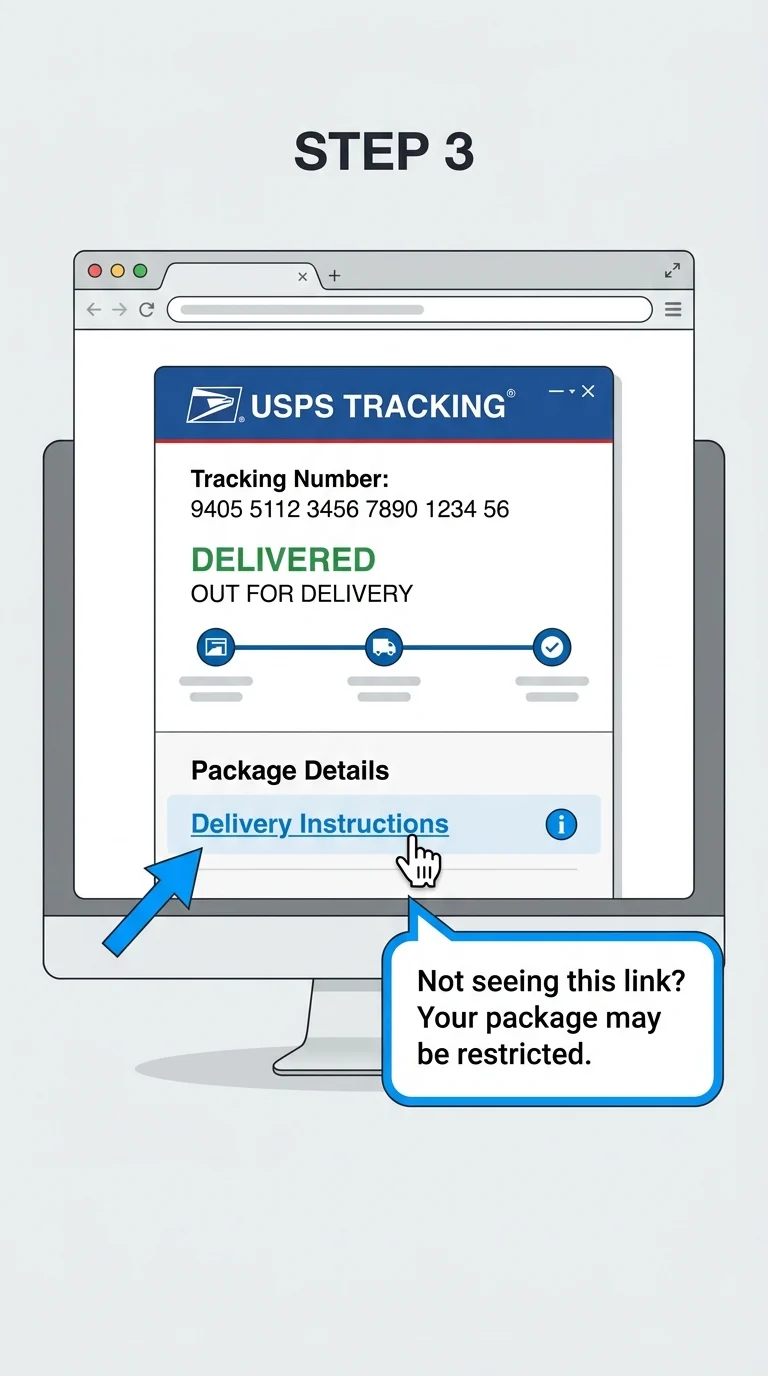
Once signed in, navigate to the Delivery Instructions section. You can find it by going to your tracking results and looking for the “Delivery Instructions” link under your package’s tracking details. If the link does not appear, or if you see the “DI Not Available” message again after signing in, your package falls into a restricted category and online DI is genuinely blocked for it. Move to Step 4.
Step 4: Call Your Local Post Office
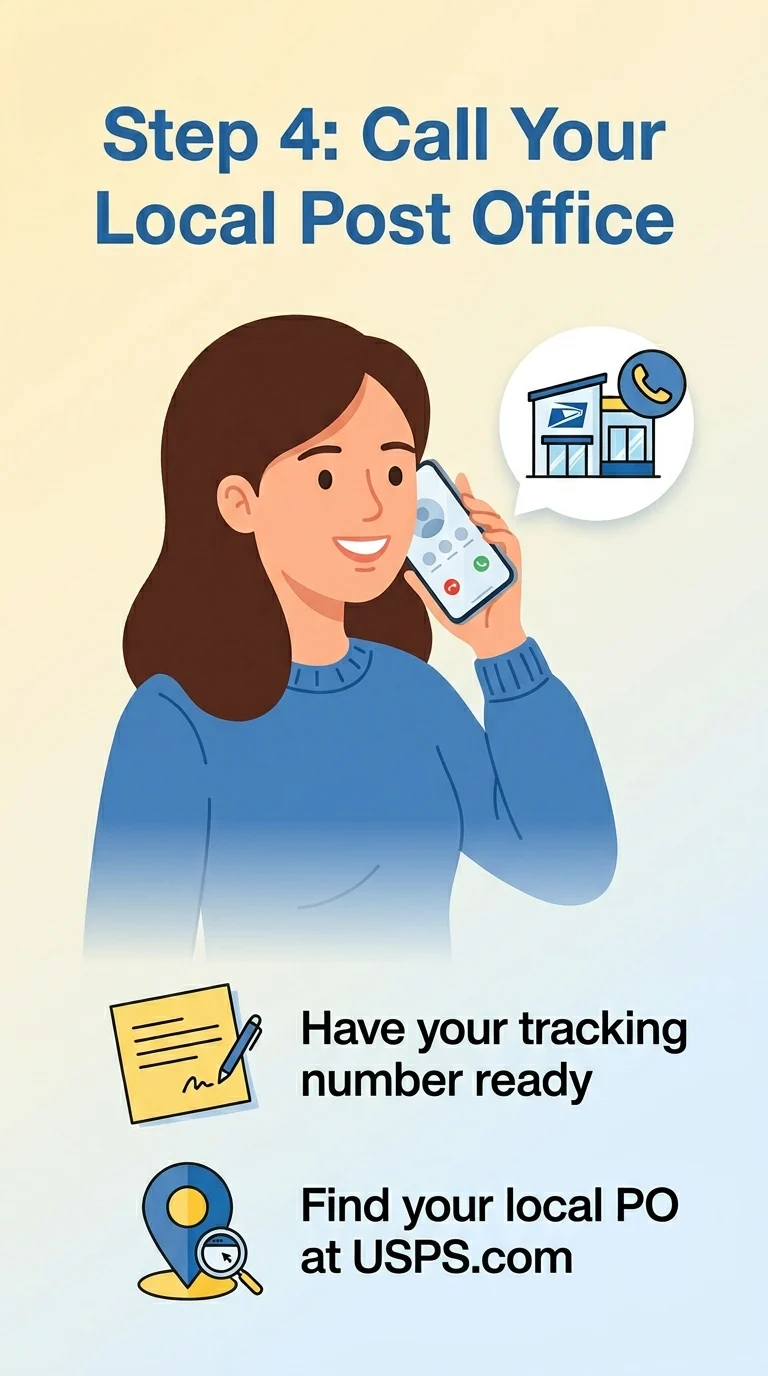
If online DI is blocked, your best next option is a direct phone call to your local post office , not the national USPS helpline. Local post offices can sometimes hold a package, leave a carrier note, or arrange a re-delivery in ways the website cannot. Have your tracking number ready when you call. To find your local post office number, search USPS Post Office Locator on USPS.com.
Step 5: Leave a Physical Note for the Carrier
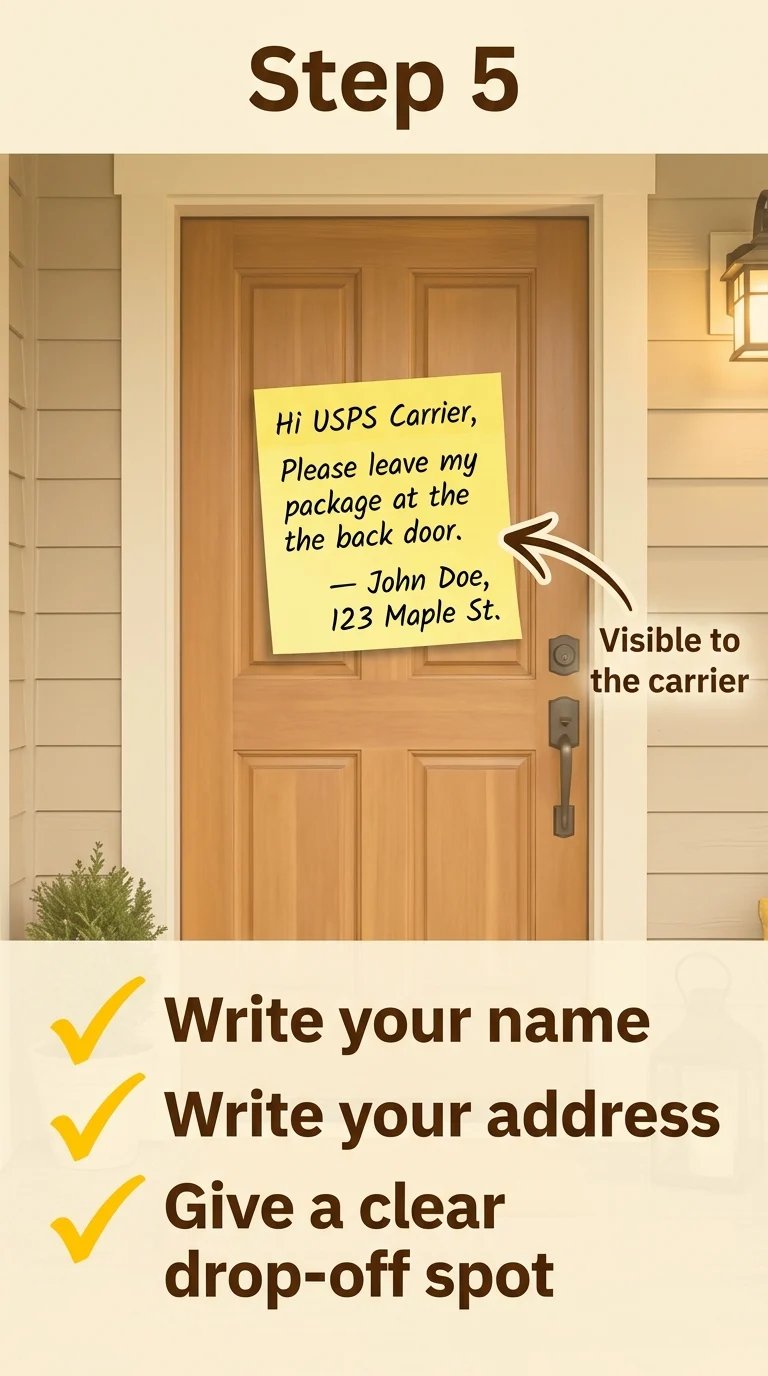
This is old-school but genuinely effective. If you will not be home and just want the carrier to leave the package in a safe spot, write a simple note and stick it on your front door or mailbox. Include your name, address, and a clear instruction like “Please leave package at the back door.” Most USPS carriers will honor this unless the package has a mandatory signature requirement.
Step 6: Use USPS Informed Delivery as a Backup Tool
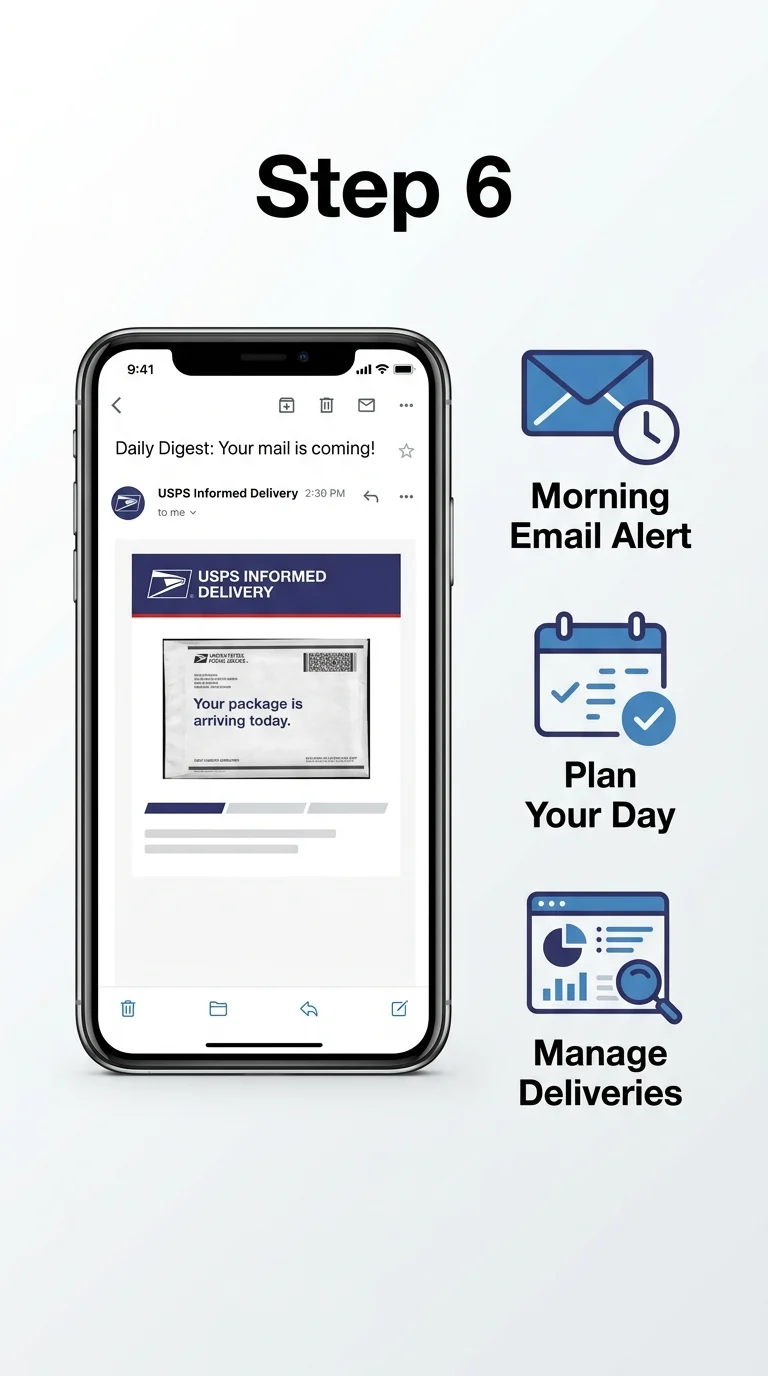
If you are not already signed up for USPS Informed Delivery, do it now. It is a free service that sends you an email every morning showing images of your incoming mail and packages. From the Informed Delivery dashboard, you can sometimes manage certain delivery preferences directly , and you will always know exactly when your package is arriving so you can plan to be home.
Wrapping It Up
Seeing “DI Not Available for This Package” on USPS tracking does not mean anything is lost or broken. It simply means the Delivery Instructions feature has been restricted for your shipment , usually due to its value, sender settings, or how far along in transit it already is. Your best moves are to check your tracking status, sign in to USPS.com, call your local post office if needed, or just leave a physical note for the carrier. In almost every case, your package will arrive just fine on its own.