Vipin PG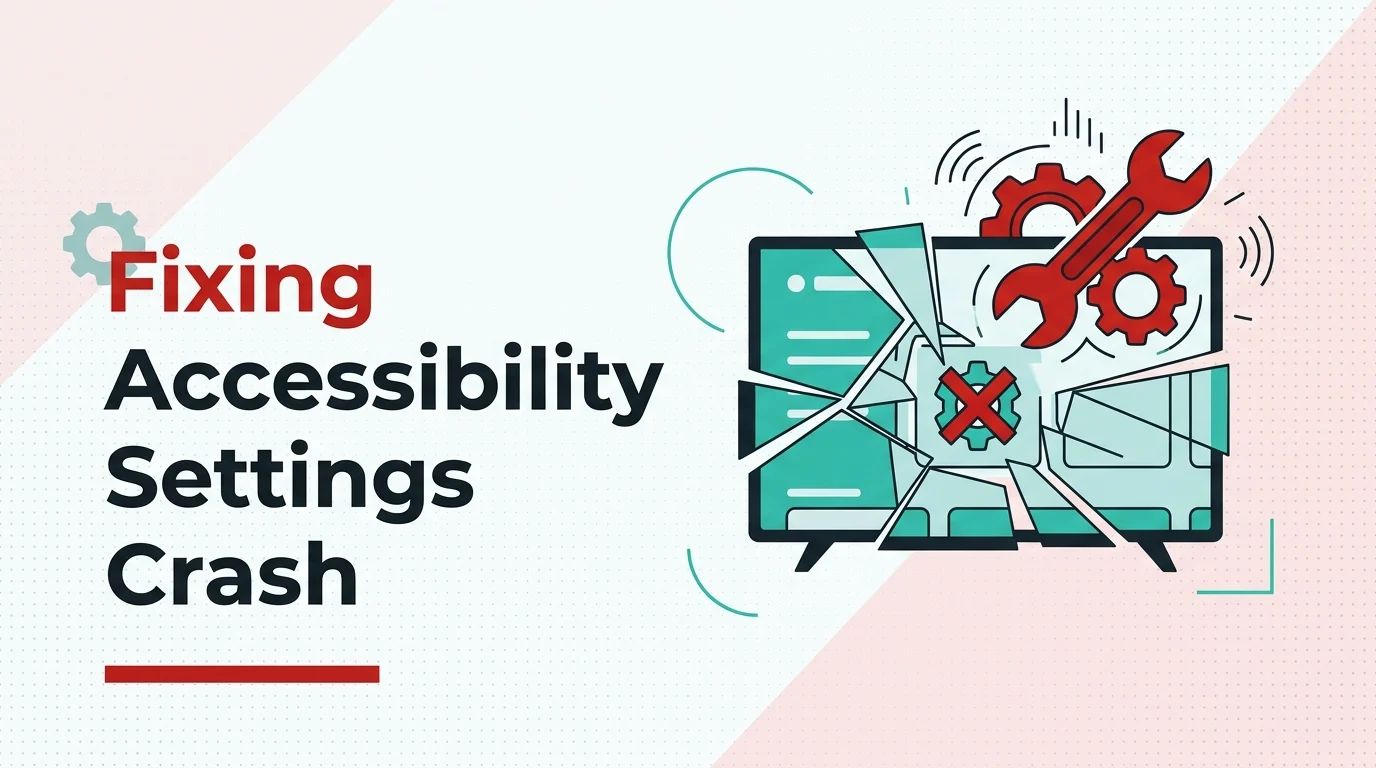
If you are experiencing a crash while accessing the Accessibility settings on your Google TV, it can be fixed with one quick settings change. The same issue happened to me while trying to set AT4K Launcher as the default launcher on my Google TV. Whenever I tried to access the Accessibility Settings on my TV, the Accessibility option would disappear after 2-3 seconds. But after some research, I found a very simple solution that solved it instantly.
The reason this happens is actually a locale mismatch, Google TV’s Accessibility module is optimized for English (United States), and when your language is set to any other variant like English (India) or English (United Kingdom), it can cause the Accessibility screen to crash or disappear. It sounds strange, but that is exactly what is happening under the hood.
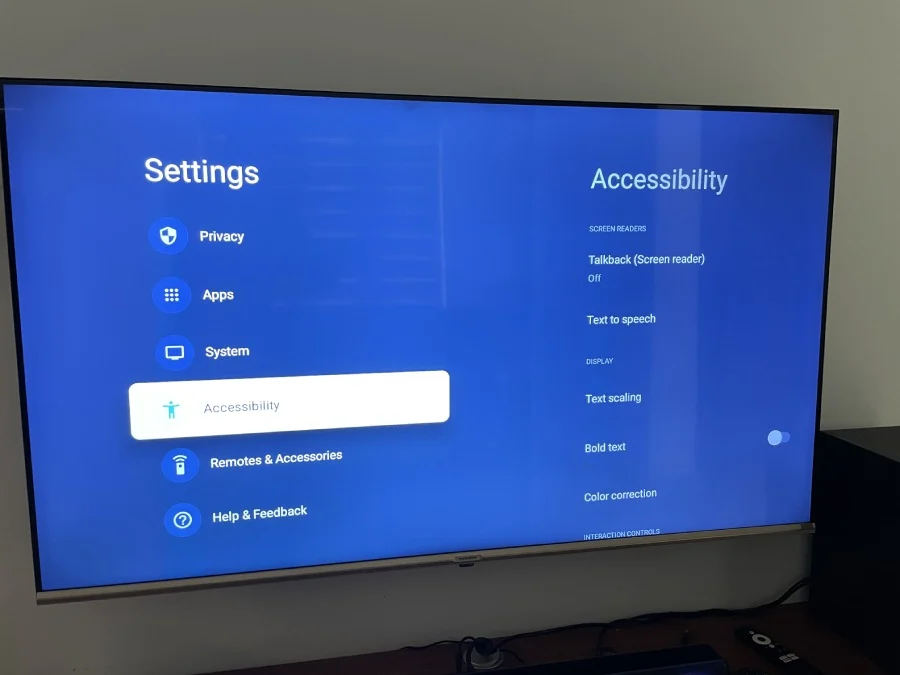
Fix the Accessibility Disappearing Issue on Google TV
As mentioned before, the solution is simple, you only need to change the default language on your Google TV to English (United States). In most cases, the language might be set to a regional option even if it is English, such as English (United Kingdom), English (India), etc. In my case, it was set to English (India). I just changed it to English (United States) and the issue was gone.
Here is exactly how to do it:
- Open Settings on your Google TV
- Go to System
- Select Language
- Choose English (United States)
- Confirm and exit Settings
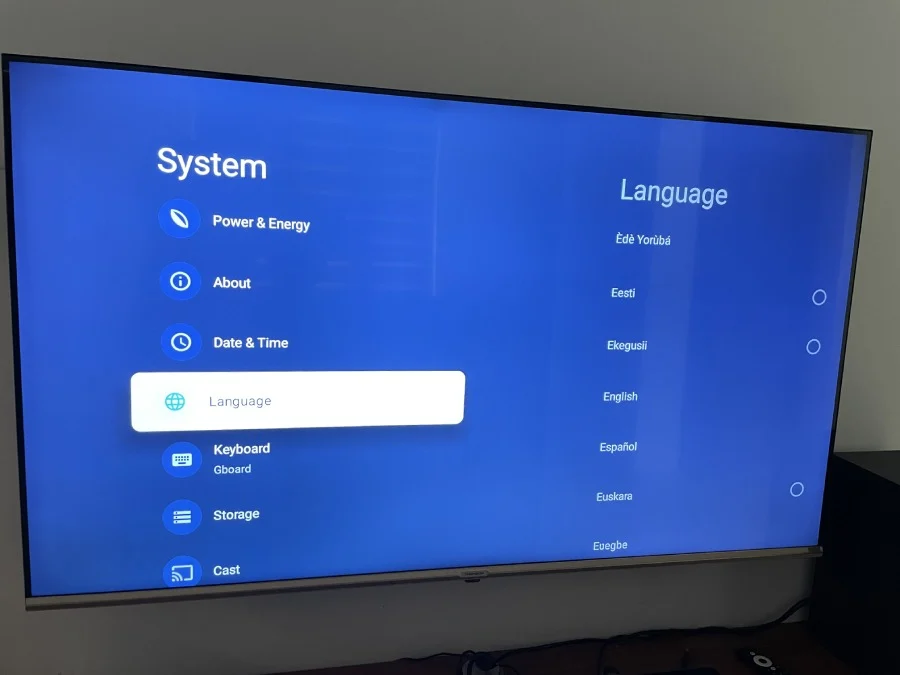
After that, the Accessibility setting was working fine and no longer crashed or disappeared after a few seconds.
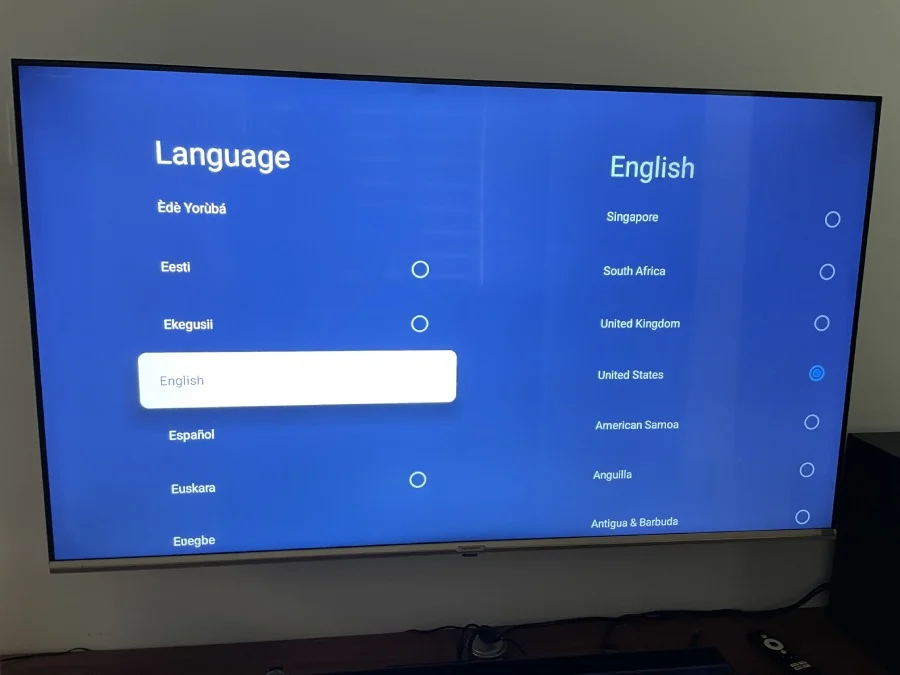
Do One More Step if Not Fixed
If the crash is happening again even after changing the language to English (United States), make sure to restart the TV to avoid any caching issues. Just power it off completely, wait for 10-15 seconds, and turn it back on. That should clear it up.
Does This Fix Work on All Google TV Devices?
Yes, this fix should work on any device running Google TV, whether it is a Chromecast with Google TV, or a smart TV from brands like Sony, TCL, Hisense, or Philips that runs Google TV. The language setting is part of the core Google TV system, so the fix applies across all of them.