Vipin PG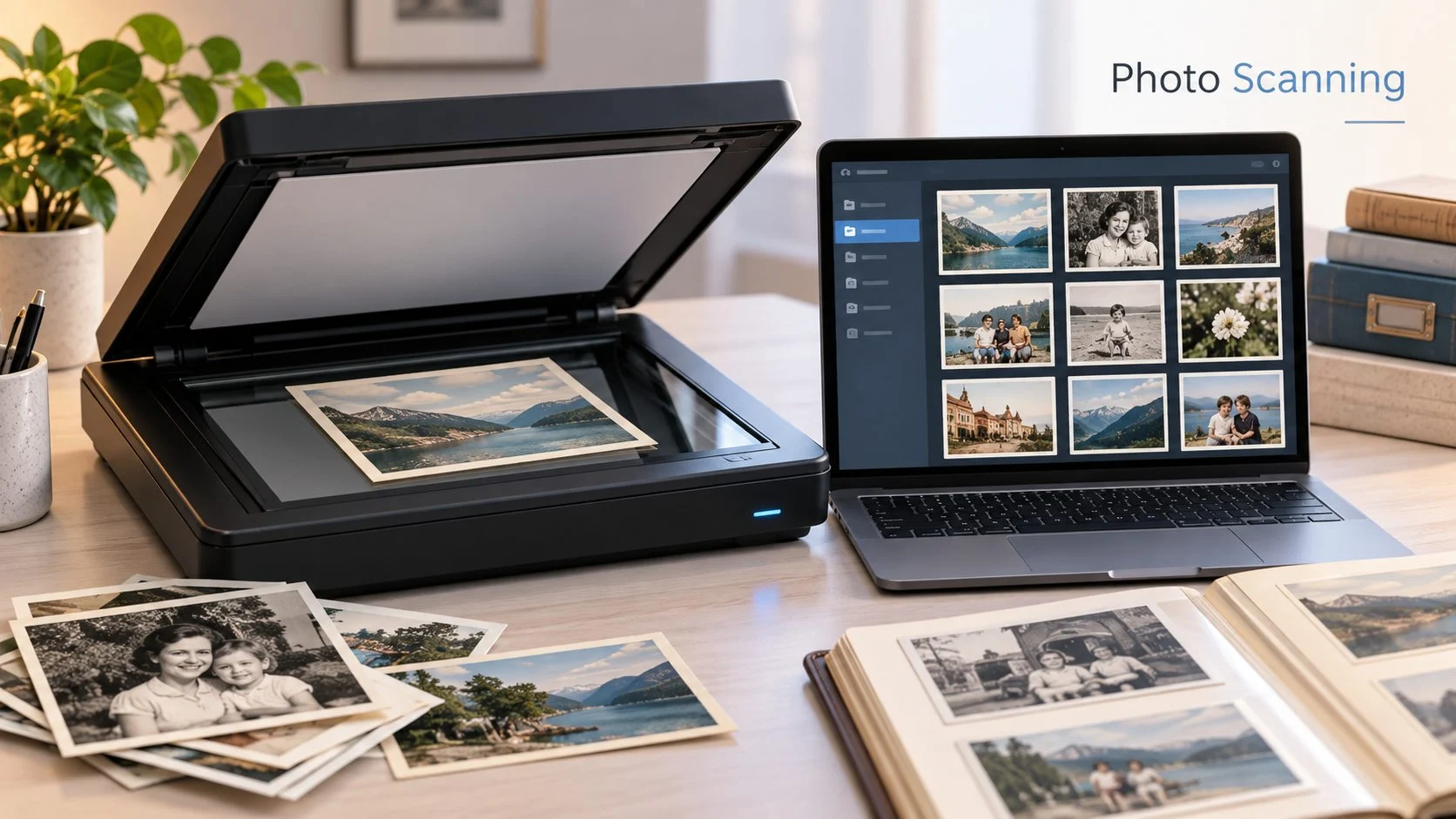
Printed photographs can become harder to preserve as they age. Albums and boxes take up physical space, while older prints may fade, become damaged, or get lost. Scanning creates digital copies that are easier to store, organize, access, and share.
The right scanner depends on what you plan to digitize, the image quality you expect, and the size of the collection. A scanner that works well for a few family photographs may not be the most practical choice for someone working through years of albums and loose prints.
What to Look for in a Photo Scanner
Image quality is one of the main factors to consider when choosing a best scanner to scan photographs. Resolution affects how much detail the scanner can capture, especially in photographs with small faces, fine textures, or subtle changes in tone.
Color reproduction matters too. A good scan should remain visually close to the original photograph rather than introducing obvious shifts in color or contrast. Image correction tools can also be useful when working with older prints that have faded or developed visible imperfections.
The physical design of the scanner deserves attention. A flat scanning surface can be useful for photographs that need careful handling. The size of the scanning area also determines whether larger prints can be captured in a single pass or need to be repositioned.
Consider How Many Photographs You Need to Scan
The size of your collection can change what matters most in a scanner. For a small batch of photographs, simple controls and an uncomplicated scanning process may be enough. Larger collections put more emphasis on speed and how easily you can repeat the same process across many prints.
It also helps to decide how the files will be organized before scanning hundreds of photographs. Folders can be arranged by year, event, family member, or another system that makes sense for the collection. A consistent naming method can make individual photographs easier to locate later.
Using OCR for Documents Alongside Photos
A scanner may also be useful for paper documents such as forms, receipts, letters, and records. This is where optical character recognition, or OCR, becomes useful.
A scanner with ocr can recognize printed text in a scanned document instead of leaving the page only as an image. Searchable text can make archived records easier to find when you need a particular name, phrase, or piece of information.
OCR is less relevant to ordinary photograph scanning, so it should not automatically take priority when your main goal is preserving photos. It becomes more useful when the same scanner will also handle a regular mix of photographs and text documents.
Plan What Happens After Scanning
Creating the scan is only one part of building a useful digital archive. Files may still need to be renamed, sorted into folders, checked for orientation, or edited when a photograph needs a minor correction. Descriptions can also be added when extra context will make an old image easier to identify later.
The computer setup used for this work can affect how comfortable the process feels, especially during a large archiving project. Some people prefer a conventional keyboard with visible legends, while experienced typists may prefer the uncluttered appearance of a blank keyboard. This choice has no effect on scan quality, but it is one example of how personal hardware preferences can shape the workspace used for organizing a digital collection.
Keep the Original Photographs After Digitizing Them
A digital copy gives you another way to access and preserve a photograph, but scanning does not require discarding the original print. Physical photographs can still have personal or historical value that a digital file cannot replace.
Once the scans are organized, keeping additional copies of the digital files in separate storage locations can also reduce the risk of losing the archive because of a single storage failure.
Choose the Scanner Around the Collection
There is no single scanner configuration that fits every photo archive. Image quality, color reproduction, scanner design, collection size, and document features such as OCR all affect which type of scanner makes sense for a particular job.
Before scanning a large collection, I recommend testing a small group of photographs first. Check the resulting image quality, file organization, and scanning process. Once that workflow works well, it is much easier to apply it consistently to the rest of the collection.