Vipin PG
A voicemail notification that won’t go away is annoying enough on a working phone. But when the phone has no active service , maybe you switched carriers, upgraded to a new device, or just kept the old one around for Wi-Fi use , that little badge becomes almost impossible to dismiss the normal way. Since you can’t dial into voicemail without a live SIM connection, you need a different approach. The fixes below go from easiest to more involved, so start at the top and work your way down.
Your Phone Still Shows a Voicemail Notification But Has No Active Service , Here’s How to Clear It
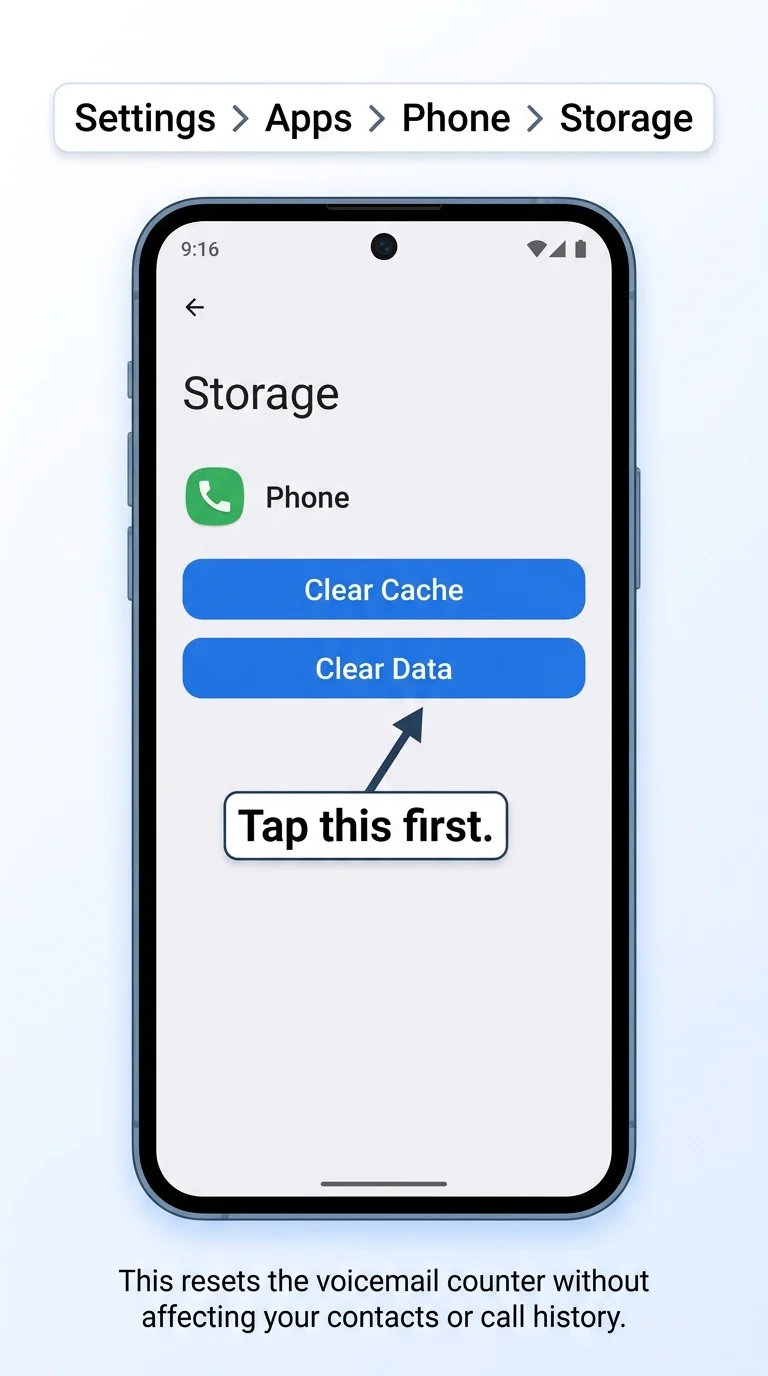
Step 1: Clear the Phone App’s Data
This is the most reliable fix and takes less than a minute. Clearing the Phone app’s stored data resets everything , including the voicemail counter that’s stuck showing that notification.
- Open Settings on your phone.
- Scroll down and tap Apps (or “Application Manager” on some devices).
- Find and tap Phone from the app list.
- Tap Storage.
- Tap Clear Data, then confirm. Also tap Clear Cache while you’re here.
- Restart your phone.
The voicemail notification should be completely gone after the reboot.
Step 2: Remove the SIM Card and Reboot
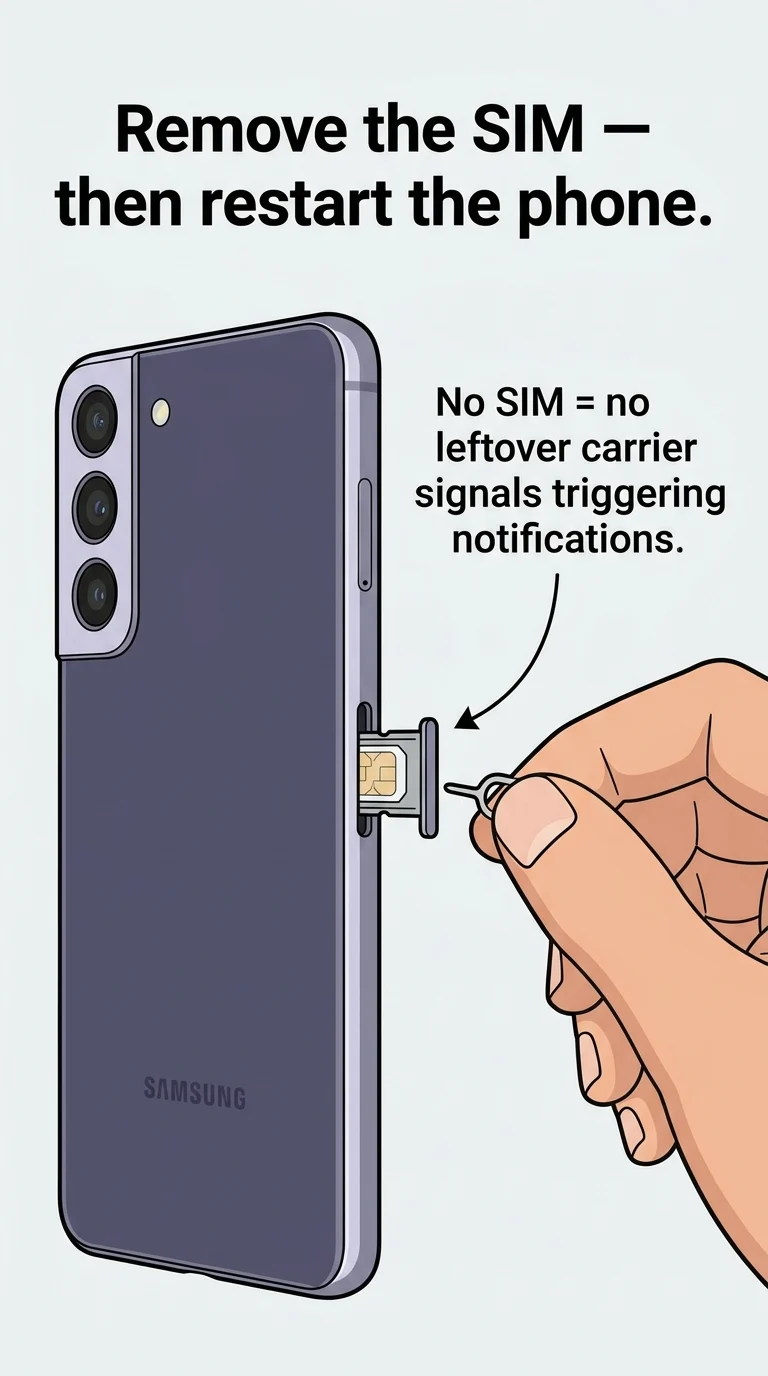
Sometimes the voicemail notification is tied to a signal that was sent by the SIM before service was cut. Physically removing the SIM card and rebooting the phone can break that link and clear the notification.
- Power off the phone completely.
- Use the SIM ejector tool (or a small paperclip) to open the SIM tray.
- Remove the SIM card from the tray.
- Power the phone back on without the SIM inserted.
- Check if the voicemail notification has cleared.
If it’s gone, you’re done. If you still want to use the phone for Wi-Fi only, you can leave the SIM out permanently , it won’t affect anything that runs on Wi-Fi.
Step 3: Try Calling Voicemail Over Wi-Fi Calling
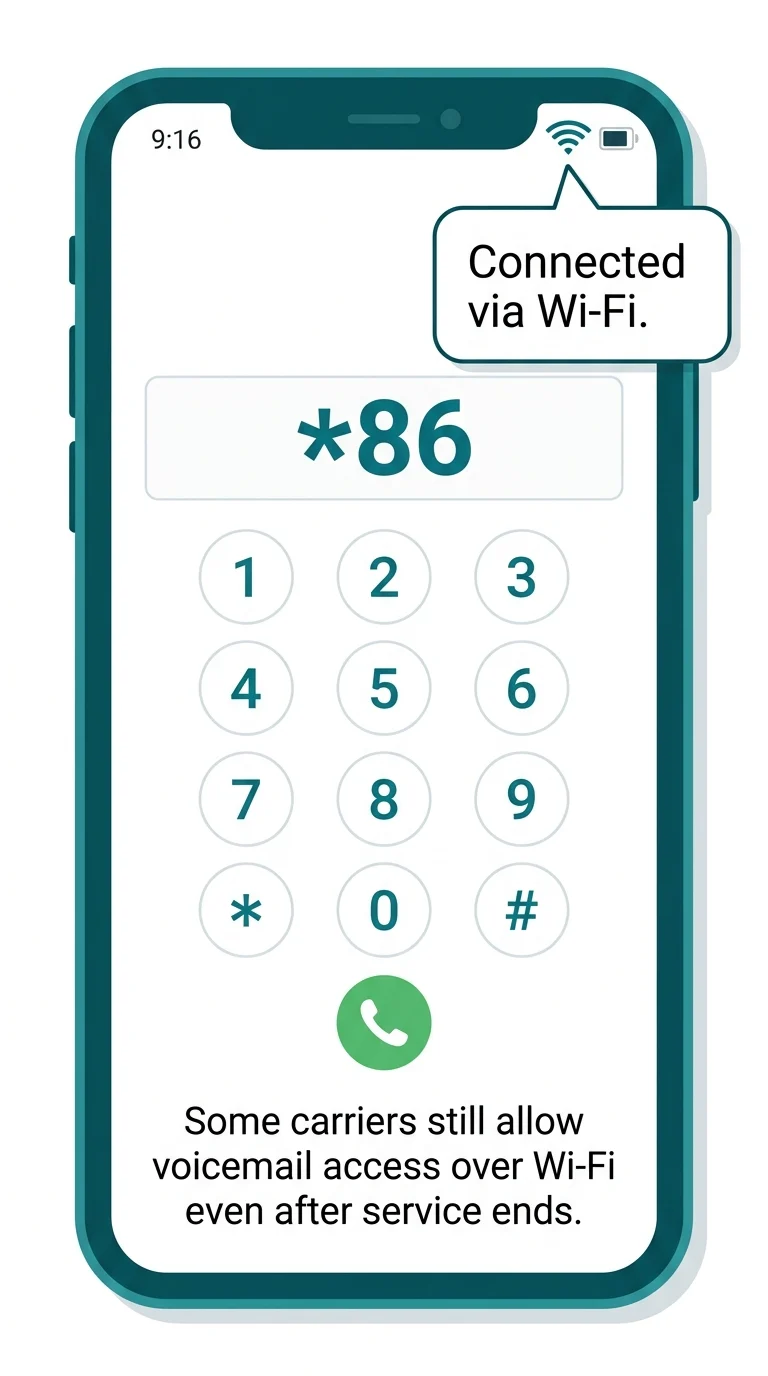
If Wi-Fi Calling was enabled on your phone before service ended, there’s a chance it’s still active enough to connect to your old voicemail system , which would let you delete the message directly.
- Connect the phone to a Wi-Fi network.
- Open the Phone (dialer) app.
- Dial *86 (standard voicemail shortcut) or your carrier’s voicemail number directly.
- T-Mobile: 1-805-637-7243
- AT&T: 1-888-288-8893
- Verizon: *86
- If it connects, follow the prompts to listen to and delete the voicemail.
This won’t always work , it depends on whether your old carrier’s Wi-Fi Calling setup is still partially active. But it’s worth trying before moving on.
Step 4: Force Stop the Phone App, Then Restart
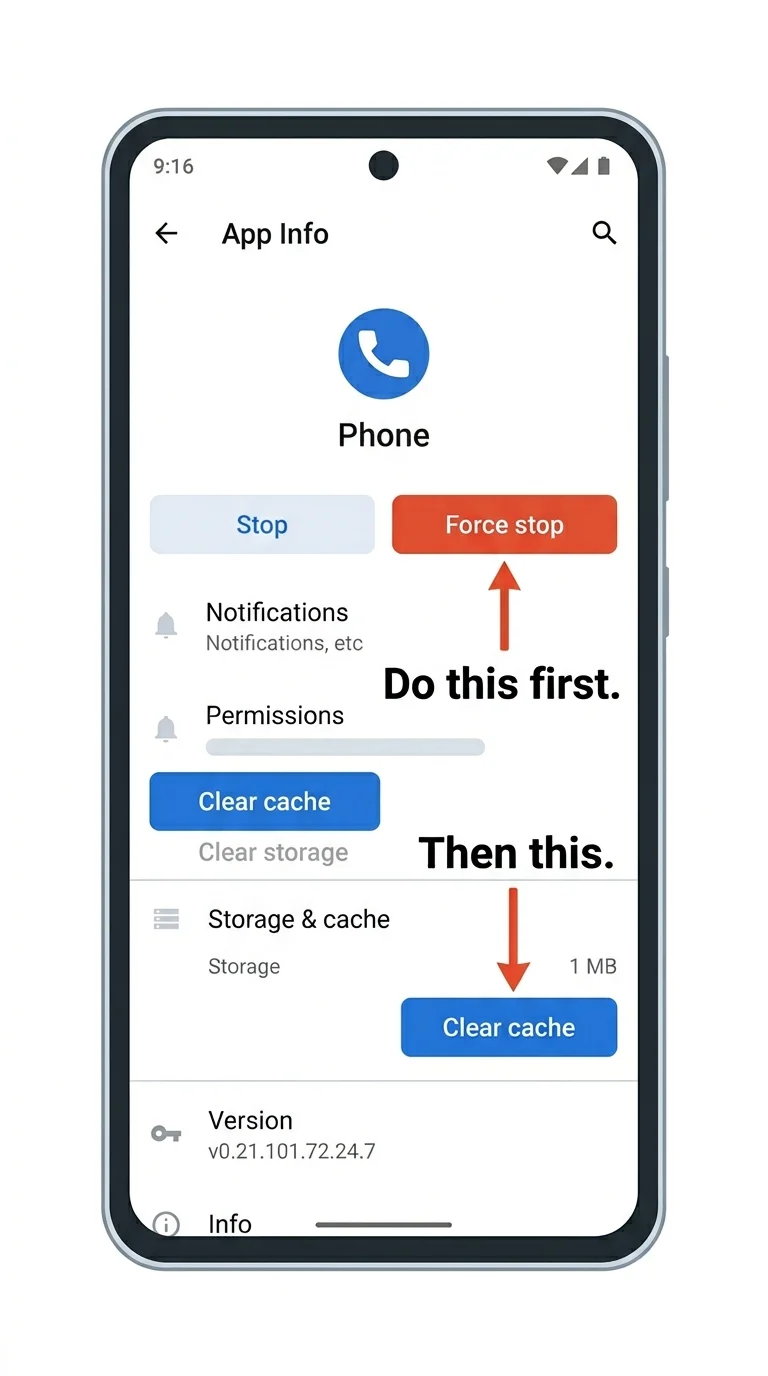
If clearing data felt too drastic and you skipped Step 1, a softer version is to Force Stop the Phone app and clear only its cache. This is lighter but sometimes enough.
- Go to Settings → Apps → Phone.
- Tap Force Stop at the top of the screen.
- Tap Storage → Clear Cache (not Clear Data this time).
- Restart your phone.
If the notification comes back, go back to Step 1 and use Clear Data instead , that’s the more thorough reset.
Step 5: Install Google Phone App as a Replacement Dialer
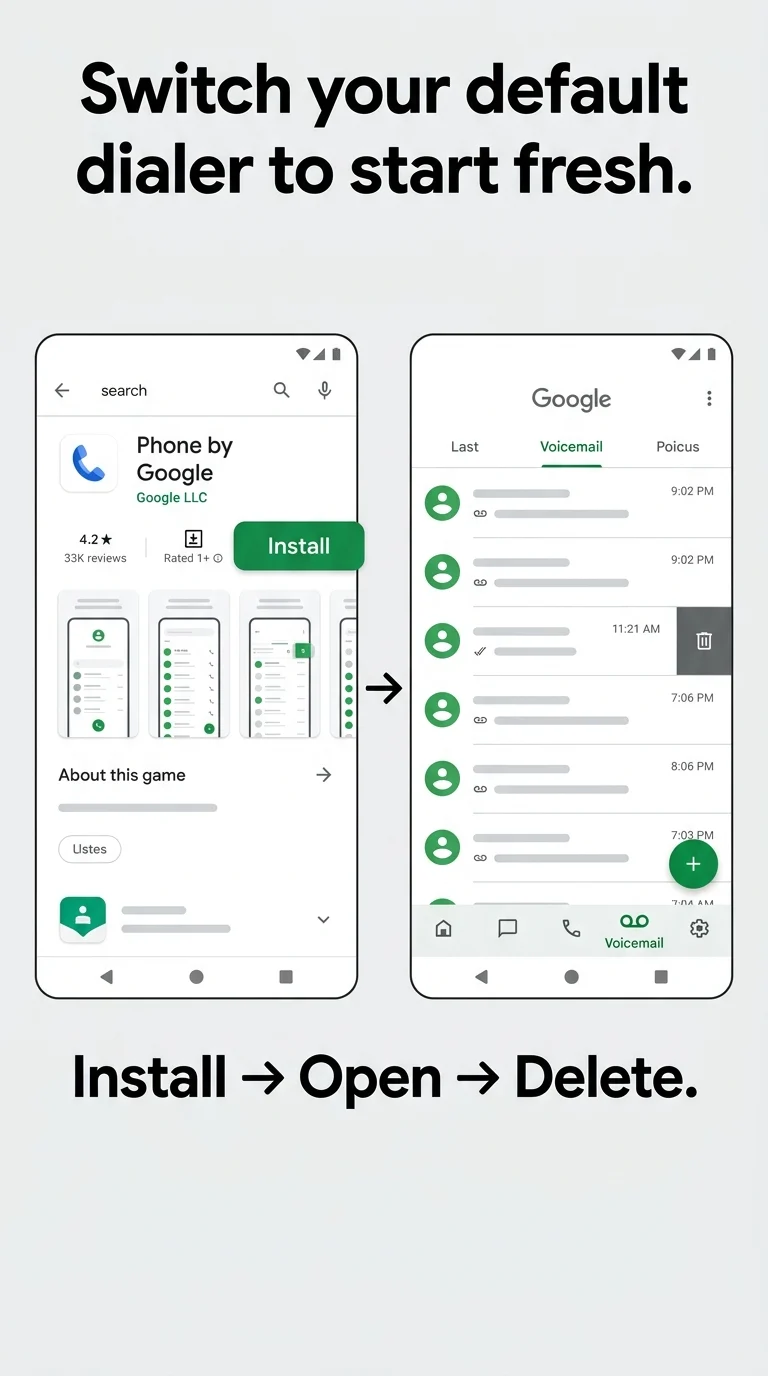
If the built-in Samsung Phone app is stubbornly holding onto the notification, switching to a third-party dialer like Google Phone can sometimes clear it , because the new app starts fresh with no stored voicemail state.
- Open the Google Play Store.
- Search for “Phone by Google” and install it.
- Set it as your default phone app when prompted (or go to Settings → Apps → Default Apps → Phone App).
- Open the Google Phone app and check the voicemail tab.
- If the voicemail appears, you may be able to delete it directly from here.
Even if you can’t delete the voicemail from within the app, the notification badge from the old Phone app should stop appearing once it’s no longer the default.
That Notification Is Gone for Good Now
A stuck voicemail notification on a phone with no service is annoying precisely because the obvious solution , calling into voicemail , is off the table. But as you’ve seen, the fix doesn’t actually require a working SIM at all. Clearing the Phone app’s data (Step 1) solves it in the majority of cases. If your situation is a bit more stubborn, removing the SIM or switching dialers will finish the job. Either way, you don’t have to live with that notification badge mocking you every time you pick up the phone.