
 Vipin PG
A white spot or blotch on an iPhone screen usually isn’t random , it’s the display reacting to pressure, moisture, or a hardware fault underneath the glass. Before assuming the worst, it helps to rule out the easy causes first, since a surprising number of these spots go away with nothing more than a clean screen and a restart. Here’s how to work through it in order.
Step 1: Check If the Spot Is Actually on the Screen Protector or Case
Remove your screen protector and case completely, then wipe the bare screen with a clean, dry microfiber cloth. A white spot caused by dust, adhesive residue, or a cracked tempered-glass protector will disappear once the protector is off , meaning your actual display is fine. 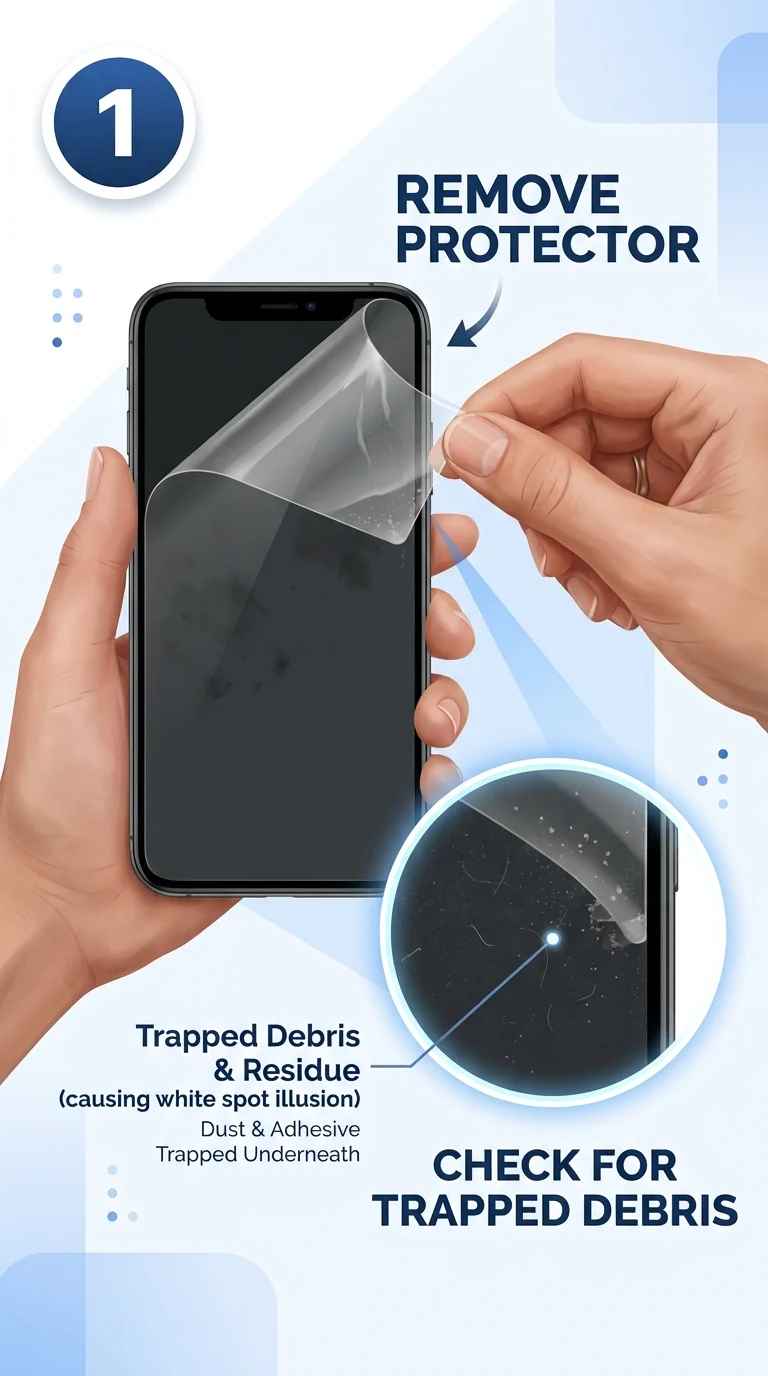
Step 2: Clean the Display Properly
Turn off the iPhone, and gently wipe the screen with a dry, lint-free cloth in circular motions. Avoid liquids near the edges or speaker openings. If the spot is smudged fingerprint residue or a film buildup catching the light, it will vanish here. 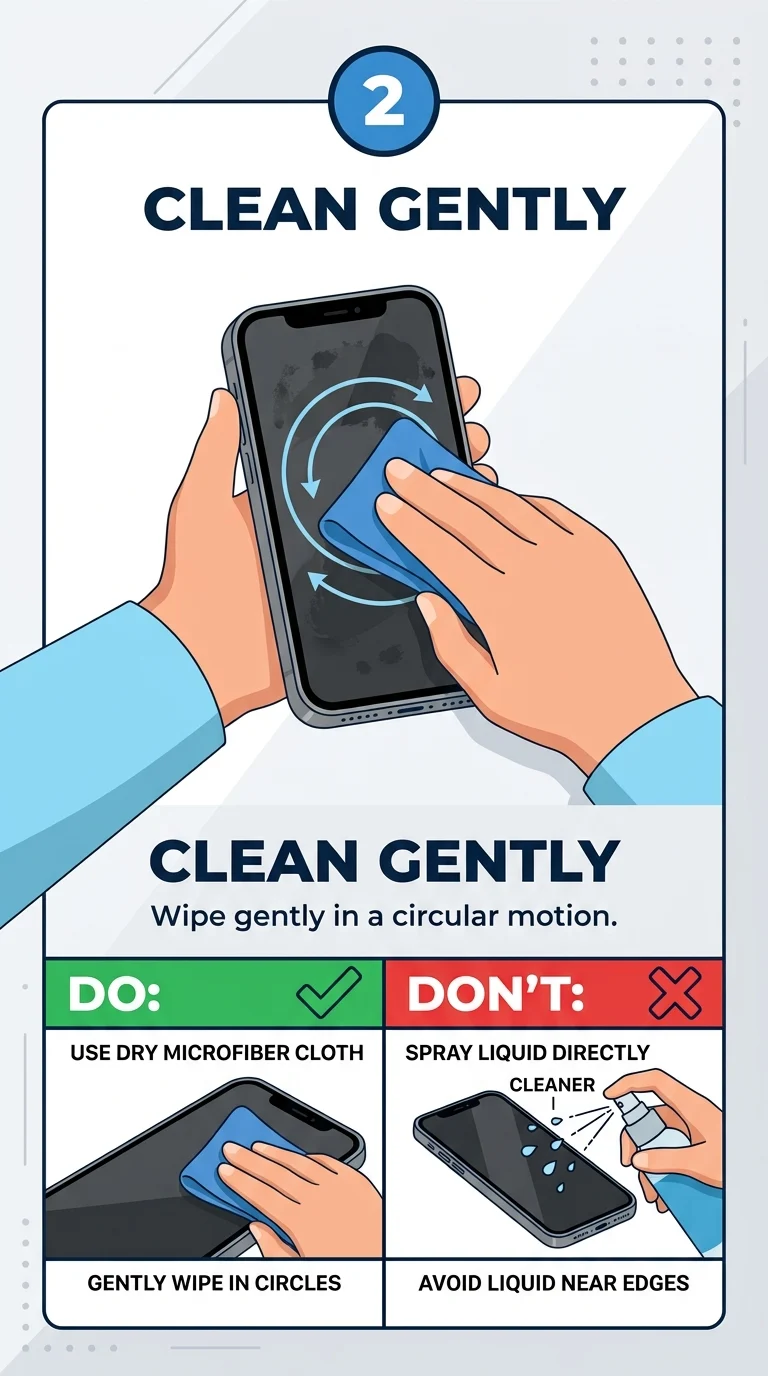
Step 3: Restart Your iPhone
Hold the side button and either volume button until the power-off slider appears, swipe to turn off, wait 30 seconds, then turn it back on. A software rendering glitch can occasionally cause a display artifact that looks like a white spot, and a simple restart clears this instantly. 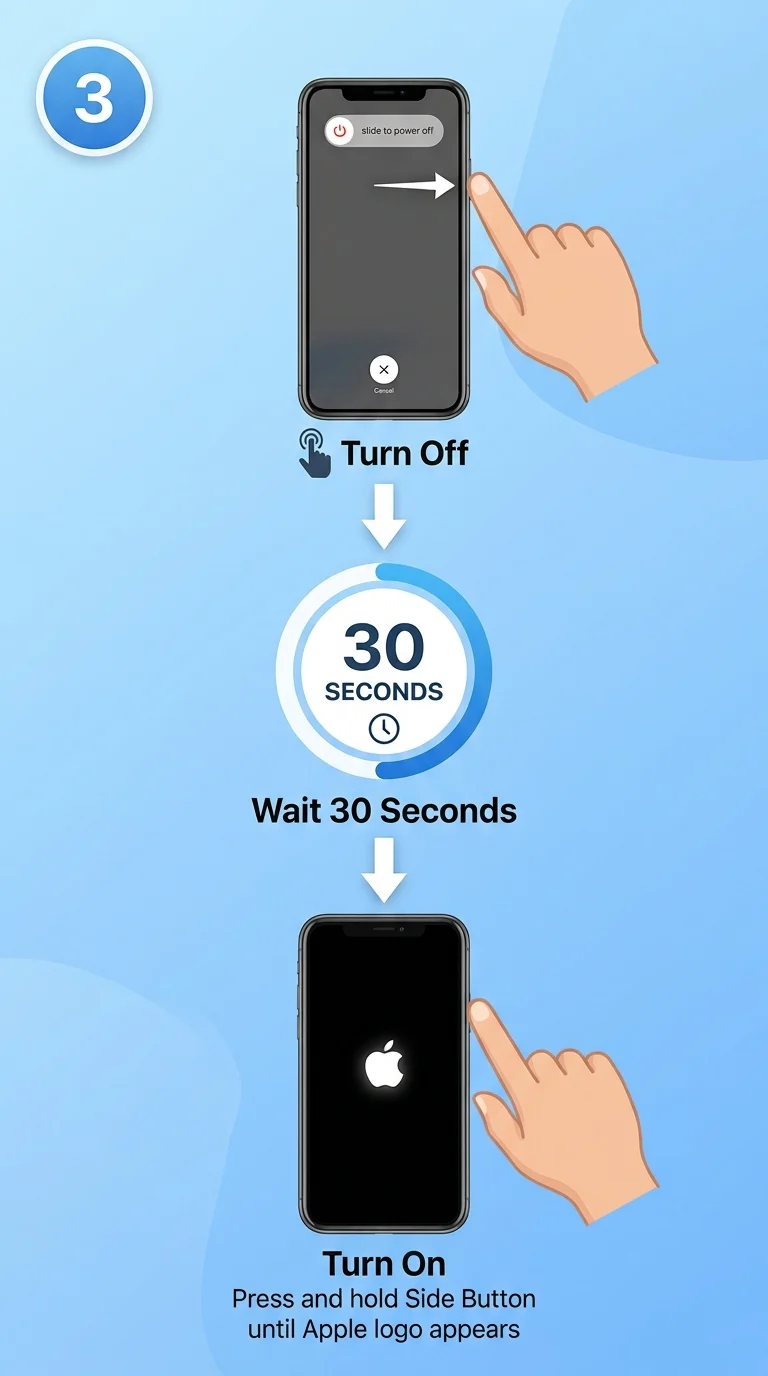
Step 4: Check Whether It’s a Pressure Mark
Think back , did the phone sit under something heavy, get squeezed in a tight pocket, or take a fall recently? Pressure marks show up as soft, cloudy white or gray patches, often near the edges or corners, and they’re the single most common cause of this issue. On LCD-based iPhones (like the iPhone 11 or SE), light, gentle circular pressure with a soft cloth directly over the spot can sometimes redistribute the display’s internal layer and reduce the mark. On OLED iPhones (iPhone 12 and later), this trick does not work and pressing on the screen can make it worse, since OLED pixels that are damaged are damaged permanently. 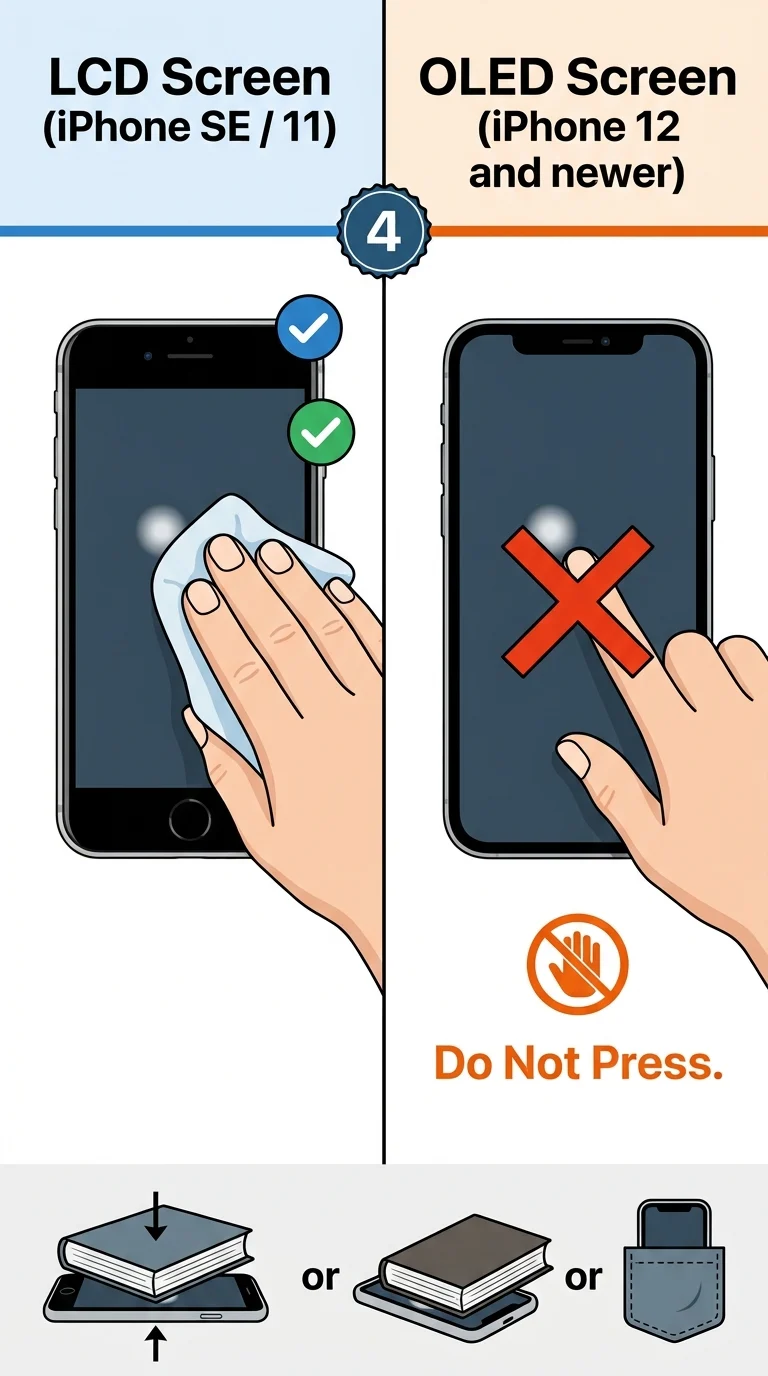
Step 5: Update iOS
Go to Settings > General > Software Update and install any pending update. Apple has occasionally patched display-rendering bugs tied to specific iOS versions, so ruling out software is worth doing before assuming hardware damage. 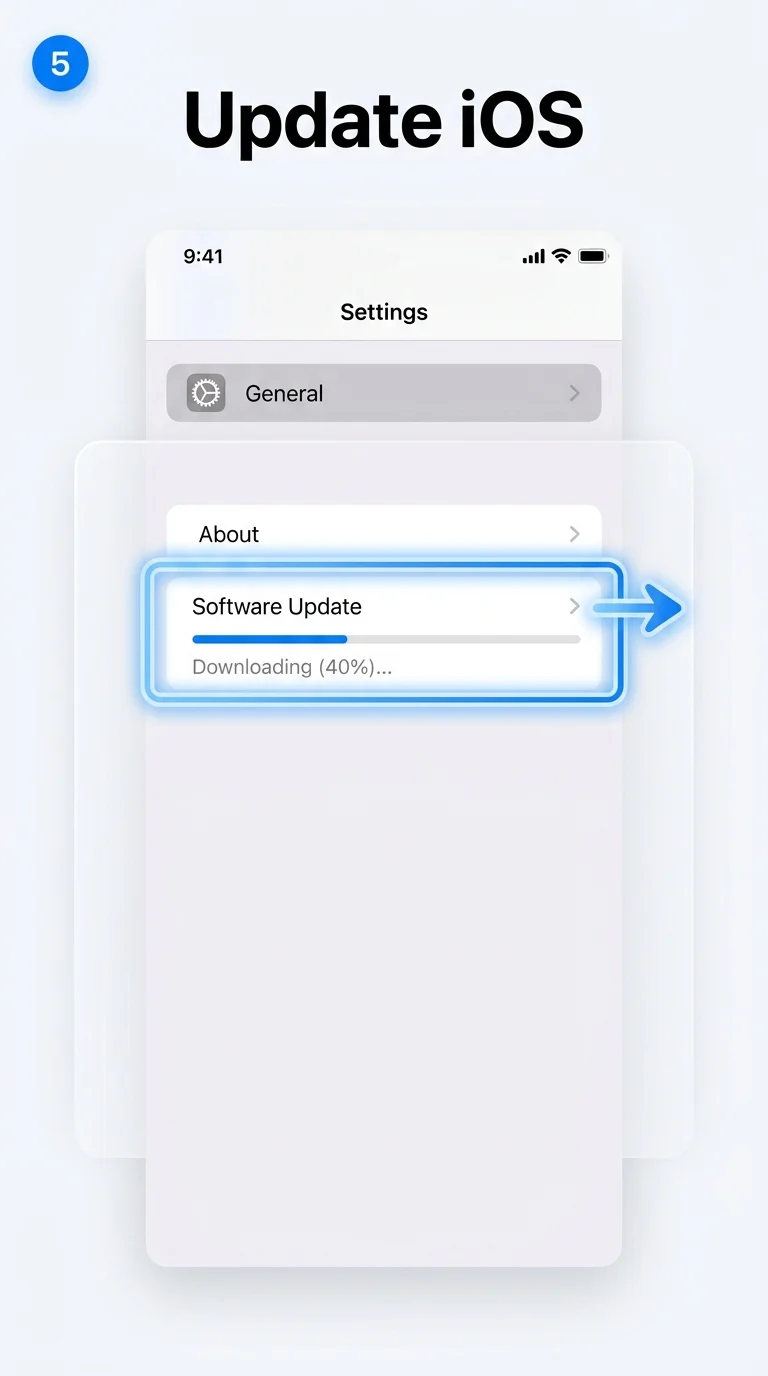
Step 6: Force Restart the iPhone
Press and quickly release volume up, then volume down, then press and hold the side button until the Apple logo appears. This is more forceful than a regular restart and can clear a stuck display driver process that a normal restart didn’t fix. 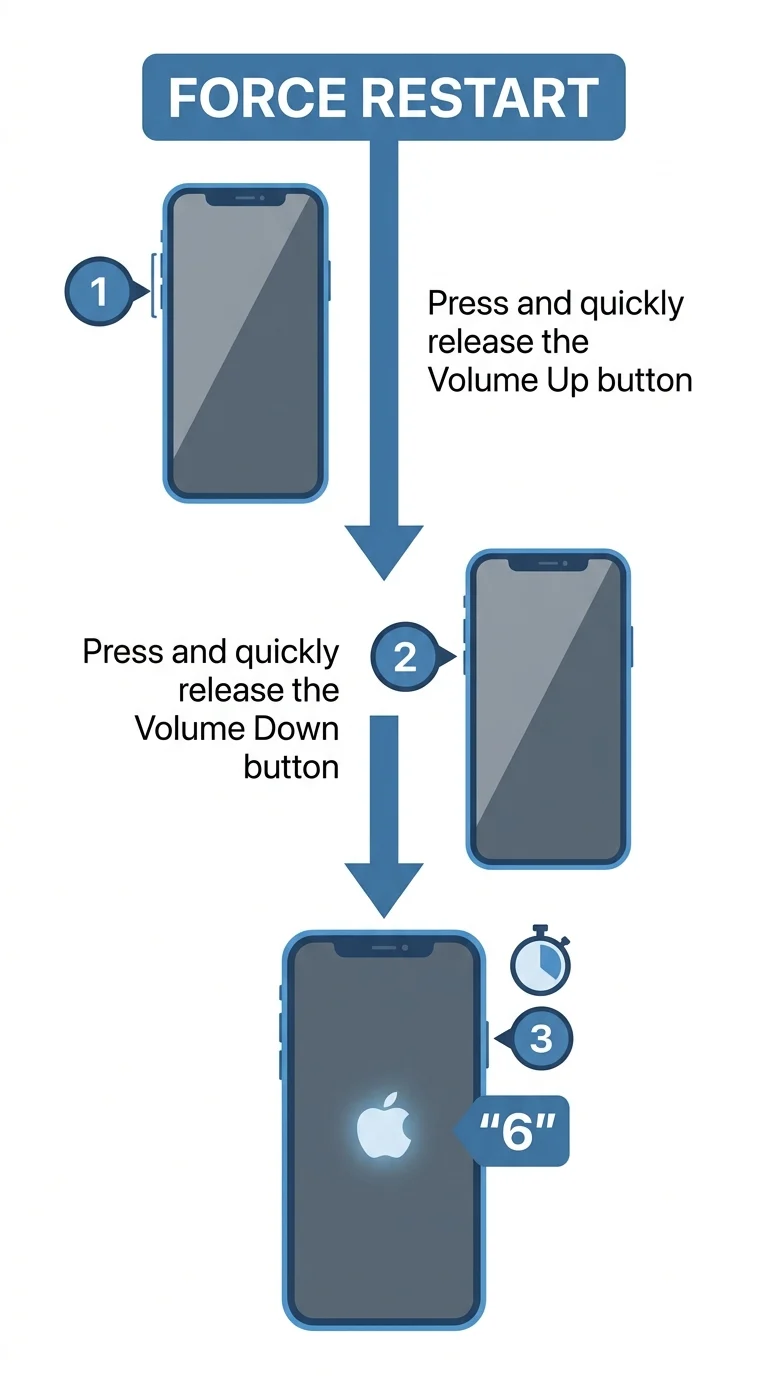
Step 7: Get the Display Checked by Apple
If the white spot is still there after all of the above, it’s a hardware issue , most likely a damaged display panel from an impact, pressure, or a manufacturing fault. Book a Genius Bar appointment or start an online repair request through Apple Support. If your iPhone is under AppleCare+ or Apple’s limited warranty and the damage wasn’t caused by a drop, the screen may be replaced at low or no cost; otherwise, expect a standard out-of-warranty screen replacement fee. 
Bottom Line
Most white spots on an iPhone screen trace back to something simple , a screen protector, dust, or light pressure , and clear up within the first few steps here. If the spot survives cleaning, restarting, and a software update, it’s a sign of real display damage, and Apple is the right place to get it properly diagnosed and fixed rather than risk making it worse at home.