Vipin PG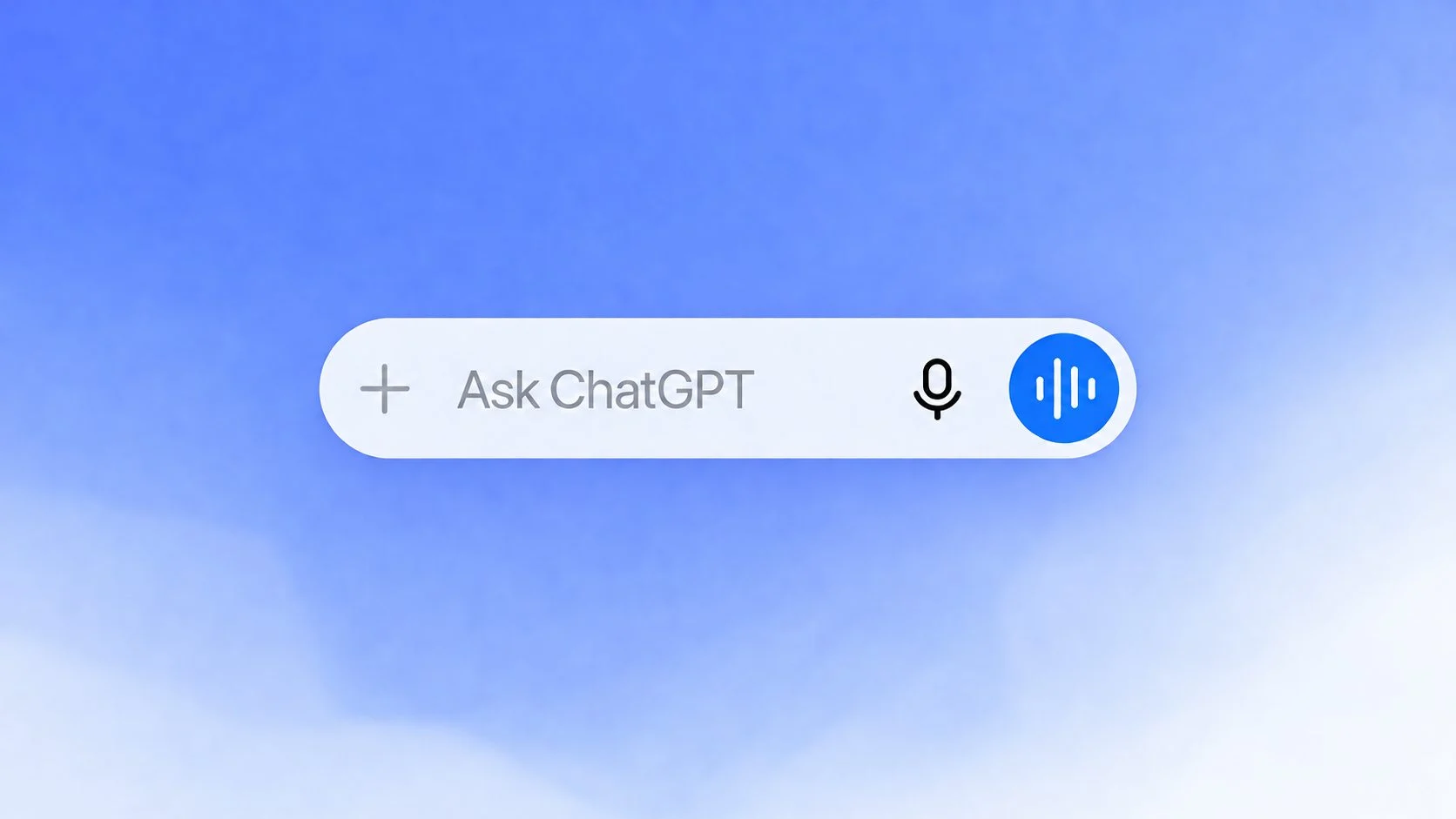
OpenAI is adding voice-driven task features to the ChatGPT mobile app. On iOS and Android, users can speak to ChatGPT while using supported plugins, connected apps, and the Work experience.
ChatGPT Voice can now start tasks such as drafting a document, composing an email, or summarizing information from a connected service.
What changed in ChatGPT mobile
OpenAI says Voice supports the plugins and connected apps available to an account on the web, iOS, and Android. Voice is also available inside Work on the web and mobile. Depending on access, users can ask ChatGPT to create documents, presentations, or spreadsheets, use a connected app, or work in a browser.
Users can switch between voice and text while working. Users can also start work on the go and resume it on a desktop. That gives users a way to begin a task by voice and review or finish it in the normal chat interface.
Plus and Pro subscribers can use Work on their phones for tasks such as drafting a document, composing an email, summarizing Slack messages, building a site, or creating a presentation. Free and Go users can use Voice with the plugins and connected apps supported by their plans, while full Work access depends on account eligibility.
Why this matters on a phone
Voice removes some of the typing required to start a task on a small screen. Users can describe the job while away from a keyboard, then review the written result in chat. The same work can move between mobile and desktop.
The mobile update can handle requests such as checking email or summarizing a file in Google Drive. It also reports support for using the feature from a phone or through CarPlay. Voice input, connected services, and a written record can now be used together on mobile.
Access and privacy limits
The update does not give every account the same capabilities. OpenAI says existing app connections, permissions, and usage limits still apply. Work also requires both Voice access and Work access.
Before using the feature for email, files, or workplace tools, check which apps are connected and what each connection can access. Review the written output before sending a message or sharing a document, especially when ChatGPT has been asked to carry out more than one step.