Vipin PG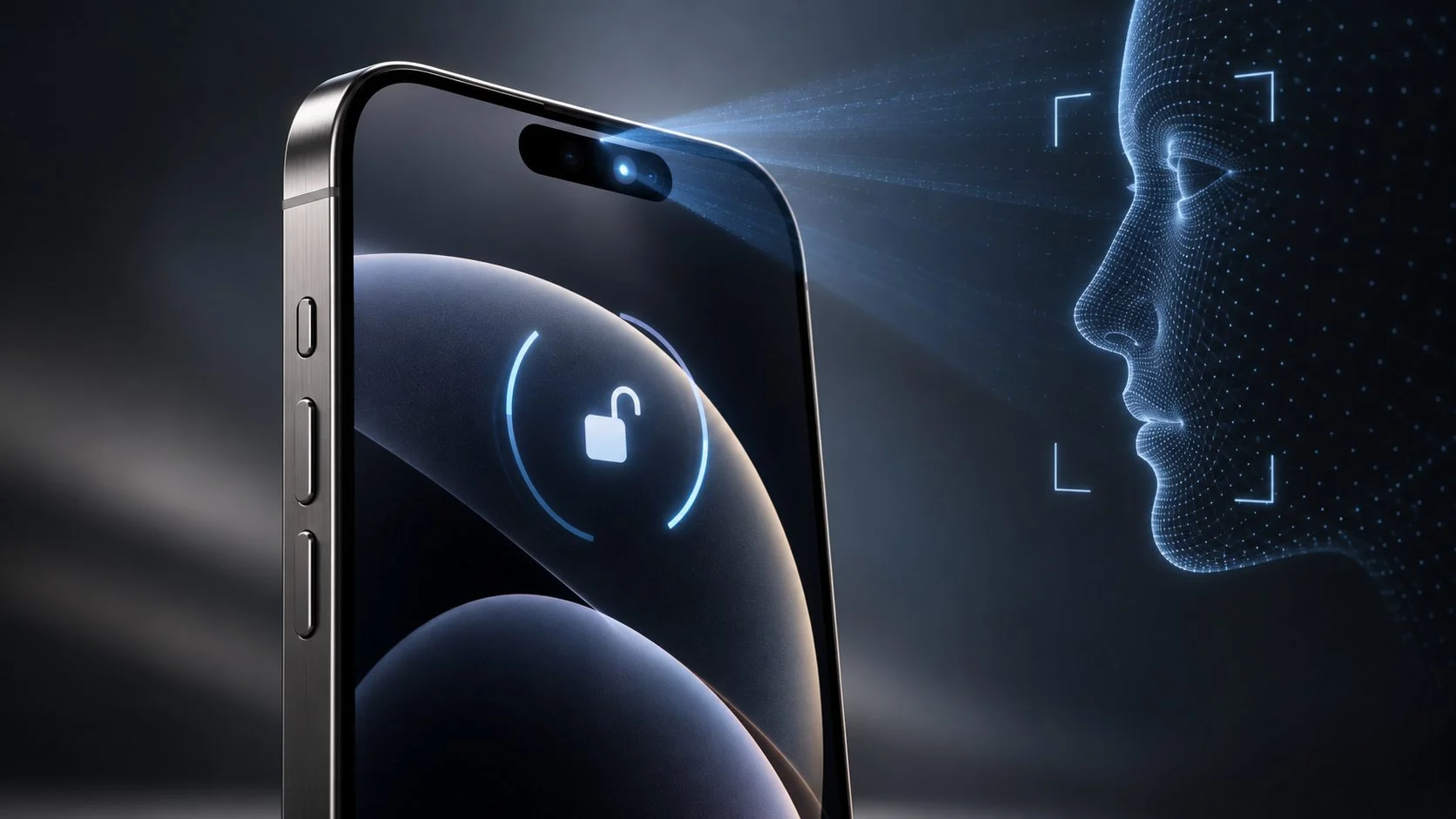
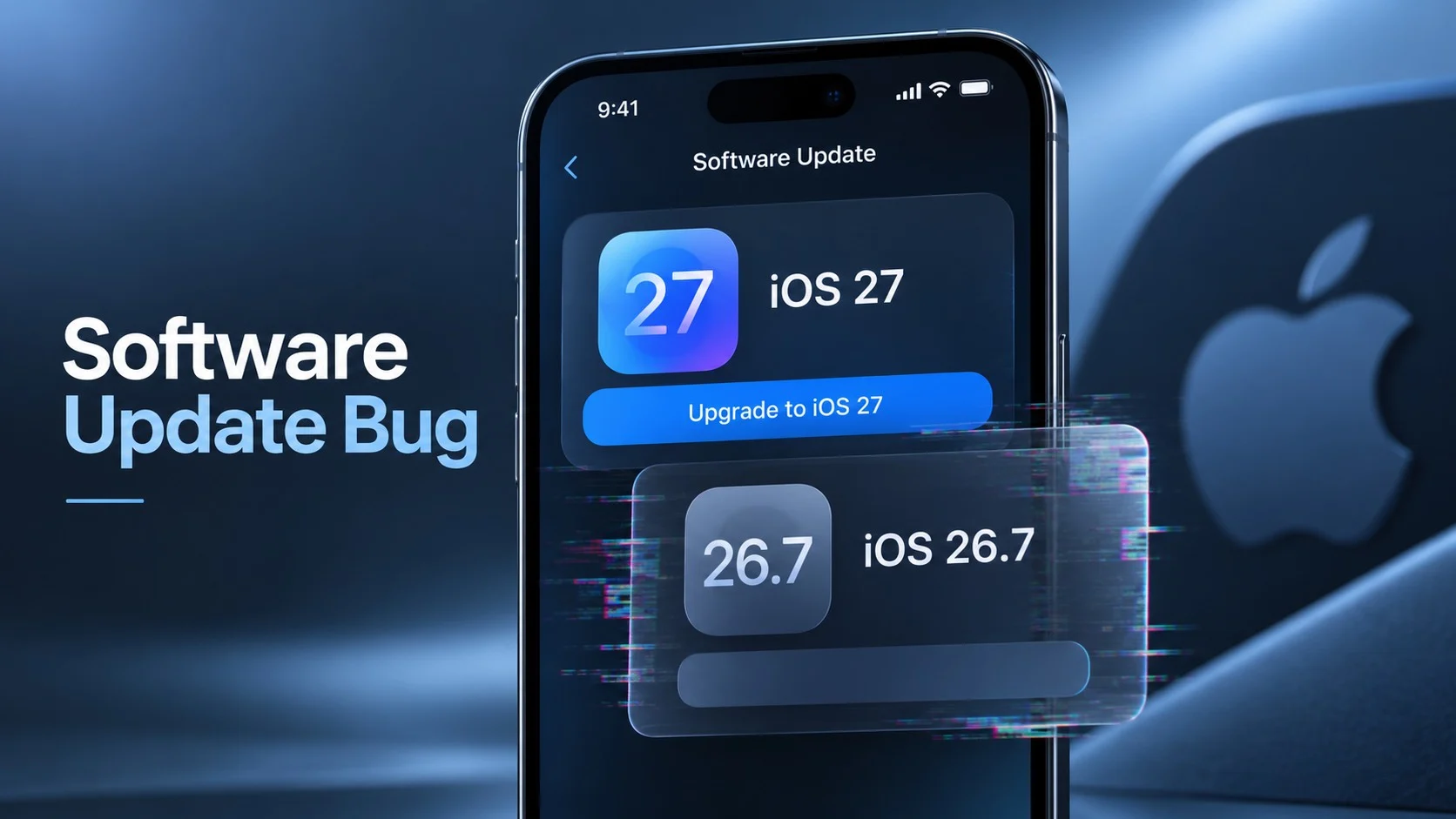
Apple has told 9to5Mac that a software update due early next week will fix a bug that freezes and restarts iPhone 18 Pro and iPhone 18 Pro Max handsets. Reports started appearing within days of the phones reaching customers on September 18, and they all describe one narrow sequence rather than a general Face ID failure.
What triggers the reboot
The crash needs an app to ask for Face ID. Locking a single app behind biometrics puts that challenge inside the app, so it fires in the Passwords app, private Safari tabs, Apple Wallet payments, banking apps, and anything else an owner has locked.
9to5Mac reproduced it on a European iPhone 18 Pro. Cover your face to force the first scan to fail, tap “Try Face ID Again” when the alert appears, and the screen stops responding to touch. A few seconds later the phone panics and reboots to the lock screen. Unlocking the phone from the lock screen itself does not trigger it.
Each restart leaves a panic log in the analytics data stored on the phone, which is the record an Apple support agent wants. One owner reported about five forced reboots with a panic log after each one. The reports have come through Reddit’s iPhone 18 Pro community and South Korea’s Asamo forum, and in one Reddit thread that Macworld reviewed, 22 of the 24 replies described the same behavior.
Why in-app authentication broke first
Face ID on the iPhone 18 Pro was rebuilt. Apple moved the infrared camera under the display, into the top-left corner near where the time is drawn in the status bar, which is what allowed the visible Dynamic Island to shrink by about 25%. The dot projector and the flood illuminator stayed behind in the Island module. A teardown by the repair channel REWA Technology showed the two halves of the system joined by three separate cables, a longer and more delicate run than on any earlier iPhone.
A lock screen unlock has passed through the same authentication path since iOS 11 in 2017. An in-app challenge travels a different route: the app calls the system authentication API, iOS hands the request to the biometric subsystem, the Secure Enclave runs the match and returns the answer. Both 9to5Mac and MacRumors treat the crashes as a defect in the shipping build of iOS 27 rather than a hardware fault, which is why the answer is a point update.
Until the update arrives
Most of the useful advice at this stage is about not making the problem worse:
- Back up the phone before you troubleshoot anything.
- When an in-app Face ID prompt fails, close it and type your passcode. Tapping “Try Face ID Again” is the step that starts the panic.
- Resetting Face ID, in Settings under Face ID and Passcode, is a first step Apple support has reportedly suggested. It may cut how often the crashes happen, and it does not fix the bug.
- Watch for the update in Settings, under General and then Software Update. Apple has not given a version number, and MacRumors has logged the company testing iOS 27.0.1, the likely candidate.
- If the restarts continue, the panic log under the analytics data in Settings gives support something concrete to work with.
A replacement unit is not the answer
Some early buyers had already handed their phone back to Apple after diagnostics flagged a hardware fault. Benjamin Mayo of 9to5Mac called that “probably” a misdiagnosis, and the fact that lock screen unlock works on the same sensor backs him up. A swap is not necessary while a software fix is on the way. If reboots survive the update, that becomes the point to ask for diagnostics and to check where you stand against the return window.
The Watch restarts already have a fix
Apple shipped watchOS 27.0.1 on September 23 for random restarts on Apple Watch Series 12 and Ultra 4, the two wearables that launched alongside the new iPhones. 9to5Mac has also flagged an unrelated reboot bug in iOS 27 that can affect any iPhone model, and expects the same patch cycle to cover it.
Two Face ID quirks that are separate
MacRumors forum members have reported a “Face ID is Not Available” error during setup, and cases where the Require Attention setting is ignored. Apple’s support pages for the iPhone 18 Pro note that the TrueDepth camera now sits at the top left of the device, and recommend removing privacy screen protectors when recognition keeps failing. Those reports sit apart from the panic reboots, and Apple has not said whether the coming update touches them.
If your iPhone 18 Pro is still rebooting, note the build number in Settings under General and then About before you hand the phone to anyone. We will update this story with the version Apple ships and with reports on whether the panic logs stop.