 Vipin PG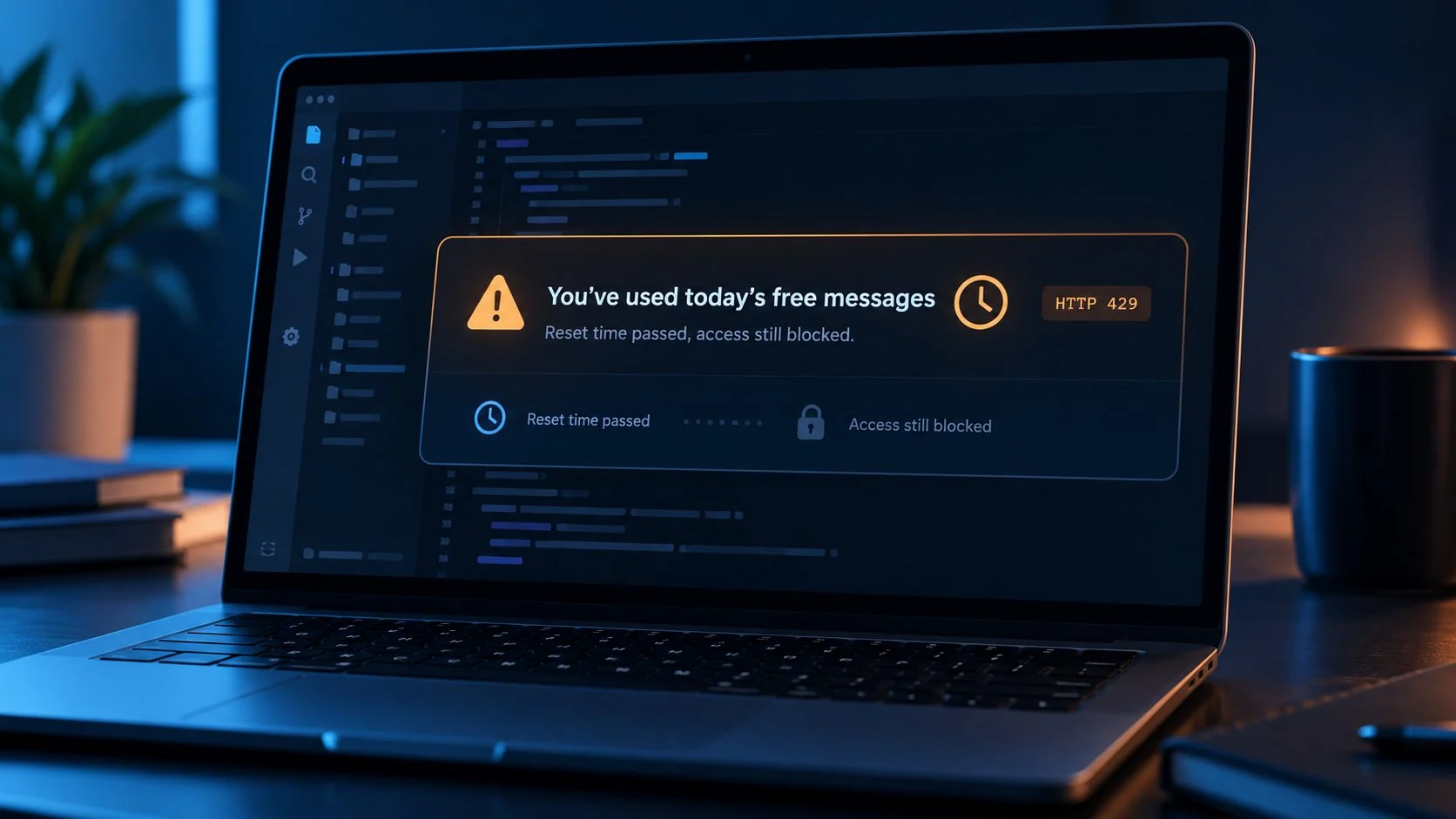
OpenCode users have reported an annoying problem with free AI models. The application says they have used their daily free messages, shows a reset time, and continues refusing requests after that time passes. Some people see the reset date move forward to tomorrow. Others receive the message before sending their first prompt of the day.
There are reports of the same behavior in OpenCode v2.2.1, including HTTP 429 responses after the advertised reset. Updating has restored access for some users, but it hasn’t resolved every report. The central OpenCode free-tier issue on GitHub collects these complaints and the project’s troubleshooting guidance.
If you’re trying to find how to fix OpenCode free messages not resetting after reset time, the first job is to identify which limit is actually blocking the request. A client-version problem, an incorrectly selected provider, and a hosted quota that remains exhausted can produce similar-looking errors. The checks below help narrow that down without deleting your sessions or making unnecessary account changes.
The short answer
Check your OpenCode version, make sure you’re using the intended free model and provider, and compare the full reset date with your local time. Then test a new session and inspect the error. If v2.2.1 still receives HTTP 429 after the stated deadline, OpenCode support may need to examine the hosted account’s quota state. No universal local fix has been confirmed.
What does “You’ve used today’s free messages” mean?
OpenCode is an AI coding assistant that can use models from its hosted service and from other providers. Its free hosted models are subject to usage restrictions. When the service rejects a request because of the applicable allowance, the interface can display a message similar to this:
EXAMPLE LIMIT MESSAGE
You've used today's free messages.
They reset at [time and date].

Upgrade to OpenCode Go: /connect
Switch model: /models
The particular date and model can differ. Some reports also show FreeUsageLimitError or HTTP 429. HTTP 429 means the server is rejecting a request under a rate-limiting or usage-control rule. It doesn’t independently prove that the daily reset calculation is broken.
It’s helpful to understand where that decision happens. According to responses in the October 29 reset-timer report, the hosted free-tier service supplies the usage decision and reset time. The local application displays that information.
A fresh installation may fix an unsupported client, but it cannot directly change a quota still enforced by the hosted service. That explains why some users remain blocked after upgrading.
What users have reported in October 2026
The main tracking issue opened on October 26, 2026. It covers several free-tier problems, so its comments should not all be counted as reproductions of the same reset bug. More specific reports describe failed resets, messages shown on the first request, and reset deadlines advancing by a day.
| Report | Symptom | What we can conclude |
|---|---|---|
| Issue #58687 | First request blocked across free models | Zero-recent-usage complaints exist |
| Issue #59525 | Limit remains after the displayed reset | A specific failed-reset report |
| Issue #59844 | Reset date moves forward repeatedly | A recurring reported symptom |
| Issue #60062 | Reset appears to jump ahead 24 hours | The server-supplied deadline warrants investigation |
| Issue #59387 | Reports continue on v2.2.1 | The update is not a fix for every affected user |
Is OpenCode 2.2.1 affected?
Yes, according to reports in the central issue discussion. One user described restored access after upgrading, while others still received HTTP 429 and saw the deadline move forward. That makes the version check necessary, although v2.2.1 is not a confirmed universal repair.
How to fix OpenCode free messages not resetting after reset time
I would work through these checks in order. They begin with changes that are easy to reverse and leave account-specific investigation until the end.
1. Check the OpenCode version
Run the version command in a terminal:
opencode --versionFor Desktop, check Settings > About. OpenCode’s official free-tier guidance says older v1 clients no longer support free models, and the v1 Desktop updater may keep you on v1 instead of migrating to v2.
For a supported v2 terminal installation, the documented upgrade command is:
opencode upgradeUse the official v2 installation instructions for a major-version migration, especially on Desktop. The CLI command reference documents the upgrade options.
| Version | Recommended action |
|---|---|
| 0.x or 1.x | Migrate to the current supported v2 release |
| Earlier v2 release | Upgrade, then test again |
| 2.2.1 | Continue with the checks below if the error persists |
If OpenCode 2.2.1 free messages limit not resetting is your exact symptom, reinstalling the same version repeatedly is unlikely to tell you anything useful. Check the model and the server response next.
2. Verify the model and provider
OpenCode can connect to different providers, and not every model uses the same account allowance. Inside the app, open the model selector:
/modelsFrom a terminal, you can also list available model identifiers:
opencode modelsCheck the exact identifier. A free hosted model may use the opencode/...-free naming pattern, while an eligible OpenCode Go model uses a different provider route, such as opencode-go/.... If you have a Go subscription, use /connect to configure the Go provider and choose an eligible model. The project explains this distinction in its free-tier troubleshooting instructions.
Seeing a model in the menu does not guarantee that your account can send it a request at that moment.
3. Read the complete reset date and timezone
Some errors initially show a clock time without making the date obvious. After another attempt, the message may reveal that the deadline has moved to tomorrow. Write down the date, time, and timezone on the first error and compare them with the next one.
One October 29 bug report describes an original reset time of 03:40 becoming October 30 at 03:40. A project bot said the service supplies the reset time rather than the app generating that shift independently. The reason for that service response still requires investigation.
Also make sure your computer clock and timezone are correct. Changing the timezone to another region is not an established way to reset a hosted allowance.
4. Try one small request in a new session
Create a fresh OpenCode session using the same model and send a minimal request:
Reply with OK only.If the new session works but the older session fails, the size or state of the previous session may deserve attention. If both return the same limit error, the problem is less likely to be confined to one conversation. A different free model working can also point toward model-specific conditions, although it does not prove the models have independent quotas.
You don’t need to delete existing sessions to run this comparison.
5. Check the account connection
Use the connection menu to confirm that you’re signed in to the intended provider:
/connectThe CLI can show configured authentication entries:
opencode auth listThis command is useful for checking configured provider authentication, but it does not display your remaining hosted free-message allowance. If you find an incorrect connection, reconnect your existing account using the normal login process.
Re-authentication helped temporarily in one community report, but the error later returned. Treat this as an account-connection check rather than a proven reset method. Creating new accounts to evade limits is not a troubleshooting fix.
6. Compare error behavior without trying to bypass the limit
A user in the main GitHub discussion reported different results between a home network and a mobile hotspot while keeping the computer, model, and account the same. This is one observation. It does not establish that OpenCode formally assigns quotas by IP address.
If you suspect a network-related problem, a controlled comparison on another trusted connection may help describe the fault to support. Keep the account and selected model unchanged, record the outcome, and avoid cycling connections or identities to circumvent the provider’s usage policy.
7. Inspect the logs for the actual failure
When a request fails, the relevant error text is more useful than the countdown alone. OpenCode’s troubleshooting documentation describes logging and diagnostic paths. For v2, you can also inspect available paths using:
opencode debug pathsLook for the application log in the location shown by your installation. Common locations under the user’s OpenCode data directory include a log folder. If needed, the CLI supports a DEBUG logging level:
opencode --log-level DEBUGPossible indicators in an affected request include:
HTTP 429
FreeUsageLimitError
Free usage limit reached
inference_failed
These strings are examples, not a guarantee that every client version logs identical text. A provider authentication failure or model-not-found error would require a different investigation. Remove tokens, API keys, private project content, and personal identifiers before sharing any logs.
8. Leave local application data alone unless there is evidence of corruption
Deleting the OpenCode cache or session database is an aggressive response to a hosted quota error. The local data directory can hold session history, configuration, and authentication information. Removing it may cause data loss while the hosted service continues to reject requests.
If you have an actual corrupted installation or failed migration, back up the relevant data before making destructive changes. Otherwise, use the steps above and proceed to support if the limit remains.
Which check should you try next?
What could be causing the failed reset?
Several explanations fit the reports, but they don’t all have the same level of evidence. The hosted service returning a quota rejection is established. Why it returns that rejection after a particular user’s deadline is less certain.
| Possible cause | Evidence | How to handle it |
|---|---|---|
| Outdated v1 installation | Explicit project guidance | Migrate to supported v2 |
| Hosted service continues rejecting the account | Server-side enforcement documented | Capture the response and contact support |
| Reset date advances unexpectedly | Multiple issue reports | Record both full deadlines |
| Wrong model or provider | Documented difference between free and Go routes | Select the correct model |
| Authentication or session state | Isolated community observations | Compare a new session and current login |
| Connection-specific behavior | Limited individual report | Collect evidence; don’t assume an IP quota policy |
The exact numerical daily allowance and how all free-model usage is counted are not established by the official documentation examined here. A rolling window, a shared allowance, or provider-specific restrictions may be relevant, but none should be asserted as the explanation for a given account without confirmation.
What if every free model is blocked?
A few people have reported a limit error across several free models, even on their first attempted request of the day. In issue #58687, the complaint covered more than one free model and the project response pointed toward hosted account-side checks.
If all the models you try fail, record their exact identifiers. Confirm they are actually from the same free hosted service, then check the original reset deadline and the first rejected request in a new session. Don’t assume that switching to a second free model grants a separate daily allowance. The service’s published rules would need to establish that.
Can you keep using OpenCode while free access is blocked?
OpenCode can use other supported providers. If you already have an API key or another authorized model connection, you may be able to continue coding by choosing that provider through /connect and /models. That provider may charge separately or impose its own limits.
OpenCode Go is another legitimate option for users who want its subscription access, but paying for Go is not a technical correction for a free-model quota that may have been enforced incorrectly. The OpenCode model documentation is the appropriate place to check the current model offering.
Free hosted models are intended for use within OpenCode itself, according to the project’s free-tier guidance. Other clients, direct API access, and proxies should not be presented as supported ways to use that free allowance.
How to report a reset that never happens
If you’re already on a supported v2 release and the server keeps rejecting requests after the complete deadline, send the evidence to OpenCode support. The project’s main issue asks for the version, platform, model, exact error, start time, displayed reset time, and account plan. It also directs account and billing problems to [email protected] rather than a public GitHub comment.
For public discussion, use the central GitHub issue #59387. Keep payment information, login details, tokens, and private code out of screenshots and pasted logs.
Frequently asked questions
Why does OpenCode say “You’ve used today’s free messages” with zero usage?
Users have reported this on their first prompt, including cases where multiple models were affected. The message indicates that the hosted service rejected the request, but the public report alone cannot reveal how that account’s allowance was calculated. Record the exact response and contact support if the limit persists. See the first-request failure report.
Does upgrading to OpenCode 2.2.1 fix the free-message reset issue?
It has helped some users, but reports on October 29 also show continued HTTP 429 failures on v2.2.1. Upgrade if your installation is older, then continue checking the account and model if the message remains. The main issue thread documents both outcomes.
Why does the reset time move to tomorrow?
Several reports describe the deadline moving forward by about 24 hours after a retry. The project says that the hosted service supplies the reset time. The specific reason that a particular user’s deadline advances has not been established for every case. See issue #60062.
How many free messages can I send per day?
There is no single verified daily count in the documentation reviewed for this article that can safely be applied to every free model and account. Check the current OpenCode hosted model information instead of relying on an arbitrary number shared online.
Will clearing the cache reset free usage?
There is no confirmed evidence that clearing local files resets a server-enforced usage allowance. It may remove session data or configuration. Try non-destructive checks first.
Can I switch to another free model?
You can compare models through /models, but several users report being blocked across free models. Switching is useful for diagnosis and is not a guaranteed way to refresh an allowance.
Is HTTP 429 proof that OpenCode has a bug?
No. HTTP 429 means the server rejected a request under a rate or usage restriction. The rejection could be appropriate, or it could reflect a service-side problem. The error message, model, account details, and timeline provide the context.
How long should I wait if the reset keeps moving?
Wait until the original displayed deadline first. If it passes and the deadline moves to another day, record the new time and report the discrepancy. Repeating the same request indefinitely is unlikely to clarify the cause.
Can I use free models through another API client or router?
The project’s free-tier instructions say the free models are for use within OpenCode. External clients and direct API calls are not supported routes for that allowance.
What to do if the problem still isn’t fixed
Start with the OpenCode version, then verify the model and account connection. Once the displayed reset time has passed, a new-session test and the exact server error give you more useful evidence than another reinstall. If the hosted service still reports an exhausted allowance, send support the original deadline, the new deadline, and the affected model.
Reports from October 29 show the issue continuing on v2.2.1 for some users. They do not establish one underlying cause or a fix that works for every account. Until the OpenCode team confirms the reason for the reset failures, account-specific support remains the appropriate next step when the basic checks do not restore access.
This guide reflects the official documentation and public issue reports available on October 29, 2026. Public reports are distinguished from confirmed fixes. No affected account’s private server-side quota records were independently inspected.