 Vipin PG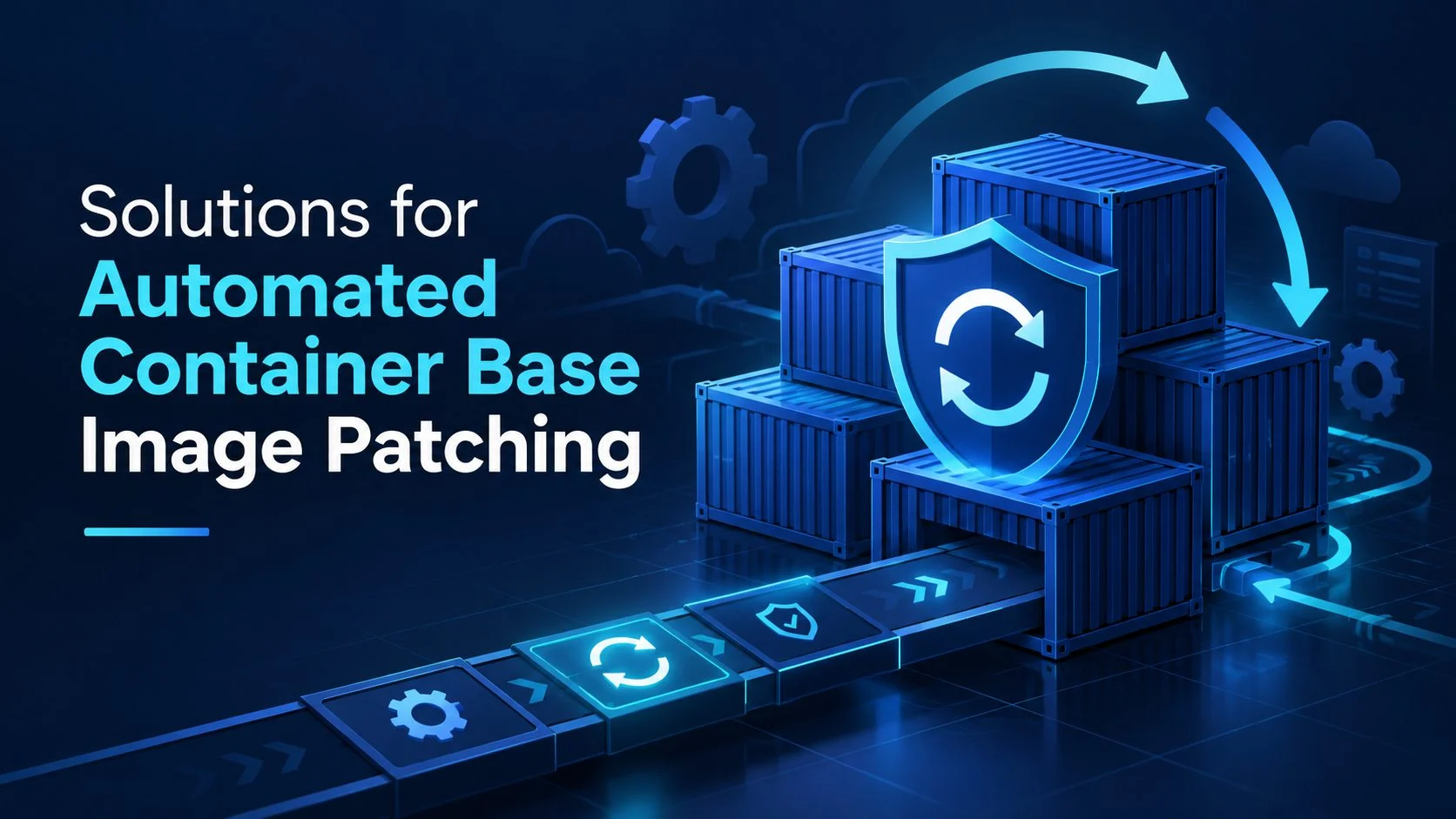
A container image can pass every security check during deployment and still become vulnerable a week later. New CVEs are disclosed, operating system packages receive security updates, and previously acceptable dependencies become liabilities. For platform engineering teams maintaining hundreds of containerized applications, this creates a recurring problem: image security deteriorates even when application code remains unchanged.
Eight Solutions for Container Base Image Patching
1. Echo
Echo provides continuously maintained, hardened container base images designed to reduce operating system vulnerabilities without requiring engineering teams to redesign their applications around an entirely different runtime environment. Its approach combines automated image rebuilding, AI-assisted compatibility testing, and managed vulnerability remediation. Developers can adopt an Echo image by changing the base image reference in the Dockerfile, while Echo assumes responsibility for maintaining the underlying operating system packages.
This is particularly relevant to organizations with established application stacks that need stronger image security but cannot afford repeated migrations whenever a new vulnerability is disclosed. Echo focuses on preserving compatibility and version stability while removing vulnerable components and delivering updated images through existing container development workflows.
Key features
- Continuously rebuilt and patched container base images
- AI-assisted compatibility testing for image replacements
- Automated remediation of operating system vulnerabilities
- Enterprise patching SLA for high and critical CVEs
- Support for version stability without forced major upgrades
- Signed images with SBOM, provenance, and VEX documentation
- Integration with established container registries and scanning tools
- Compliance-oriented hardened image options
2. Chainguard Images
Chainguard Images provides a catalog of minimal, continuously maintained container images built using a secure software supply chain. Its approach emphasizes reducing the number of unnecessary components included in a container while maintaining an active package ecosystem capable of delivering security updates.
Many Chainguard images are built using Wolfi, a Linux distribution designed for modern cloud-native environments. Rather than relying entirely on traditional distribution release cycles, Chainguard maintains its own packages and rebuilds images as security fixes become available. This makes it relevant to engineering teams seeking a standardized container foundation with fewer inherited vulnerabilities and a managed update process.
Key features
- Continuously maintained minimal container images
- Wolfi-based package ecosystem
- Automated image rebuilding and security updates
- Hardened application and runtime images
- Signed artifacts and supply chain metadata
- Published vulnerability remediation commitments
- Reduced package footprint
3. RapidFort
RapidFort provides container hardening and vulnerability remediation capabilities designed to reduce the attack surface of containerized applications. Its approach incorporates runtime analysis to identify which packages and components an application actually requires. By understanding application behavior, the platform can help remove unnecessary software from images, reducing the number of inherited vulnerabilities and components that security teams must maintain.
This is relevant to organizations whose existing container images include extensive operating system utilities, libraries, and packages that are not essential to production execution.
Key features
- Runtime-informed container hardening
- Identification of unnecessary packages
- Reduction of inherited image vulnerabilities
- Hardened container image options
- Container attack surface optimization
- Vulnerability remediation support
- Application dependency analysis
4. Docker Hardened Images
Docker Hardened Images provides security-focused container images within the Docker ecosystem, giving development teams access to maintained image foundations designed to reduce unnecessary packages and inherited vulnerabilities. The offering addresses an important operational problem for organizations that depend on familiar Docker workflows but want to establish stronger security requirements for the images used across development teams.
Rather than requiring each application team to independently construct and maintain hardened base images, organizations can adopt centrally maintained alternatives and incorporate them into their existing build processes.
Key features
- Security-focused container image catalog
- Maintained base image alternatives
- Reduced image attack surface
- Compatibility with Docker development workflows
- Integration with container image analysis
- Support for standardized image adoption
- Software supply chain security capabilities
5. Aikido Security
Aikido Security combines application security scanning with automated remediation capabilities, including container image hardening and base image updates. Its approach is relevant to teams that want vulnerability detection and remediation to operate within their existing development workflows.
Aikido can identify Dockerfiles, examine vulnerable base images, and generate alternative patching options. Developers can compare the available changes before selecting an appropriate remediation path, helping them account for both vulnerability reduction and compatibility. Rather than requiring engineers to investigate every vulnerable operating system package independently, the platform connects detected issues with actionable changes to the image foundation.
Key features
- Automated Dockerfile detection
- Base image vulnerability analysis
- Multiple remediation options for vulnerable images
- Automated fix pull requests
- Hardened container image capabilities
- Integration with existing development workflows
- Broader application security scanning
6. Snyk Container
Snyk Container helps developers identify vulnerabilities in container images and determine which base image changes could resolve them. Its analysis examines the packages included in an image and can identify the parent image responsible for inherited vulnerabilities. This distinction helps engineering teams avoid attempting to fix operating system weaknesses through unrelated application dependency changes.
Snyk provides alternative base image recommendations, enabling developers to compare available versions and understand the potential security improvements associated with an upgrade. Its container security capabilities can be incorporated into local development, repositories, CI/CD pipelines, and container registries.
Key features
- Container vulnerability scanning
- Automatic parent image detection
- Base image upgrade recommendations
- Automated Dockerfile remediation pull requests
- Image composition analysis
- CI/CD and repository integration
- Container security policy support
7. Docker Scout
Docker Scout provides container image analysis and remediation guidance directly within the Docker ecosystem. It examines image contents, generates an SBOM, and compares installed components against vulnerability intelligence to identify affected packages. Its analysis can help developers understand which vulnerabilities originate from the image foundation and investigate available remediation paths.
Docker Scout also supports comparisons between image versions, making it useful for evaluating whether an updated base image meaningfully improves the security posture of an application. For teams already using Docker Desktop, Docker Hub, and Docker-based CI/CD workflows, this reduces the effort required to introduce image analysis into routine development activities.
Key features
- Container image vulnerability analysis
- SBOM generation
- Base image remediation recommendations
- Image version comparison
- Docker CLI and Docker Hub integration
- CI/CD security workflows
- Container policy evaluation
8. Renovate
Renovate provides automated dependency update management and can help organizations keep container base image references current. Its Dockerfile support allows it to detect referenced images, monitor available updates, and generate pull requests when newer versions become available.
This addresses a common maintenance problem in large engineering environments: developers may have dozens or hundreds of repositories containing image references that gradually become outdated. Renovate can apply consistent update policies across those repositories, reducing the manual work involved in tracking upstream image releases and preparing version changes.
Key features
- Automated Dockerfile dependency updates
- Container image version monitoring
- Automatic update pull requests
- Configurable update schedules
- Version constraints and grouping rules
- Repository-level maintenance automation
- Integration with established CI/CD workflows
A Container Image Is Not Patched Until the Fix Reaches Production
A recurring weakness in container security programs is the assumption that publishing a patched base image automatically secures the applications built from it.
Container images are immutable artifacts. When an upstream provider publishes a corrected operating system package or releases a rebuilt image, existing application images do not change. They continue to contain the packages incorporated during their original build.
This creates several distinct points at which remediation can stall.
| Patching stage | What must happen | Common source of delay |
| Vulnerability identification | A new CVE is associated with an installed package | Incomplete image inventory or delayed scanning |
| Patch availability | A corrected package or base image becomes available | Dependence on upstream maintainers |
| Image maintenance | The base image is rebuilt with the appropriate changes | Manual package updates and image maintenance |
| Application rebuild | Applications consume the updated image foundation | Outdated Dockerfile references or inactive pipelines |
| Validation | The rebuilt application passes compatibility and security checks | Missing automated tests or breaking changes |
| Deployment | The corrected application image replaces the existing workload | Release scheduling and deployment restrictions |
These stages explain why organizations can have effective vulnerability scanners and still accumulate large container security backlogs.
Scanning identifies the problem. Automated remediation must address the additional work required to make a corrected artifact available and move that artifact into use.
The choice of platform determines which responsibilities can be delegated. Managed image providers assume more responsibility for maintaining the image foundation, while remediation tools and dependency automation help engineering teams consume available updates.
Neither model eliminates the need to verify the security of the final application image.
What to Measure in an Automated Image Patching Program
A reduction in vulnerability counts is a useful outcome, but it is not sufficient to establish whether automated patching has improved container security.
A mature program should measure both the security of its image foundations and the operational effort required to maintain them.
Four measurements provide a more complete picture:
1. Time to patch availability: The interval between vulnerability disclosure and publication of a corrected base image. This reflects the responsiveness of the image maintenance process.
2. Time to application adoption: The interval between patch availability and successful deployment of a rebuilt application. This reveals whether image updates are reaching the workloads that need them.
3. Compatibility success rate: The proportion of patched images that pass established application tests without additional migration work. A high update frequency provides limited value when most changes require substantial manual intervention.
4. Recurring remediation workload: The engineering time spent investigating, rebuilding, testing, and resolving base image vulnerabilities. This helps establish whether automation is genuinely removing maintenance responsibilities or merely generating more update requests.
Organizations should also retain the evidence associated with each image release, including package inventories, signatures, build provenance, and vulnerability status.
These records make it easier to determine which workloads consume affected packages, whether corrected versions are available, and which applications still require rebuilding.
FAQs
What is automated container base image patching?
Automated container base image patching is the process of identifying and remediating vulnerabilities in the operating system packages and other foundational components used by container images. Solutions may continuously rebuild maintained images, generate corrected image alternatives, or automate Dockerfile updates. The objective is to reduce repetitive security maintenance while ensuring that applications can adopt patched foundations through established build and deployment processes.
Does updating a base image automatically patch running containers?
No. Existing container images are immutable and do not change when their upstream base image receives an update. Applications must generally be rebuilt using the corrected foundation, tested, and redeployed. Organizations therefore need a process that connects base image maintenance with application delivery. Otherwise, corrected images may be available in a registry while production workloads continue running vulnerable versions.
What is the difference between a hardened image and a patched image?
A patched image contains corrected versions of software components affected by known vulnerabilities. A hardened image is configured to reduce its attack surface, often by removing unnecessary packages, limiting privileges, and applying secure defaults. An image can be both patched and hardened, but the terms describe different security properties. Organizations should examine package contents, vulnerability status, and maintenance commitments rather than assuming one guarantees the other.
Can container base images be patched without upgrading the application runtime?
In some cases, yes. A provider may maintain a compatible runtime version while applying operating system security updates or backporting necessary fixes. This can reduce the disruption associated with major version migrations. However, compatibility depends on the affected packages, available remediation methods, and application requirements. Enterprises should test patched images against representative workloads before relying on them in production.
What should enterprises look for in a container image patching SLA?
A useful patching SLA should specify the vulnerability severities covered, the point at which remediation time begins, and the maximum time allowed to publish a corrected artifact. Organizations should also examine how unresolved vulnerabilities are reported, whether compatibility testing is included, and what evidence accompanies each image release. Patch publication commitments should be evaluated separately from the organization’s own application rebuild and deployment timelines.