Vipin PG
Everyone’s selling AI assistants now. The problem? Most are terrible at what I actually need them for. I’ve wasted months trying different tools. While some crashed constantly, others gave me useless responses. A few worked great for writing, but couldn’t handle basic data questions.
Top AI Tools That Work
ChatGPT
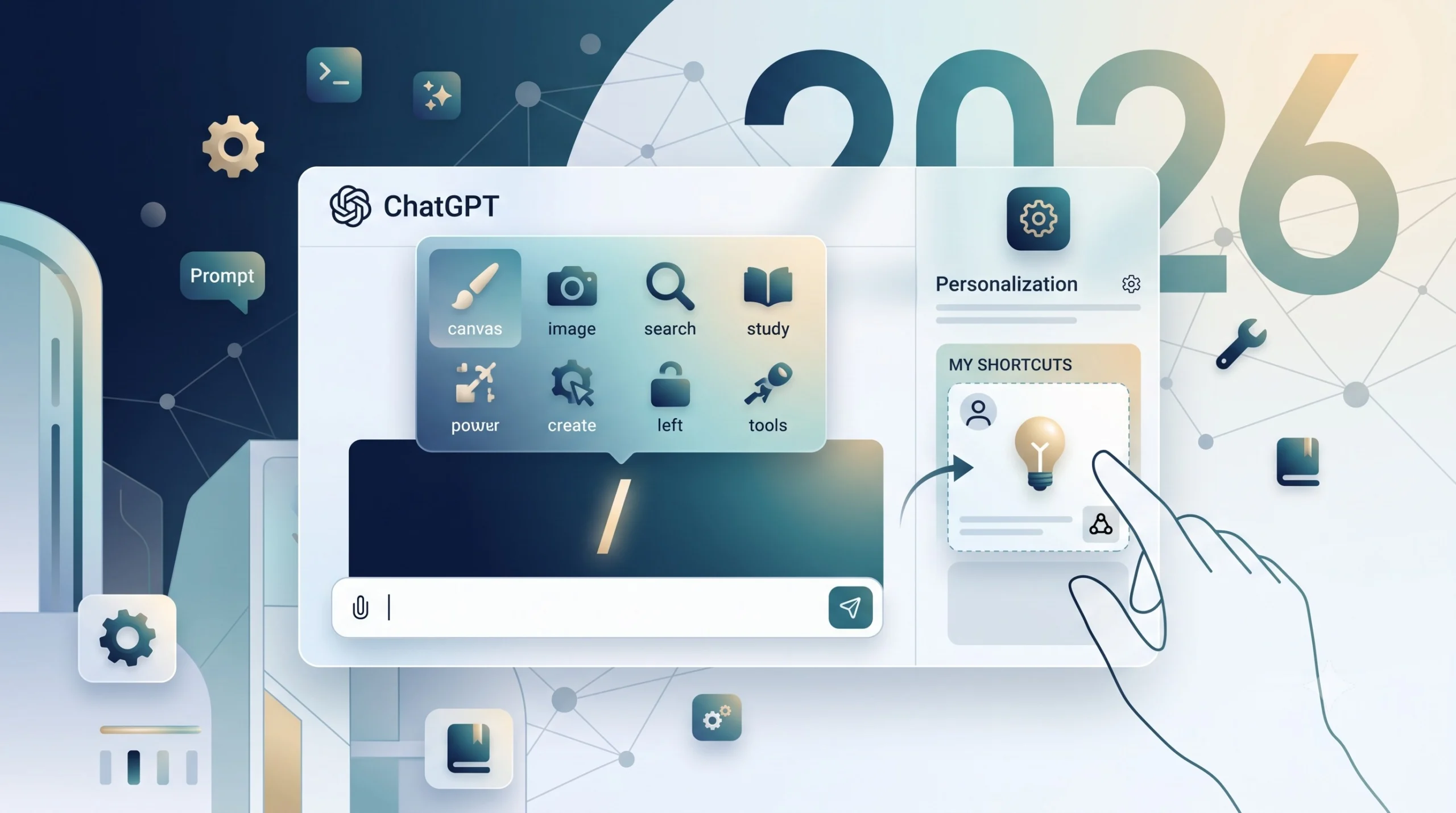
ChatGPT is great as a standalone tool for multiple purposes, including text and image generation. Multiple models like GPT 4, GPT 4.5, GPT 4o, etc, are also helpful in assisting with multiple segments of tasks, which can be anything from writing to research, reasoning to trigonometry, and more.
Gemini
The tool is great for SEO-friendly requirements. Use it to generate schema, draft AI-overview-friendly snippets, and speed up real-time web searches. While not necessarily the best AI chatbot, it excels when you’re embedded in the Google Workspace ecosystem.
Microsoft Copilot
This one lives inside Word and Excel. No switching between apps. It’s helpful for formatting documents and basic Excel formulas.
The integration saves time, but it’s not magic, and it still gives wrong answers sometimes—better than nothing if you’re already paying for Microsoft 365.
Jasper
Jasper costs more but understands marketing language better than the others. It knows the difference between a Facebook ad and a blog post.
It’s worth it if you write marketing content full-time; overkill if you just need occasional help with emails.
Notion AI
Notion is great for quick notes. The AI productivity tool helps organize thoughts and clean up messy notes. However, it’s not just AI that makes Notion a good note-taking tool; it’s Notion’s regular features as well. For instance, translation, summarization, brainstorming, etc.
Power BI
Power BI isn’t really an AI assistant, but rather a data visualization tool with AI features built in. It integrates seamlessly with other Microsoft products, making it convenient if you’re already using Office 365.
The tool allows you to ask questions about your data in plain English instead of writing complex formulas. This makes it particularly helpful if you regularly work with large spreadsheets and need to create reports or dashboards.
Tableau
Tableau is another data visualization tool with AI capabilities, not a traditional AI assistant. While it tends to be more expensive than Power BI, it’s known for creating more visually appealing and sophisticated charts and graphs.
Like Power BI, it lets you query your data using natural language, eliminating the need to learn complicated formulas. It’s especially useful for professionals who need to present data insights in a visually compelling way.
GitHub Copilot
GitHub Copilot acts as an AI pair programmer that suggests code in real-time as you type. The quality of its suggestions can vary significantly – sometimes it produces exactly what you need, while other times the code may be incorrect or irrelevant.
Despite this inconsistency, many developers find it speeds up their workflow compared to writing everything from scratch. One of its strengths is its broad language support, working with the most popular programming languages.
CodeWhisperer
CodeWhisperer is Amazon’s AI coding assistant that specializes in identifying and preventing security vulnerabilities in your code. While it also provides code suggestions like Copilot, its particular focus on security makes it valuable for developers who prioritize writing secure applications. It’s especially useful if you’re concerned about introducing security flaws or want to follow best practices for secure coding.
Midjourney
If your requirements are design-oriented, Midjourney is an advanced tool you will love. What started as a Discord platform soon gained popularity across the globe. Now, it has evolved beyond being an AI image generation platform that people use just for fun. It offers style customization, high-resolution output options, object recognition, and more.
How to Pick Tools
- Figure Out What You Actually Do. Don’t pick tools based on features—pick them based on problems.
- Try the free versions first. Most companies offer trials.
- Test them on real work, not examples from their website.
- Pay attention to how often you actually use them after the first week.
- Don’t pay for features you won’t use.
The best tool is the one you keep using. I’ve paid for several that I forgot about after a month.
Start simple. Most people need better writing help more than they need advanced features. Get that working first, then worry about the fancy stuff.