Vipin PG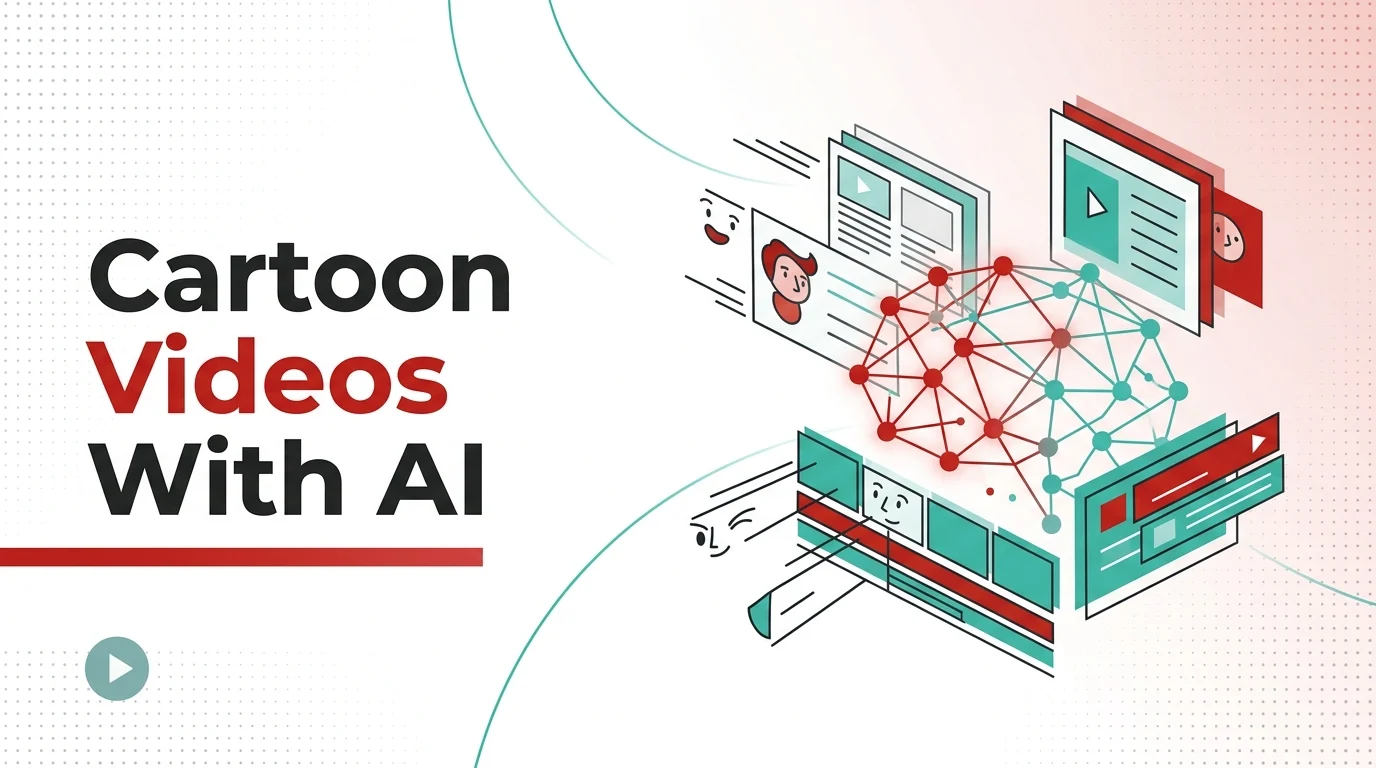
Animation used to belong to studios. The pipeline from concept to finished cartoon video involved storyboard artists, character designers, in-between animators, and compositing specialists — a chain of specialized talent that made even a sixty-second clip prohibitively expensive for most businesses and independent creators. A single minute of traditional 2D animation still costs anywhere from $8,000 to $25,000 when produced through conventional workflows.
That cost structure is collapsing. AI-powered animation tools have advanced to the point where a solo creator with a text prompt or a handful of reference images can produce cartoon-style video content that would have required a small team just two years ago. The shift isn’t hypothetical — it’s already visible in the explosion of animated content across YouTube, TikTok, and corporate training platforms, much of it produced by people with no formal animation background.
The question for anyone entering this space isn’t whether AI can help you create cartoon videos. It’s which approach fits your specific use case, and what the current generation of tools actually does well versus where human skill still matters.
The AI Animation Landscape Has Fundamentally Changed
The traditional animation pipeline hasn’t disappeared, but it’s being compressed. Tasks that once required separate specialists — character rigging, motion interpolation, scene composition — are increasingly handled by neural networks trained on massive datasets of animated content.
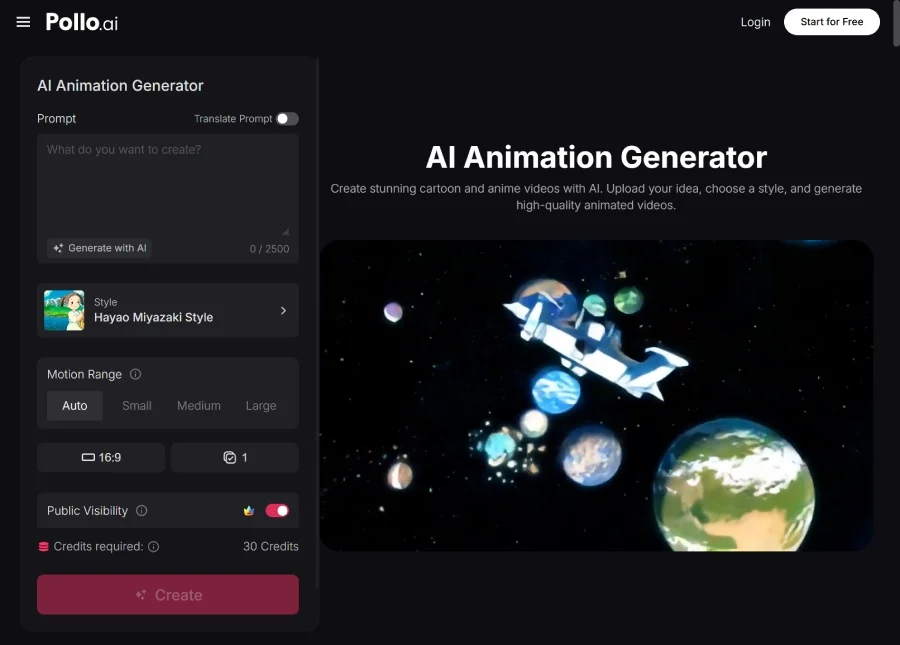
Pollo AI has emerged as one of the more capable platforms in this space, offering an AI animation generator that converts text descriptions and static images into animated sequences with surprisingly fluid motion. What distinguishes Pollo AI’s approach from simpler text-to-video tools is its handling of stylistic consistency. Cartoon animation demands a coherent visual language — line weight, color palette, character proportions — that needs to remain stable across every frame. Inconsistency in any of these elements immediately breaks the illusion, and it’s a problem that many generative video tools still struggle with.
The platform supports multiple animation styles, from classic 2D cartoon aesthetics to more contemporary motion-graphic approaches, which makes it flexible enough to serve both entertainment-focused creators and businesses producing explainer content. That versatility matters because the market for animated video content is fragmenting. A children’s educational channel needs a very different visual treatment than a SaaS company explaining its onboarding flow, and a tool that locks you into a single aesthetic becomes a limitation fast.
Beyond style, the speed advantage is substantial. What might take a freelance animator a week to produce — a thirty-second character animation with basic scene transitions — can be generated in minutes. The output isn’t identical to hand-crafted animation, and experienced viewers can often spot the difference, but for the vast majority of content applications, the quality threshold has been met.
Understanding the Different Approaches to AI Cartoon Creation
Not every AI animation tool works the same way, and understanding the underlying approach helps you choose the right one for your project.
Text-to-animation tools take a written description and generate animated sequences from scratch. These are the most accessible entry point — you describe what you want, and the model interprets your prompt into visual motion. The trade-off is control. You’re relying on the model’s interpretation, which means results can be unpredictable, especially with complex scenes involving multiple characters or specific choreography.
Image-to-animation tools take a different path. You provide static artwork — character designs, background illustrations, storyboard frames — and the AI animates them. This approach gives you significantly more control over the visual output because you’re defining the look before the model adds motion. For creators who have a specific art style or brand guidelines to maintain, this workflow often produces more reliable results.
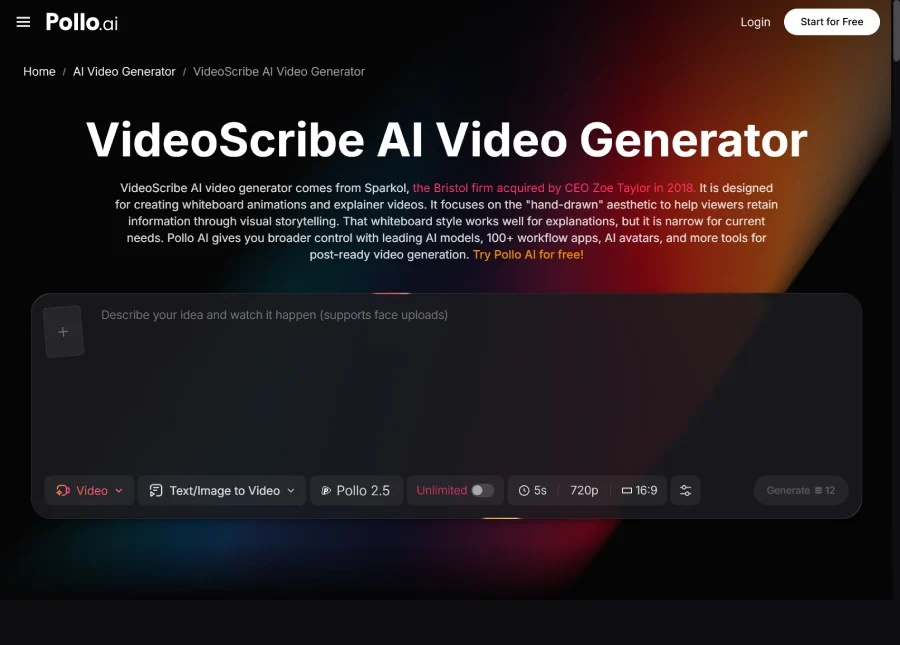
Template-driven animation platforms occupy a third category. VideoScribe is a well-known example in this space, specializing in whiteboard-style animation where hand-drawn illustrations appear to be sketched in real time. It’s a distinctive format that works exceptionally well for educational content, presentations, and explainer videos where the progressive reveal of information creates natural narrative pacing. Pollo AI features VideoScribe among its accessible tools, giving creators the option to explore this format alongside more traditional cartoon animation styles. For anyone producing training materials or thought-leadership content, the whiteboard animation approach remains one of the most effective formats for maintaining viewer attention.
Hybrid tools combine multiple approaches, letting you start with a template, customize it with your own assets, and then use AI to handle the animation heavy lifting. This category is growing fastest because it addresses the core tension in AI-generated content: the balance between speed and creative control.
Matching the Right Tool to Your Content Goals
The most common mistake creators make when entering AI animation is choosing a tool based on its most impressive demo rather than its fit with their actual workflow. A platform that produces stunning cinematic animation might be completely wrong for someone who needs to produce weekly educational cartoons on a consistent schedule.
For recurring content series — YouTube channels, social media campaigns, episodic training modules — consistency matters more than peak quality. You need characters that look the same from episode to episode, backgrounds that maintain a coherent world, and a production speed that matches your publishing cadence. Pollo AI’s animation generator handles this well because it allows you to establish style parameters that carry across multiple projects, reducing the drift that plagues many generative tools when you’re producing content at volume.
For one-off projects where visual impact is the priority — a product launch video, a conference presentation, a brand story — you can afford to spend more time refining prompts and iterating on outputs. In these cases, the ceiling of what the tool can produce matters more than its floor, and it’s worth experimenting with multiple approaches before committing to a final render.
For internal communications and training content, production polish is less critical than clarity and speed. The audience is captive, the stakes are lower, and the ability to produce a usable animated explainer in an afternoon rather than commissioning one over several weeks represents genuine operational value.
Technical Considerations That Affect Output Quality
Several factors influence the quality of AI-generated cartoon videos in ways that aren’t immediately obvious.
Resolution and frame rate interact in important ways. Most AI animation tools generate at lower frame rates than traditional animation, which can create a choppy appearance that undermines the cartoon aesthetic. Upscaling after generation helps with resolution but doesn’t solve frame-rate issues. Understanding your output platform’s requirements — TikTok versus a conference keynote, for instance — helps you set appropriate expectations before you begin.
Audio synchronization remains a challenge for AI-generated animation. Lip-syncing animated characters to dialogue or narration requires precise timing that most current tools handle imperfectly. If your cartoon video involves speaking characters, plan to adjust timing manually or use a dedicated lip-sync tool as a post-processing step.
Scene complexity has a direct relationship with output coherence. Simple scenes with one or two characters and a static background produce reliably good results. Add multiple characters interacting in a dynamic environment, and the quality drops noticeably. For complex scenes, breaking them into simpler shots and editing them together in post-production consistently yields better results than trying to generate everything in a single pass.
Where Cartoon Video Creation Goes From Here
The trajectory is clear: AI animation tools will continue closing the gap with traditional production quality while further reducing the time and cost involved. Real-time animation — generating cartoon video on the fly during live streams or interactive experiences — is the next frontier several platforms are actively pursuing.
But the more interesting shift is cultural rather than technical. As the barrier to creating animated content drops toward zero, the differentiator moves from production capability to storytelling skill. The creators who thrive won’t be the ones with access to the best tools — access is becoming universal. They’ll be the ones who understand pacing, character, emotional resonance, and audience psychology. The technology handles the rendering. The human still has to bring the story worth telling.