Vipin PG
If you’ve updated your LinkedIn profile recently and haven’t seen much change in recruiter messages or profile views, there’s a reason. LinkedIn’s search system has changed a lot in the last couple of years. It’s no longer just matching words on your profile to words in a recruiter’s search bar. It’s using AI to understand what you actually do, how good you are at it, and whether you’re a genuine match for a role , often before a recruiter even looks at your profile. This isn’t bad news. If you understand how the system works, you can use it to your advantage , and you can use AI tools yourself to write a profile that stands out for the right reasons. Here’s what’s actually going on, and what to do about it. 
Keyword Stuffing Doesn’t Work Anymore
A few years ago, the advice was simple: repeat your target job title and skills as many times as you could across your profile. That trick doesn’t work now. LinkedIn’s search today looks at your profile more like a human would , it checks whether your skills actually make sense together. If you say you know “Machine Learning” but your profile has no mention of the tools or techniques someone in that field would normally use, the system treats that claim as weak or unverified. It’s looking for skills that naturally cluster together, not skills that stand alone. In practice, this means:
- Don’t just list a skill , show it in context. If you know Python, mention what you built with it.
- Group related skills together instead of scattering unrelated buzzwords across your profile.
- Back up every major skill in your Skills section with a real example somewhere in your About or Experience section. If it’s only mentioned once, it counts for less.
There’s an AI Recruiter Screening You Before a Human Does
LinkedIn now has an AI assistant built into its recruiter tools that does the first round of candidate searching. Instead of typing keyword strings, recruiters simply describe who they’re looking for in plain language , for example, “a backend engineer with payments experience open to remote work.” The AI takes it from there, searches the platform, and builds a shortlist. This has made recruiters far more efficient , some are reviewing far fewer profiles per role while still finding stronger matches. But it also means the first “reader” of your profile is an algorithm, not a person. If your profile isn’t written clearly enough for the AI to understand what you do, you may never make it to the shortlist a human actually sees. One thing that genuinely helps here: verification. Profiles with a verified workplace email or ID verification badge tend to get noticed more, simply because recruiters trust them more in a market where fake or AI-generated profiles have become common. If you haven’t verified your profile yet, it’s a small task worth doing.
The Five Parts of Your Profile That Actually Matter
Not every section of your LinkedIn profile carries equal weight. These five matter most , in this order.
1. Your Headline
This is the single most important line on your profile. Skip generic titles like “Passionate Marketing Professional” , they tell the algorithm nothing useful. Instead, structure it as: your role, your core skills or specialisation, and one measurable achievement. For example: “Senior Project Manager | Agile & Scrum Certified | IT Infrastructure Scaling | Led $5M Cloud Migration” This does two things at once , it gives the algorithm exact terms to match you against, and it tells a human recruiter what you’re good at in a few seconds.
2. Your About Section
Only the first two to three lines show before someone has to click “see more” , so don’t waste that space on a generic opening. Start with your strongest, most specific achievement or the exact problem you solve. Then explain what you do, the tools you use, and what kind of opportunity you’re looking for. End with a short list of your core skills so it’s easy to scan.
3. Your Experience Section
This is where the algorithm checks if your claimed skills are actually real. Don’t just list your responsibilities , show the result. A simple way to do this is to describe the problem you faced, what you did about it, and what happened because of it. For example, instead of “Responsible for marketing campaigns,” write something like “Rebuilt our lead-gen funnel after tracking broke down post-cookie changes, cutting cost-per-lead by 31%.” Specific numbers and real outcomes carry far more weight than job-description-style bullet points.
4. Your Skills Section
List skills that logically belong together, and get them validated where you can , through LinkedIn’s skill assessments or endorsements from colleagues. A skill nobody has endorsed and that doesn’t show up anywhere else on your profile looks unverified to the algorithm.
5. Staying Active
A well-written profile that never gets touched will slowly lose visibility. LinkedIn tracks how active you are , commenting on posts, sharing articles, growing your network , as a sign that you’re reachable and engaged. You don’t need to post constantly; occasional, relevant activity is enough to keep your profile from going quiet in search results. And if you’re job hunting, make sure “Open to Work” is switched on in the recruiter-only setting, since it puts you in front of people actively searching. 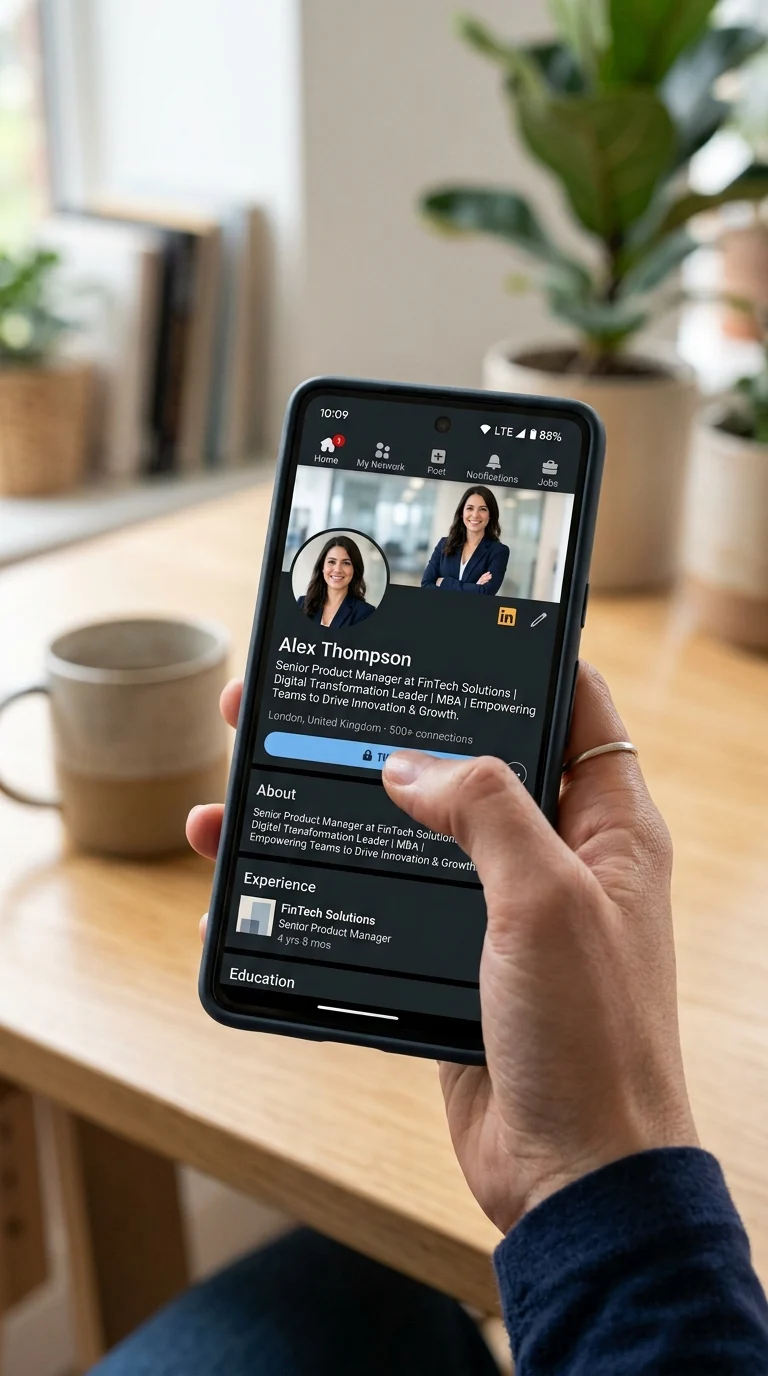
Can AI Tools Actually Help You Write a Better Profile?
Yes , and this is where AI is genuinely useful for job seekers, not just recruiters. A number of tools exist specifically to compare your profile against real job descriptions and point out what’s missing. Tools like Jobscan and Teal, for instance, scan a target job posting and your profile side by side, then flag the specific skills or terms the job wants that your profile doesn’t currently have. Browser-based tools like Careerflow go a step further, sitting directly on top of your live LinkedIn page and scoring it for completeness. General AI chat tools can also help you draft or rework sections of your profile , but they work far better when you give them a clear, specific instruction rather than a vague one. Instead of asking an AI to “write me a LinkedIn summary,” try giving it your actual achievements, a real job description you’re targeting, and a clear format to follow. The more specific the input, the less generic the output.
The One Mistake That Can Actually Cost You the Job
Here’s the part most people miss: getting past the algorithm is only half the battle. If your profile reads like it was clearly written by AI, it can actually hurt you with human recruiters. A large share of employers now actively screen for AI-generated writing, and profiles or resumes that look obviously machine-written are frequently rejected , even if they’re technically well optimised. There are a few tell-tale signs recruiters have learned to spot:
- Suspiciously round numbers , “increased revenue by 50%” reads as generic. Real results are usually uneven, like 43% or a specific rupee/dollar figure.
- Overuse of dramatic action verbs , every sentence starting with words like “Spearheaded” or “Orchestrated” starts to feel repetitive fast.
- Every sentence sounds the same length and rhythm , real writing has variation; a few short, punchy lines mixed with longer ones read more naturally.
- No specific details , vague phrases like “significant growth” without naming the actual project, tool, or team involved.
The fix is simple, even if it takes a little extra effort: after you use AI to draft or improve a section, go back and add in the specific, slightly messy details only you would know , the actual project name, the real number, the specific tool or client type. That one step is often what separates a profile that gets noticed from one that quietly gets passed over.
Quick Recap
- Group related skills together instead of listing them in isolation.
- Rewrite your headline using: role + key skills + one measurable result.
- Front-load your About section with your strongest point , you only get a couple of lines before it gets cut off.
- In your Experience section, show the result of your work, not just your job duties.
- Get your skills endorsed or verified where possible.
- Stay a little active on LinkedIn , occasional engagement keeps your profile visible.
- Use AI tools to find gaps against real job descriptions, but always edit the final text yourself so it sounds like you.
LinkedIn optimisation in 2026 isn’t about gaming an algorithm anymore , it’s about writing a profile that’s genuinely clear enough for a machine to understand and genuine enough for a person to trust. Get both right, and you’re in a much smaller, much stronger pool of candidates.