Vipin PG
WhatsApp is introducing usernames as a way to let people message or call you without knowing your phone number. It’s a simple idea, but the rollout has caused some confusion , mostly because the feature isn’t available to everyone at the same time. Here’s what a username actually does, how reserving one works, and how to fix the most common errors people run into.
What Is a WhatsApp Username?
A username is a unique ID for your WhatsApp account, starting with the @ symbol , for example, @Alex123. Once it’s active, people who don’t have your number saved can find and message you using this instead of your phone number. It’s different from your display name. Your display name is just the name that shows on your profile, and it doesn’t need to be unique. Your username does , no two accounts can have the same one. 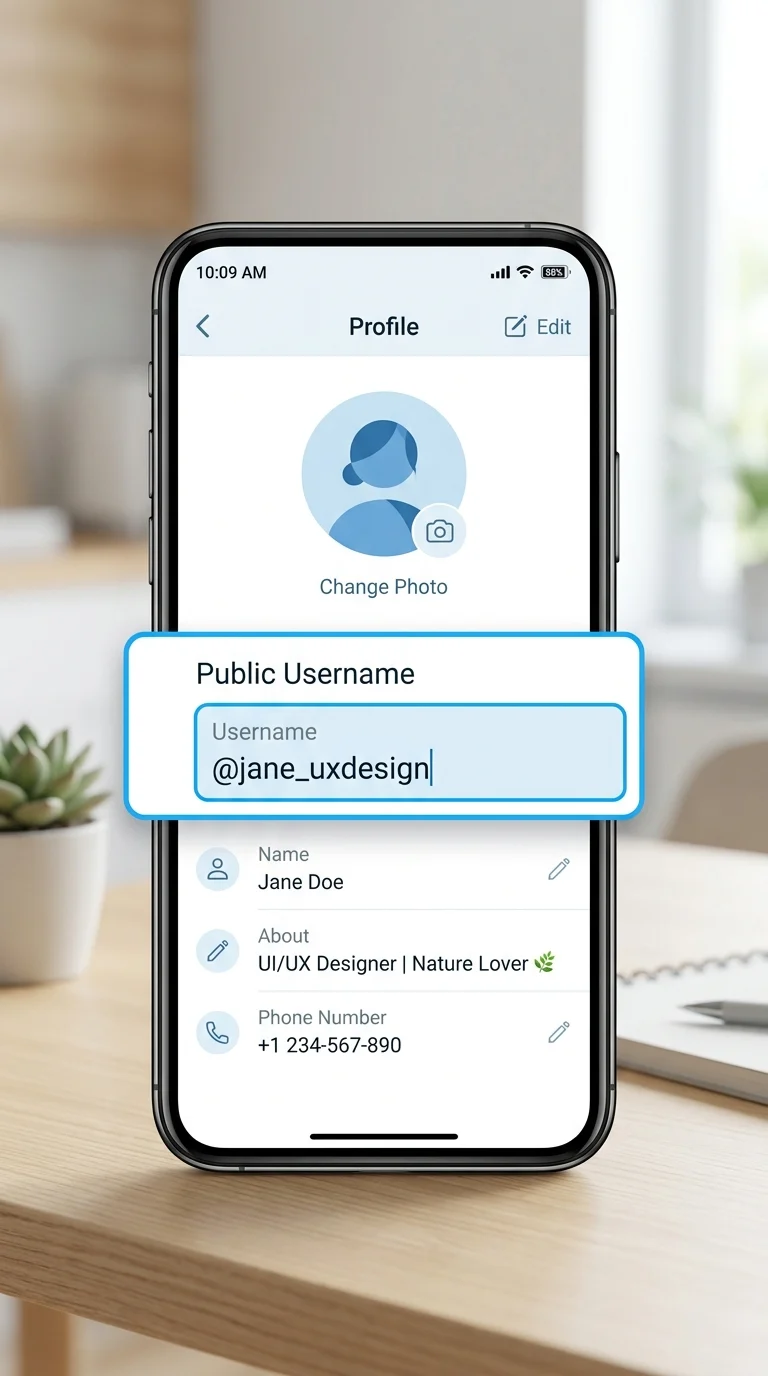
Why Reserve a Username Before It’s Live?
If usernames haven’t rolled out in your area yet, WhatsApp still lets you reserve one. This locks in your chosen name so nobody else can grab it before the feature reaches you. You’ll get a notification inside WhatsApp the moment your reserved username becomes active and ready to use. Reserving is completely optional, and there’s no downside to doing it early if you have a name in mind.
Who Can See Your Reserved Username?
Nobody. Until your reservation becomes active, your username stays private , it isn’t visible to other users and can’t be used to contact you. Once it goes live, people who don’t already have your number saved will see your username on your profile instead of your phone number.
Can Someone Else Take Your Reserved Username?
No, not while you hold the reservation. Once you’ve reserved a name, it’s locked to your account and can’t be claimed by anyone else. If you decide to change or delete your reservation later, though, that name becomes available again , so someone else could pick it up. A few usernames are off-limits entirely, even if no one has claimed them. WhatsApp holds certain names for businesses, government accounts, and public figures, so those won’t be available to regular users.
Can You Change or Delete a Reserved Username?
Yes, at any time. If you change your mind about the name you picked, you can edit or remove it from your settings. Just keep in mind that once you delete or change a reserved username, it’s released and can be claimed by someone else.
Fixing Common Username Problems
1. You Don’t See the Option to Create or Reserve a Username
This almost always comes down to timing or app version, not a broken account. Try the following:
- Update WhatsApp to the latest version from your app store.
- Check whether usernames have rolled out in your region yet , the feature is being released gradually, not all at once worldwide.
- Restart the app after updating, so any newly loaded features actually appear.
The username option shows up inside your profile settings once it’s available to you. 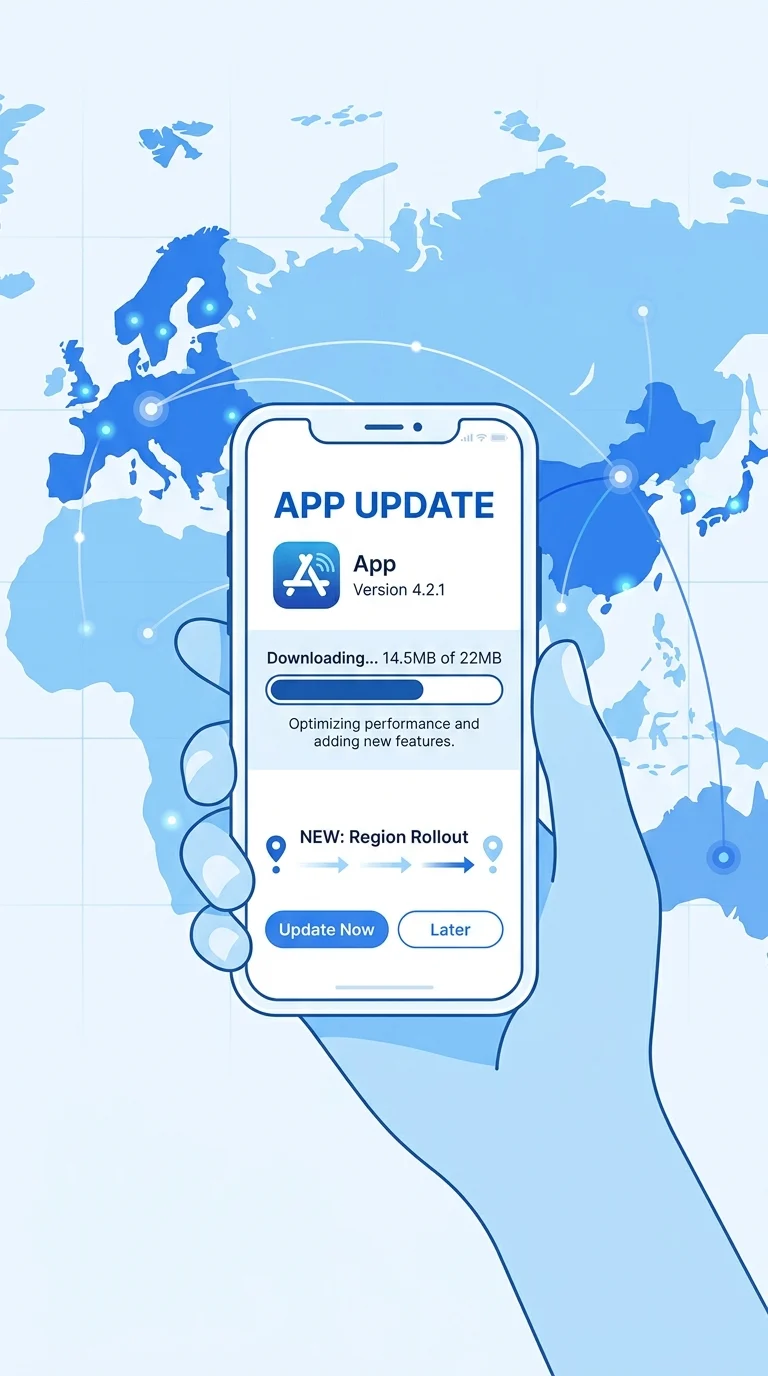
2. “This Username Is Not Available”
This error can appear for a few different reasons, so it’s worth checking each one:
- Someone already has it. Try adding numbers, show, or extra words , for example, @janedoe_london instead of @janedoe. WhatsApp can also suggest alternatives for you.
- The name is reserved for a business or public figure. Certain usernames are set aside and can’t be claimed by regular accounts, so you’ll need to pick something else.
- It’s linked to your Instagram or Facebook account. If that username already exists on one of those platforms, it’s held for that account’s owner. If that’s you, you can claim it on WhatsApp by adding your WhatsApp account to the same Accounts Center as your Instagram or Facebook.
- It includes a restricted word. WhatsApp blocks certain terms for safety reasons, including anything illegal, age-inappropriate, or harmful. Choose a name without these kinds of words.
- The process got interrupted. A dropped connection or app glitch mid-reservation can make a username look unavailable temporarily. Wait a few minutes or restart the app, and try again.
3. “Try Again Later”
If you’ve attempted to set a username several times in a short period, WhatsApp temporarily limits further attempts. This isn’t an error with your account , just wait a few minutes before trying again.
4. Trouble Claiming the Same Username as Instagram or Facebook
To use the same username across WhatsApp and Instagram or Facebook, your WhatsApp account needs to be added to the same Accounts Center as those accounts. If it still won’t let you claim it after that, it likely means someone else is already using that exact username on WhatsApp, separate from your Instagram or Facebook account. 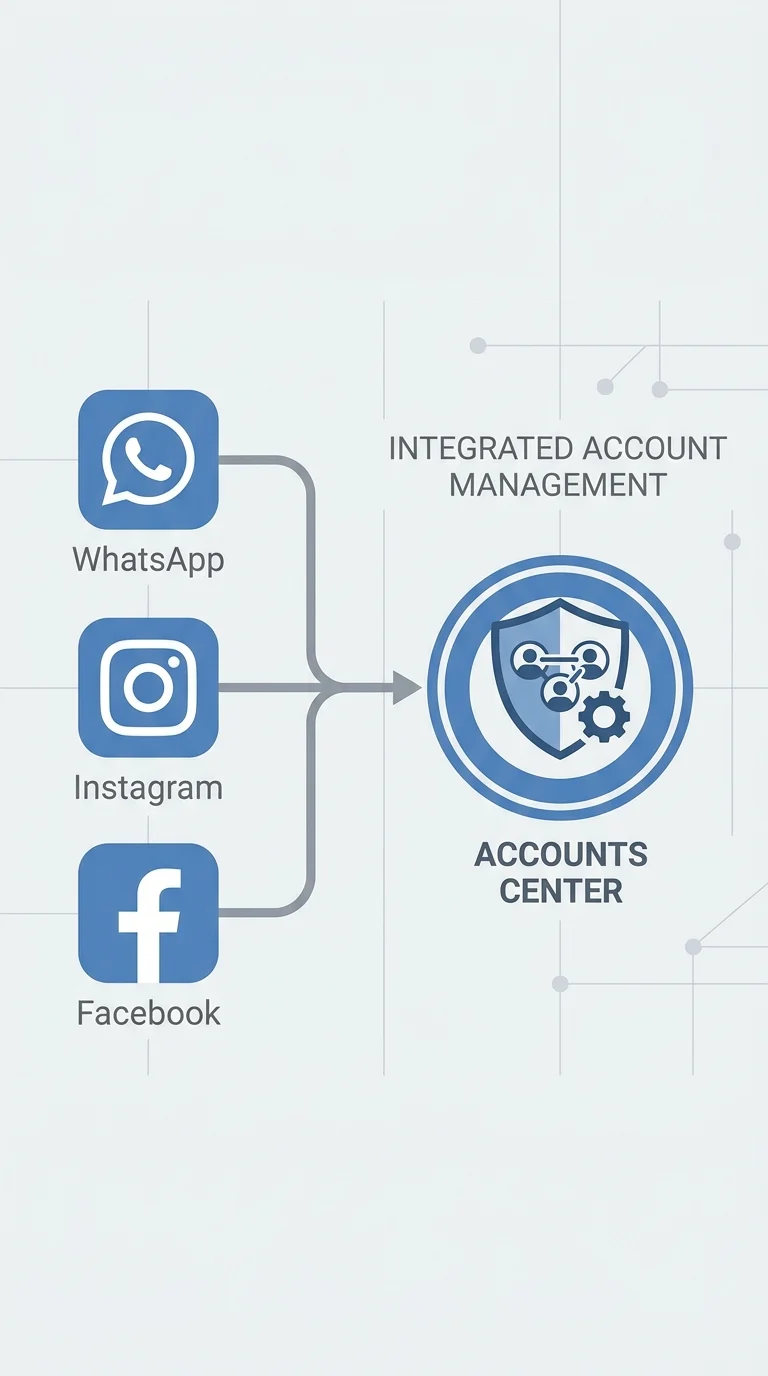
The Bottom Line
Most username issues on WhatsApp come down to one of two things: the feature hasn’t reached your region yet, or the name you want is already taken or restricted. Reserving your username early is a simple way to make sure you don’t lose out on the name you want once the feature goes live for you. If you hit an error message, it almost always tells you exactly what’s wrong , you just need to know what it means.