Vipin PG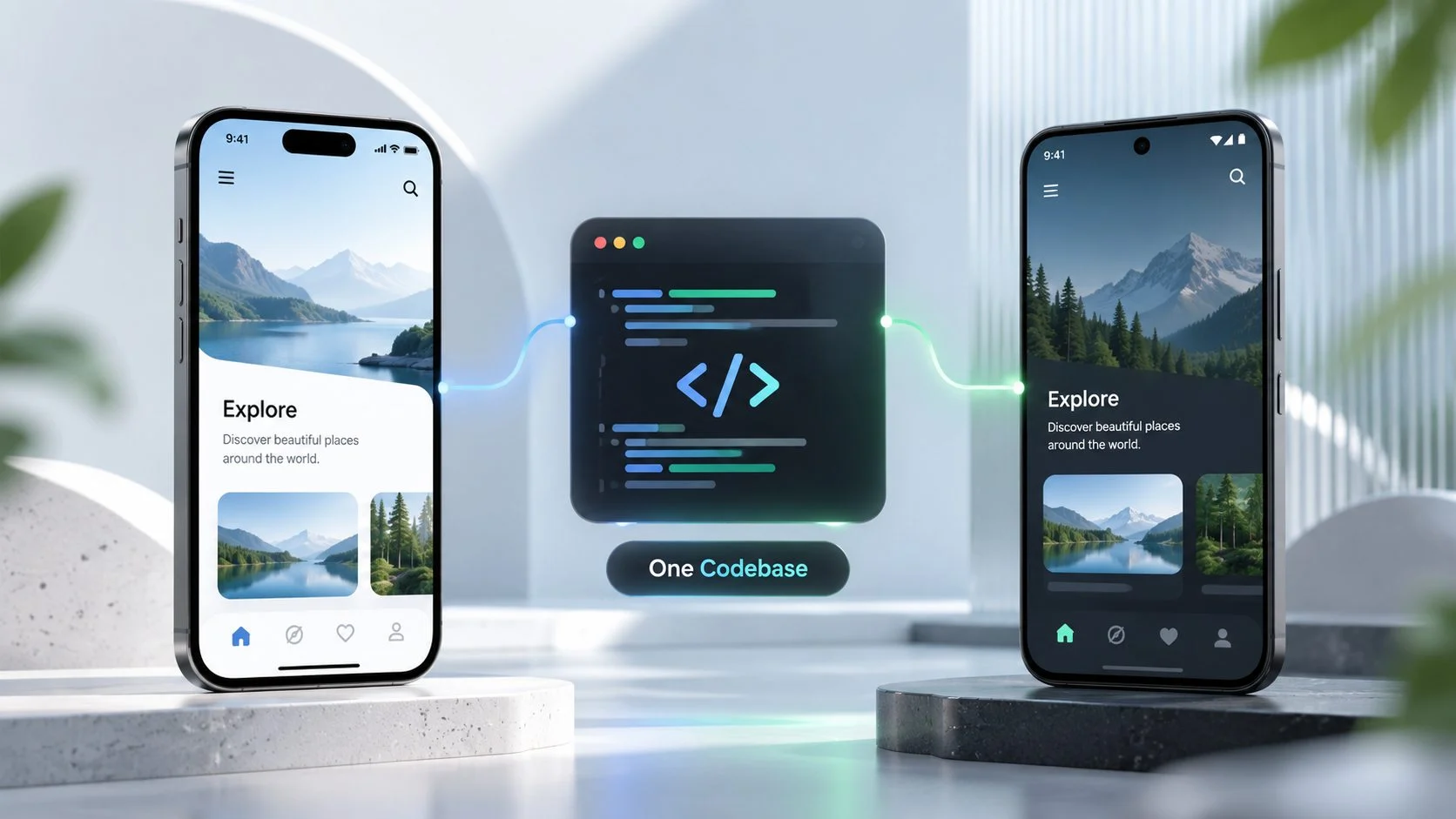
Most teams building a mobile app face the same decision early in the project: build separate native apps in Swift and Kotlin, or use a cross-platform framework such as Flutter or React Native to maintain one shared codebase for iOS and Android.
Performance used to dominate that discussion. For many apps in 2026, it is no longer the deciding factor. Flutter uses its Impeller rendering engine by default on supported platforms, while React Native’s New Architecture, including Fabric and TurboModules, has been the default since version 0.76. Both approaches can deliver smooth interfaces for typical application screens.
The harder questions concern the product itself, how deeply it depends on platform-specific features, how long the app will be maintained, and whether the development team has the right mobile experience.
This checklist can help you work through those questions before choosing an architecture.
Start with what the app actually does
List the five or six features that matter most to the product, then identify where each feature lives technically. Some features mostly involve interface code, networking, local data, and business logic. Others depend heavily on hardware or operating system APIs.
Apps that often work well with one codebase
- Content and media apps. News readers, learning platforms, podcast players, and community apps rely heavily on lists, feeds, forms, media playback, and standard navigation. Flutter and React Native are well suited to this type of work.
- Commerce apps. Product catalogs, carts, checkout flows, order tracking, and loyalty features are common cross-platform use cases. Major payment providers such as Stripe and Adyen also provide packages for Flutter and React Native.
- Internal and B2B tools. Field service apps, inventory systems, approval workflows, and dashboards often need to support Android tablets and iPhones without requiring every screen to behave differently on each platform.
- Booking and marketplace apps. Calendars, maps, messaging, account management, and push notifications are supported by established cross-platform libraries and native integrations.
Apps that may need more native development
- Heavy AR and 3D applications. Products built around ARKit, ARCore, real-time 3D rendering, or advanced camera processing can require enough native code that sharing the rest of the application saves less work.
- Deep hardware integration. Custom Bluetooth Low Energy protocols, medical or industrial hardware, background audio processing, and close integration with wearables can push a project toward native development.
- Platform-specific experiences. Live Activities, iOS widgets, Wear OS tiles, CarPlay, and Android Auto can be used with cross-platform applications, but these features commonly require native components that must be maintained separately.
A useful warning sign is the amount of custom native work required. If more than roughly a third of the product’s important features need custom native modules, the benefit of maintaining one shared codebase can shrink quickly.
Look at maintenance, not only the first build
The initial development cost is where a shared codebase often looks most attractive. One team can write much of the interface, business logic, and automated testing once instead of implementing the same product twice.
Maintenance over several years deserves just as much attention.
With separate native applications, a feature usually has to be implemented twice. Bug fixes, interface changes, analytics updates, and testing can require separate pull requests, code reviews, and QA passes. The iOS and Android versions can also drift apart, leaving one platform with bugs or behavior that the other does not have.
A shared codebase removes much of that duplication, but it introduces its own maintenance work.
- Framework upgrades. Flutter and React Native continue to release framework updates. Allowing a project to fall far behind can make a later upgrade considerably harder than applying updates regularly.
- Plugin maintenance. Cross-platform projects depend heavily on packages maintained by framework teams, companies, and independent developers. If an important camera, payment, authentication, or hardware package becomes inactive, your team may have to maintain or replace it.
- Native bridges. A custom module does not stop being native code because the rest of the application uses Flutter or React Native. Swift and Kotlin components still need testing, updates, and maintenance.
One practical comparison is to examine the next 18 months of your roadmap. Mark each planned feature as either shared UI and business logic or work that depends on native APIs. A roadmap dominated by shared application logic gives a single-codebase approach more room to save development effort.
Account for the yearly iOS and Android release cycle
Apple and Google release major operating system updates regularly, and app developers have to keep their projects compatible with current SDKs and store requirements.
Google Play requires new applications and updates to meet its current target API level requirements. Apple also requires App Store submissions to use supported versions of Xcode and the iOS SDK. Falling too far behind can eventually prevent a team from shipping updates until the development environment and application are brought forward.
The two development approaches handle new platform releases differently.
- Native apps get direct access to Apple’s and Google’s new APIs and documentation. Teams that need a new platform feature immediately can start working with the native SDK as soon as it becomes available.
- Flutter and React Native projects may also depend on framework and package support before a new operating system feature can be used cleanly. Some integrations arrive quickly, while less common APIs may require custom native code.
This difference matters most when a product depends on launching a newly introduced platform feature as soon as the operating system ships. For applications mainly concerned with compatibility and normal feature development, maintaining most of the product in one project can reduce duplicated update work.
There are useful options between fully native and fully shared
The architecture does not have to be limited to two completely separate native apps or one entirely shared application.
Kotlin Multiplatform
Kotlin Multiplatform can share business logic, networking, data handling, and other application layers while allowing iOS and Android to retain native interfaces. Compose Multiplatform for iOS reached stable status in 2025, giving teams another option when they want to share more of the UI as well.
This approach can be particularly relevant to teams that already have strong Kotlin or Android experience but do not want to duplicate every part of the application.
A cross-platform app with selected native modules
A Flutter or React Native project can keep most screens and business logic shared while implementing demanding features natively.
A custom camera workflow or Bluetooth pairing system, for example, can live in Swift and Kotlin modules connected to the shared application. This works well when native requirements are concentrated in a small part of the product rather than spread throughout the app.
The team’s experience can change the answer
A shared codebase saves development effort only when the people maintaining it understand the framework and mobile development itself.
One common mistake is assigning a Flutter or React Native project to a web team and assuming the framework will handle the mobile-specific work. The application may run, but problems can appear as it grows: unsuitable state management, poor performance on older devices, memory leaks, fragile release builds, or missing platform requirements.
Mobile development also involves work that does not disappear with a cross-platform framework. Teams still have to test across real devices, deal with unstable networks and offline states, manage signing and provisioning, prepare store releases, and respond to App Store and Play Store requirements.
A company without that experience in-house may use a development partner during the initial build. Firms such as Full Scale provide dedicated engineers who can work alongside an existing team rather than taking the entire product away from the company’s development process.
That arrangement can keep product ownership with the internal team while adding mobile experience where it is missing.
Check the team’s production experience before committing
Before settling on Flutter, React Native, or another shared architecture, check whether the people responsible for the project have already handled the work that appears after the first few screens are finished.
- Have they shipped at least one production application to both app stores using the chosen framework?
- Have they built and maintained a custom native module in Swift or Kotlin?
- Have they configured a CI pipeline that builds, signs, tests, and prepares releases for TestFlight and Google Play?
- Have they completed a major framework upgrade on an application that was already in production?
If most of those answers are no, using experienced cross-platform app developers for the initial architecture can reduce the amount of trial and error during the first release.
Project structure, state management, native boundaries, testing, and the release pipeline are difficult areas to repair once a large application has been built around weak early decisions.
A practical single-codebase checklist
A shared codebase deserves serious consideration when most of the following statements describe the project:
- The main features consist of UI, data handling, business logic, and common device APIs such as the camera, location, and push notifications.
- The product needs iOS and Android versions at launch or shortly afterward.
- The roadmap puts more value on consistent releases across both platforms than immediate access to every new OS feature.
- The team already has production experience with the selected framework, or the project can bring in developers who do.
- The maintenance plan includes regular time for framework, SDK, dependency, and plugin updates.
Native development deserves stronger consideration when the product is built around AR, advanced camera work, unusual hardware, extensive background processing, platform-specific surfaces, or immediate access to newly released iOS and Android APIs.
The decision also does not have to apply equally to every part of the application. Sharing the portions that benefit from common code while keeping a small number of platform-specific features native can be a better fit than forcing everything into one architecture.
Make the architecture decision before the codebase gets expensive
Changing direction later is possible, but moving a mature application between native and cross-platform architectures can mean rewriting large parts of the product.
I would spend the extra time before development mapping the important features, native API requirements, team experience, maintenance expectations, and upcoming roadmap. A short architecture review before implementation is far easier to absorb than discovering well into development that the chosen approach does not fit the product.