Vipin PG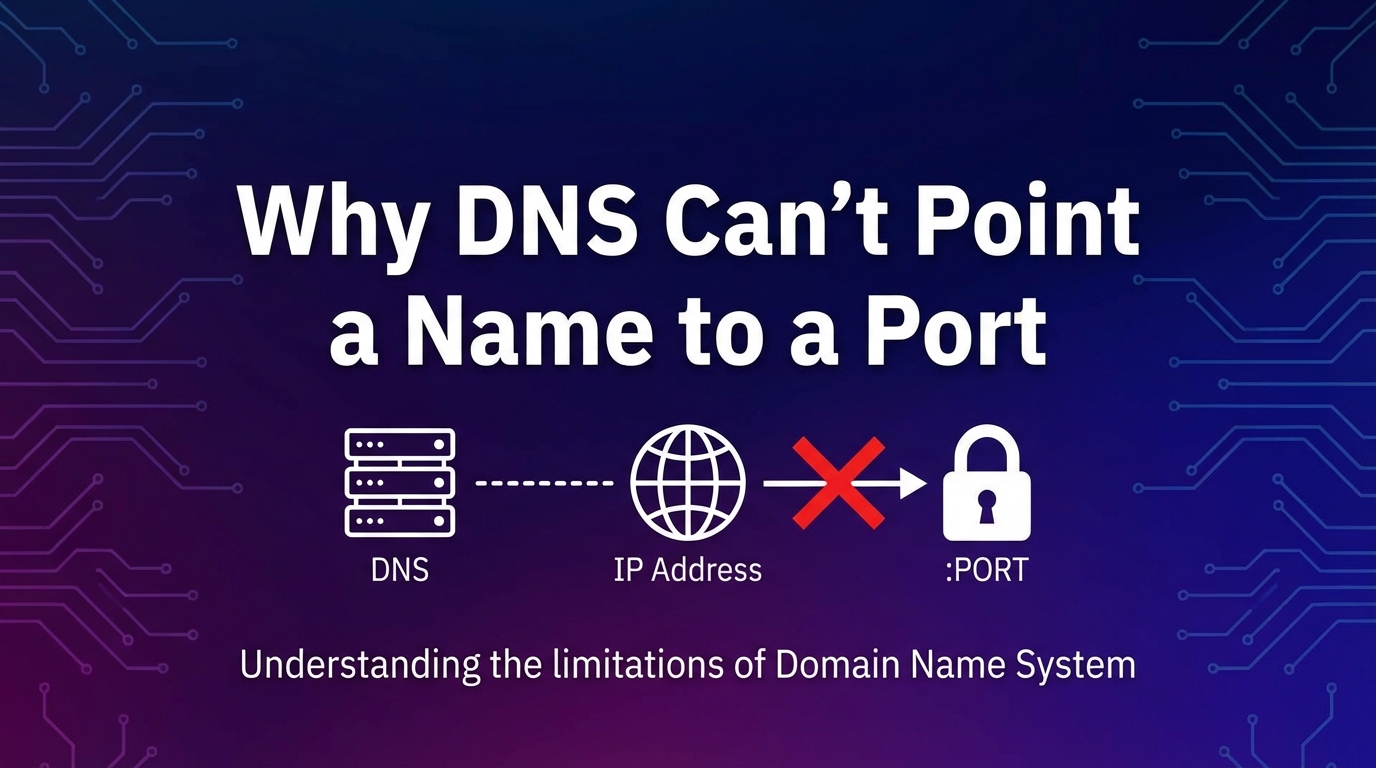
If you run services on your home server or Raspberry Pi, you’ve probably faced this question:
Can I open my services using simple names instead of IP addresses and port numbers?
When you already use Pi-hole as your local DNS server, it feels logical to expect this to work through DNS alone. But when you try it, things don’t behave the way you expect.
This article explains why that happens, what the real limitation is, and how to solve it properly, without hacks or guesswork.
A Typical Home Lab Scenario
Imagine a single server on your local network with this setup:
- Server IP: 192.168.1.40
- Multiple services running on different ports
- Pi-hole handling DNS for the entire network
For example, one service runs on port 8080 and another runs on port 9090. The goal is to open each service using an easy-to-remember name instead of typing the full address every time.
You might expect something like typing “dashboard” or “media” in the browser to work automatically.
The Key Limitation Most People Miss
Here’s the rule that explains everything:
DNS only translates names into IP addresses. It does not handle ports.
DNS can link a name to an IP address, but it cannot attach a port number to that name. Ports belong to the application layer and are handled later by your browser or client software.
This behavior is not specific to Pi-hole. It is how DNS works everywhere.
Why Adding Ports in DNS Never Works
When you try to save a DNS entry that includes a port number, it may look valid in the interface, but the port information is ignored.
What actually happens is simple:
- DNS resolves only the IP address
- The port number is discarded
- The browser never receives instructions about which service to open
As a result, the request cannot reach the intended application.
The Correct DNS-Only Approach
If you are comfortable specifying ports in the browser, the solution is straightforward.
Create a normal DNS record that points a hostname to the server’s IP address. Then include the required port number when accessing the service.
This works because DNS resolves the name and the browser handles the port selection.
Why DNS Alone Can’t Remove Ports from URLs
Many users want clean addresses without port numbers, such as opening a service by typing only its name.
This is not possible using DNS alone.
DNS finishes its job before the web request begins. It never sees or processes port information. Only the web server receives the hostname requested by the browser.
The Proper Solution for Clean URLs: A Reverse Proxy
If you want to access services without typing port numbers, the correct solution is a reverse proxy.
A reverse proxy listens on standard web ports and routes traffic internally based on the hostname used in the request.
With this setup, multiple hostnames can point to the same IP address, while the reverse proxy decides which internal service should handle each request.
This approach is widely used in shared hosting environments, cloud platforms, and modern home servers.
Why There Is No DNS Trick That Solves This
You may come across advanced DNS record types that appear to support port information. While DNS can technically store such data, web browsers do not use it when opening websites.
This is why DNS alone cannot control how web traffic is routed to different services.
If you prefer a visual explanation, the video below clearly demonstrates why DNS cannot handle ports and how related components work together in real setups.
Final Thoughts
The issue is not a misconfiguration or missing feature.
It comes from expecting DNS to handle tasks that belong to the web server and browser.
DNS is responsible for turning names into IP addresses. Browsers and web servers are responsible for handling ports and routing requests.
If you are fine with using ports, a simple hostname and port combination is enough. If you want clean, professional-looking URLs, a reverse proxy is the right tool.
Once this separation is understood, setting up and managing self-hosted services becomes far more predictable and frustration-free.