Vipin PG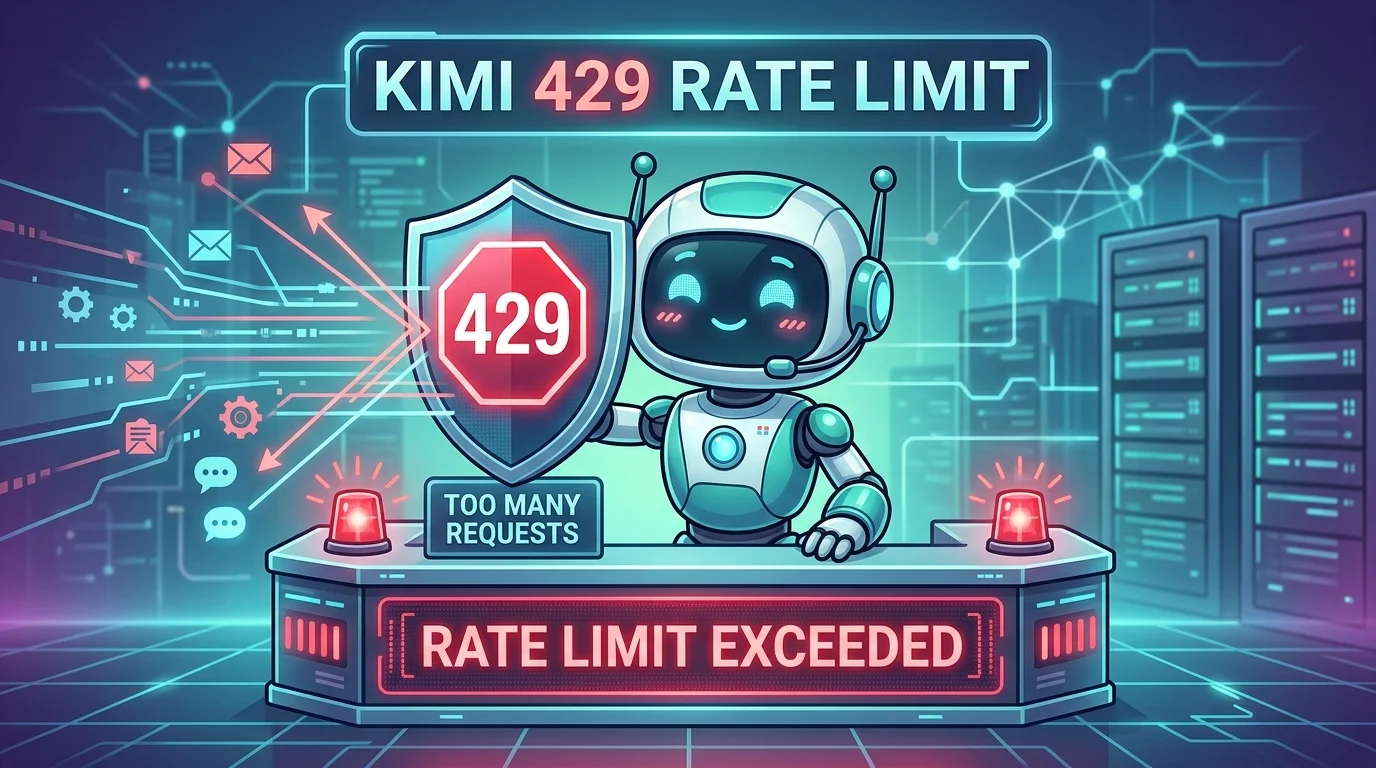
If you’re seeing an error like:
Error code: 429 … request reached organization TPD rate limit, current: 1501880, limit: 1500000
…it means the organization tied to your API key has exceeded its TPD (tokens per day) allowance. Moonshot’s Kimi API rate limits are measured across multiple dimensions—concurrency, RPM, TPM, and TPD—and the error you pasted is specifically the TPD bucket.
The confusing part (“I didn’t use it in days”) is usually explained by one of these: (1) you’re using the wrong key/org, (2) a tool is consuming tokens in the background, (3) your key leaked, (4) the “day” is a rolling counter / delayed reporting, or (5) you’re hitting a special endpoint/plan mismatch (Kimi Code vs standard API).
Below is a practical, step-by-step fix.
Decode the error (so you fix the right thing)
Your message includes:
- org-… → the organization whose quota you hit
- prof… → profile / project identifier (implementation detail, but confirms this is org-level)
- ak-… → the API key (or an identifier for it)
- TPD current vs limit → you’re over the tokens-per-day cap
Moonshot describes rate limits as multi-bucket (concurrency/RPM/TPM/TPD). Hitting TPD means you’re out of “daily tokens,” not just “too many requests this minute.”
First 5-minute checks (fastest way to identify the cause)
A. Confirm you’re looking at the right console/account
A very common trap: you created a Kimi plan/key with phone-number login on the Kimi Code console, then you check usage on Moonshot’s platform console (Google login)—and the dashboards don’t match because you’re not in the same account/org. People have reported exactly this mismatch: “usage shows 0% but I’m getting 429.”
Action
- If your key came from Kimi Code console (kimi.com/code/console), check limits/usage there.
- If your key came from Moonshot Open Platform (platform.moonshot.ai/console), check usage there.
- If you aren’t sure which, the error string already hints:
If you’re calling a coding endpoint, you may be on a separate Kimi Code plan and need the correct endpoint/key pairing. Moonshot staff explicitly warn to use the dedicated coding endpoint/key for Kimi Code.
B. Ask: “Could any tool be auto-using my key?”
If you have Claude Code / Cline / Roo Code / OpenClaw / kimi-cli configured, they can burn tokens via:
- indexing,
- background retries,
- agent loops,
- long context re-sends.
Moonshot’s docs explicitly support using Kimi in third-party agents, which increases the chance a tool is the consumer—not “you typing in chat.”
Action
- Temporarily disable your IDE agents/extensions
- Stop any automation servers (n8n, Zapier-like flows, local agent daemons)
- If you used kimi-cli, close it everywhere (including remote shells)
The most common root cause: the key leaked or is being reused
Even if you personally didn’t use it, anyone with the key can, and the quota is org-level.
Strong indicators of key compromise
- You hit TPD “suddenly”
- You weren’t running any tools
- You recently pasted config into a screenshot / gist / repo / Discord
Fix (do this immediately)
- Create a new API key
- Revoke/delete the old key
- Update your apps to the new key
This is standard best practice for Kimi/Moonshot-style API keys; third-party guides also emphasize rotating keys and revoking safely.
Verify whether TPD is a rolling window / delayed accounting
Some API platforms treat “TPD” not as a neat midnight reset but as a rolling limiter or with delayed reconciliation. On OpenAI’s side, developers have run into the same confusion: billing/usage screens don’t perfectly align with rate limiter counters due to rolling formulas and delays.
What to do
- Wait a bit and retry (yes, annoying, but sometimes correct)
- More importantly: log rate limit headers (next step) to see real-time remaining quotas
Add real visibility: log rate limit headers + token usage
If you’re using an OpenAI-compatible SDK
Moonshot’s Kimi API is designed to be OpenAI SDK compatible for many endpoints.
When possible:
- log response headers (many providers include rate-limit remaining/reset)
- log prompt_tokens / completion_tokens in responses
- store per-request totals so you can prove what consumed the quota
Even if Moonshot’s exact header names differ by endpoint, the pattern is the same: once you can see “remaining,” you can confirm whether the limiter is truly exhausted vs a UI glitch.
Make sure you’re calling the correct endpoint (Kimi Code vs standard Moonshot API)
If your usage/limits screen shows “0% used” but the API says you exceeded TPD, you may be using:
- the wrong base URL, or
- the wrong key for that endpoint.
Moonshot forum guidance specifically notes:
- K2 series API usage is governed by per-minute limits (TPM/RPM) for many plans, and
- Kimi Code can require a dedicated endpoint like https://api.kimi.com/coding/ and its own console-issued key.
Action checklist
- Confirm your base_url matches the key you created
- Confirm the model name matches the product (general Kimi vs coding plan)
- If using a third-party agent, ensure it didn’t “fallback” to a different provider silently
Prevent it from happening again (practical engineering fixes)
A. Put a hard cap in your app (client-side safety)
Add guards like:
- max tokens per request
- max retries per minute
- max parallel requests (concurrency)
Moonshot measures limits across concurrency/RPM/TPM/TPD, so preventing bursts in any one bucket reduces lockouts.
B. Add exponential backoff + jitter on 429
If your tool retries aggressively, it can turn a brief limit into a prolonged outage. Generic API guidance: exponential backoff is the standard mitigation for 429s.
C. Cache and shrink context
Agent tools often resend huge conversation history. That destroys TPD.
- Summarize history
- Use retrieval instead of pasting entire logs
- Cache stable system prompts
When it’s not you: platform-side incidents
There have been multiple recent user reports along the lines of “Kimi code is down / 429 even with 0% usage,” which can indicate a service-side bug or misreported quotas.
Action
- Check Moonshot/Kimi community/forum for incident threads
- If it’s widespread, rotate keys anyway (good hygiene), then wait/retry
A clean “do this now” recovery playbook
- Stop all agent tools that could be using the key (IDE agents, CLIs, automations).
- Verify you’re in the correct console/account (Kimi Code vs Moonshot platform).
- Create a new API key + revoke the old one (treat old key as compromised).
- Confirm endpoint/base_url matches your plan (especially for …/coding/).
- Add rate-limit logging, token accounting, backoff, and concurrency caps.
- If still stuck and you’re certain nothing is using the key, treat it as a provider-side quota accounting issue and raise it with support/forums with your org id + timestamps.
Quick template you can paste into a support ticket/forum post
- Error: TPD rate limit, current X, limit Y
- Org: org-…
- Endpoint/base_url: …
- Model: …
- Time range (with timezone): …
- Steps tried: key rotated? old key revoked? all agents stopped?
- Console screenshot: limits page + usage page (blur key)
This makes it much easier for the provider to confirm whether it was actual usage, stuck limiter, or account mismatch.