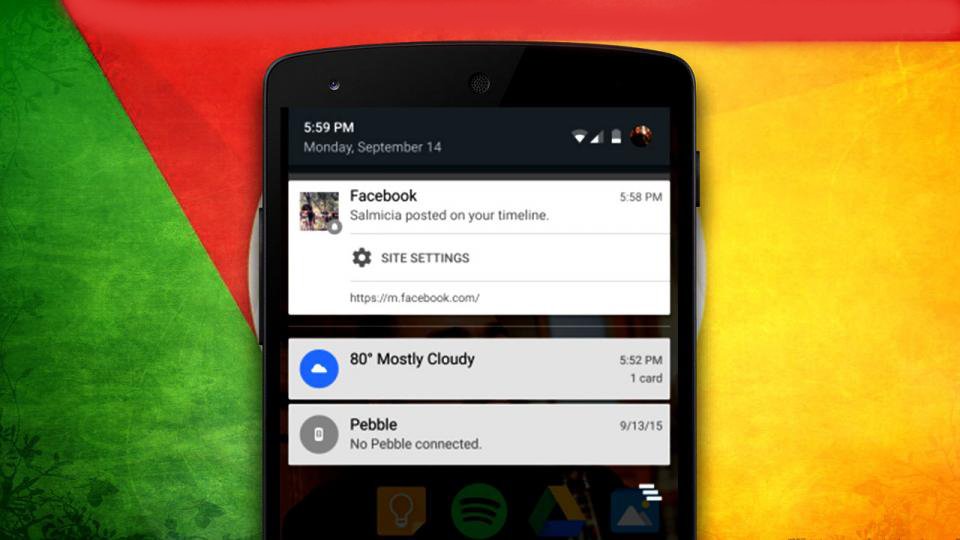
Now most of the websites are using push notification service so that the subscribers will get a notification of the update in the website. its a very useful one for both website and its users. However, there are cases in which users will accidentally allow notification for some unwanted websites. Now lets check how to turn of the website notification for unwanted websites in your Android Chrome Browser.
Step 1 : In your chrome browser, click on the Menu (3 dots in the top right-hand corner)
Step 2 from the menu, click on Settings
Step 3 : Click on Site settings
Step 4 : Click on Notifications
Step 5 :There you can see all the allowed notification websites. Click on the website that you are looking to remove.
Step 6 : Click on ‘Clear & Reset’. the website will be removed from your browser.

Now you will no longer receive notification from that website.