Vipin PG
Every second, millions of posts compete for the same few seconds of a user’s attention on social media. Most of them lose. Not because the message is wrong or the timing is off, but because the visual fails to earn a second look. Before a caption gets read, before a product name registers, the image has already done its job, or failed to. High-quality images are not a design luxury. They are one of the clearest levers you can pull to improve how your content performs. This article explains what poor visuals actually cost you, what well-executed images accomplish, and how to close the gap between where your content is and where it needs to be.
What Poor Image Quality Costs You
The damage from low-quality visuals is not always obvious, but it compounds. A blurry product shot does not just look unprofessional. It tells the viewer, before they have read a word that the content probably is not worth their time. Note what comes to your mind after viewing the images below.  Low Quality Image
  High Quality Image Here is where the cost shows up most clearly:
- Engagement reduction. Visual content drives more engagement than text-only posts. But that advantage disappears when the image is low-resolution, poorly lit, or visually noisy. People scroll past content such as this.
- Platform algorithms penalise it. Instagram, Facebook, and LinkedIn all factor content quality into distribution decisions. Posts that generate quick negative signals , low dwell time, no saves, and no shares, get shown to fewer people. Poor image quality accelerates that cycle.
- Brand perception takes a hit. For businesses and creators alike, visual consistency builds trust. A single low-quality post in a polished feed is jarring. But when repeated across a feed, it signals to followers that quality is not a priority. That perception is difficult to undo.
- Compression makes bad images worse. Every major social platform compresses uploaded images. A photo that looks passable before upload can look noticeably degraded after the platform processes it. Images that start with low resolution have almost no margin to absorb that compression.
What High-Quality Images Actually Do for Engagement
The platforms where visual quality matters most each have their own context:
- Instagram is the most visually demanding of the major platforms. Users on Instagram expect a high standard, and the feed is curated enough that low-quality images stand out negatively. On the other hand, high-resolution images with good contrast and colour accuracy earn more saves and shares. These are engagement signals that determine whether the algorithms will push content to more users on the Explore page.
- Facebook serves a wider demographic and a broader range of content types. Image clarity directly affects click-through rates on promotional posts. There is a higher chance that a clean product image – without compression artefacts or washed-out tones – will convert effectively in paid and organic contexts.
- LinkedIn rewards credibility. A high-quality image attached to a professional post signals that the person or brand behind it takes their work seriously. The point is about matching the visual quality to the professional context.
Across all three platforms, the pattern holds: when images are sharp, well-lit, and correctly sized for the platform, dwell time increases. Increased dwell time is one of the clearest signals an algorithm can receive that a piece of content is worth distributing further.
How to Get There Without a Camera Upgrade
The most common assumption is that better images require better equipment. In most cases, that is not true. The gap between a mediocre image and a professional one is increasingly closed by AI-powered improve tools , not camera hardware. AI image improve works by analysing existing image data and intelligently filling in what is missing , sharpening edges, correcting colour temperature, reducing noise, and upscaling resolution without the visual artefacts that traditional resizing produces. The result is an image that looks like it was captured at a higher quality than it was. For anyone producing content at volume , whether that is a small business managing its own social presence or a creator publishing across multiple platforms , a free image enhancer removes the need to reshoot or manually edit every image. Zawa AI’s enhancer supports batch processing so that you can process an entire content calendar’s worth of images in a single session rather than one by one. 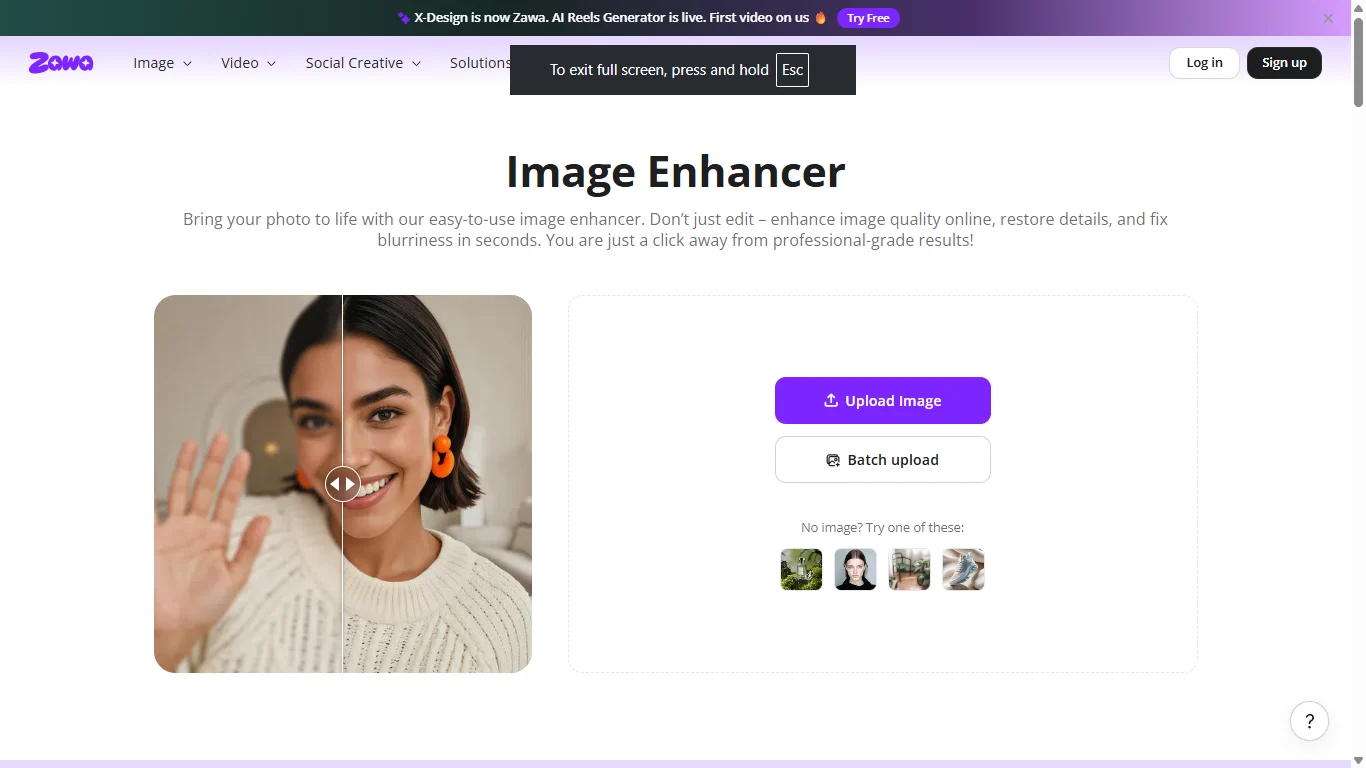 Beyond improve, the other half of the quality equation is resolution. Social platforms display images at specific sizes, and submitting an image that is too small forces the platform to upscale it, which almost always introduces visible degradation. The better approach is to convert images to high quality at the source..
 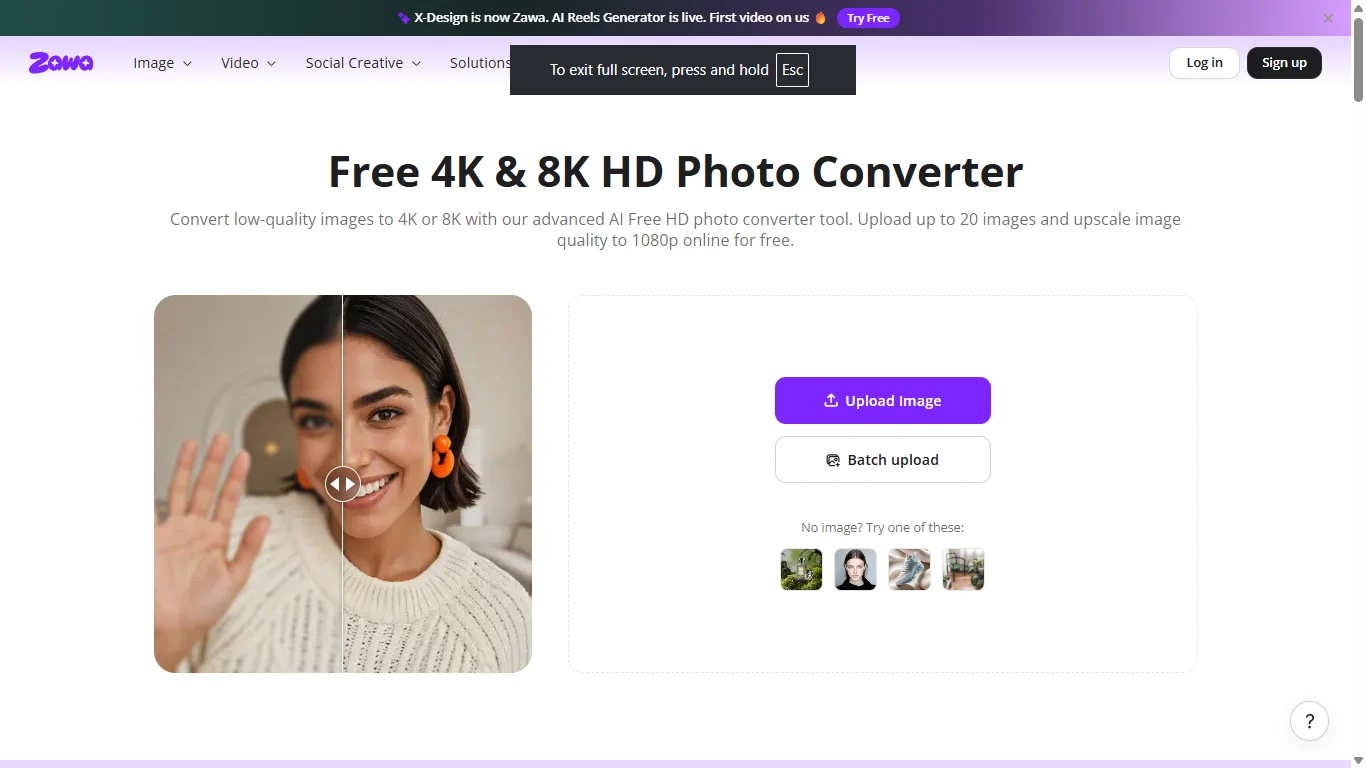 Zawa AI supports output up to 4K Ultra HD and includes scenario-specific modes , portrait mode for profile pictures and human-centred content, product mode for e-commerce and promotional images. These modes adjust the improve algorithm to the images’ content, producing results that look natural rather than over-processed.
Frequently Asked Questions
Does image quality affect how often the algorithm shows my posts?
Yes. Platforms measure how users respond to content in the first few minutes after posting. If people scroll past quickly or do not interact, the algorithm interprets that as a signal of low quality and reduces distribution. High-quality images tend to hold attention longer, which sends the opposite signal.
What resolution should my images be for Instagram, Facebook, and LinkedIn?
Instagram recommends 1080 x 1080 pixels for square posts and 1080 x 1350 pixels for portrait posts. Consequently, Facebook performs best with images at 1200 x 630 pixels for shared links. Finally, LinkedIn recommends 1200 x 627 for standard posts. Uploading at or above these dimensions before compression gives your images the best chance of rendering cleanly.
Can I improve image quality after taking a photo?
Yes, and AI tools have made this significantly more accessible. AI improve tools can sharpen blurry images, correct colour and brightness, reduce noise, and upscale resolution without manual editing expertise.
Do high-quality images increase followers or just engagement?
Primarily engagement , but the two are connected. Higher engagement rates increase your content’s reach, which exposes your profile to new audiences. Sustained high-quality output builds a perception of credibility and consistency that makes people more likely to follow.
Conclusion
The scroll is ruthless and fast. The images you post are doing more work than most people realise , building first impressions, signalling professionalism, and determining whether the algorithm decides your content is worth showing to more people. You do not need better equipment to produce better images, but you need the right tools and a consistent approach. AI improve closes the gap between what a phone camera captures and what a professional content calendar demands. Start there, and the engagement numbers will follow.