Vipin PG
Your info is out there. Now what? We share more online than we realize—a birthday in a Facebook post, an address tucked into a shipping confirmation. Even small habits can be tracked and stored, like when you’re online or where you shop.
On their own, these details seem harmless. But in the hands of the wrong person, they can be pieced together to fuel phishing scams, identity theft, or worse.
We’ll tell you some practical ways to protect your information. Plus, what to do if your data is ever compromised. Tools like anti-phishing software play a big role. But so do your habits.
Why Your Personal Information Is Valuable
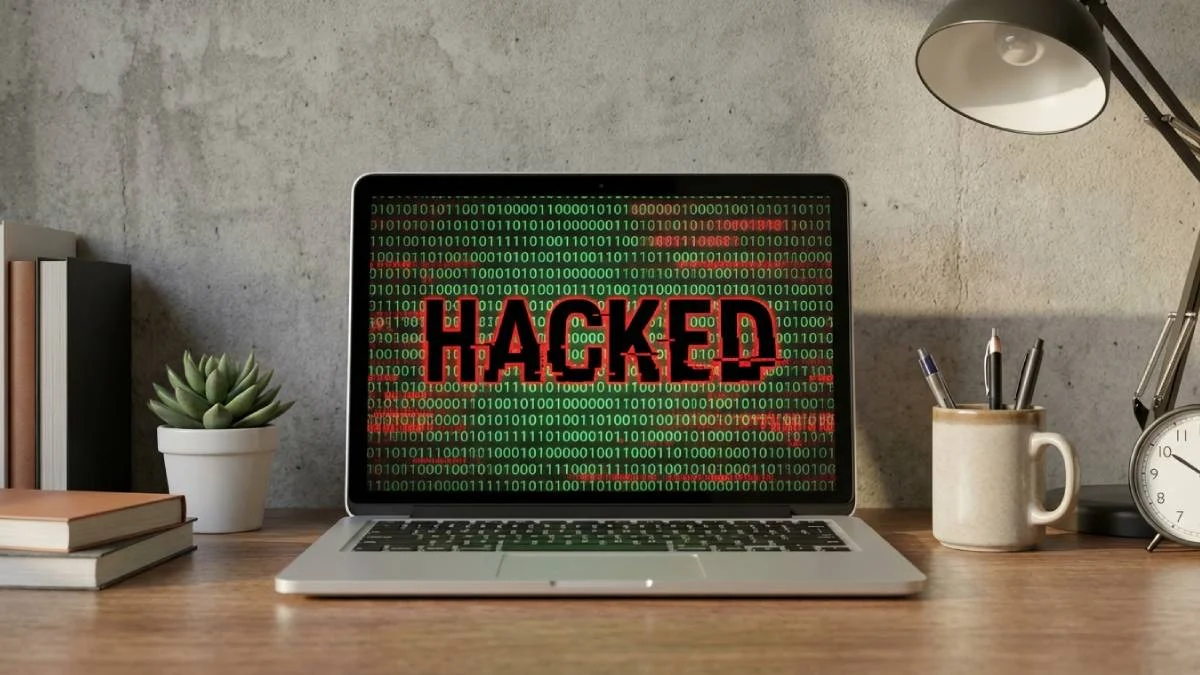
It doesn’t take much for a hacker to cause damage. Something as simple as your email address or date of birth can unlock access to more sensitive data. Or help someone convincingly impersonate you.
Cybercriminals collect this information to sell it. Or they might launch phishing scams. Also, commit financial fraud. Even small leaks — like signing up for a dodgy newsletter or clicking the wrong link — can quickly spiral into bigger problems. The truth? It can happen to anyone.
What is Phishing?
Phishing is a type of cyberattack. Scammers trick you into giving up sensitive information. Often, they pretend to be someone else. A person or organization you trust. It could be a fake email from your bank, a text that looks like it’s from a delivery company, or even a login page that seems identical to the real thing.
These scams work because they create urgency: “Warning, your account will be suspended,” or a message that says, “You’ve won a prize!”
Phishing plays on emotion and familiarity. And with a few personal details, attackers can make it all feel alarmingly real.
One of the most high-profile phishing cases happened in 2020. Hackers used social engineering — a tactic that involves manipulating people — to gain access to Twitter’s internal systems. They targeted employees, gathered just enough info to seem legitimate, and tricked their way past security.
The result? Verified accounts belonging to Barack Obama, Elon Musk, and others were taken over and used to promote a Bitcoin scam. The breach wasn’t about advanced hacking tools. It was about phishing and persuasion.
How to Recognize a Phishing Attempt
Phishing messages are often easy to spot if you know what to look for. Watch for these signs:
- Poor grammar
- Spelling mistakes
- Generic greetings like “Dear Customer”
- Suspicious or unfamiliar links that don’t match the sender’s real website
If you’re asked to share sensitive information (passwords, Social Security numbers, or payment details), it’s a red flag! Legitimate organizations rarely request this over email or text.
Deals that seem too good to be true? Threats warning you that your account will be suspended unless you act immediately? These are classic tricks designed to rush you into making a mistake.
Protect Yourself with Anti-Phishing Software
Anti-phishing software acts as a digital shield. It filters out harmful websites, flags suspicious emails, and blocks unsafe downloads before they can cause damage. Many solutions bundle these features with broader security tools to offer comprehensive defense, which is great for those who don’t trust their instincts.
Features to look out for in anti-phishing software:
- Real-time scanning. Detects and blocks phishing attempts as they happen. It could be through email, a link, or a download.
- Browser integration. A browser warning if you’re visiting a blacklisted or suspicious site.
- Email filtering. Scans your incoming emails for known phishing tactics, fake links, spoof addresses, or suspicious attachments.
- Threat protection suite. Malware protection, ad blockers, tracker prevention, etc.
- Up-to-date blacklists of known phishing sites.
- Behavioral analysis. Uses AI or heuristic scanning. Spots patterns, even if the exact scam hasn’t been seen before.
- Cross-device coverage. Supports multiple devices, including PC, Mac, mobile, and more.
Help! I’ve Been Phished!
If you realize you’ve fallen victim, act quickly. These actions can minimize the damage. Do the following:
- Start by changing any compromised passwords immediately. Especially for important accounts like email, banking, and social media.
- Contact your bank or credit card provider to alert them. Monitor for any suspicious activity.
- Run a full malware scan on your devices. This scan will catch any hidden threats and report the phishing source to help protect others.
- Remember not to panic! Prompt action can make all the difference in keeping your information safe.
Small Changes, Big Impact
Overwhelmed at the thought of protecting your personal information online? You don’t have to be. Start small. Combine good habits with tools like anti-phishing software and it’ll be all taken care of. Stay aware of the risks. Don’t know where to begin? Start with one or two simple changes today. Then, build from there to keep your data safe.