It's 2026, and the software development landscape has shifted dramatically. The rise of AI tools like Cursor and Claude Code has led many developers to abandon traditional Integrated Development Environments (IDEs) in favor of more AI-driven workflows. Having made this transition myself, I've experi...
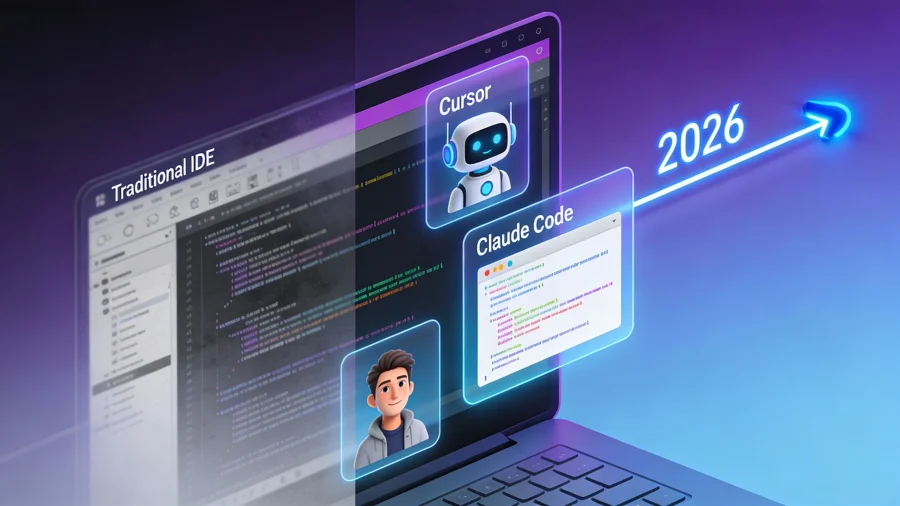
It's 2026, and the software development landscape has shifted dramatically. The rise of AI tools like Cursor and Claude Code has led many developers to abandon traditional Integrated Development Environments (IDEs) in favor of more AI-driven workflows. Having made this transition myself, I've experienced firsthand how these tools can enhance productivity and streamline coding tasks. Here's how you can leverage these AI tools to transform your development process.
Understanding the Shift: Why AI Tools are Replacing IDEs
The traditional IDE has been a staple for developers, offering a consolidated environment for coding, debugging, and testing. However, AI coding assistants have started to overshadow these tools by providing real-time code suggestions, error predictions, and even entire codebase management through natural language processing. The automation and intelligence they bring to the table are hard to ignore, especially when they can significantly speed up workflows.
Key Benefits of AI Coding Tools
- Increased Speed: AI tools like Cursor and Claude Code can generate scripts, set up pipelines, and handle feature engineering in a fraction of the time it would take manually.
- Reduced Errors: With advanced error prediction and correction capabilities, these tools minimize bugs and streamline debugging processes.
- Enhanced Collaboration: AI assistants can facilitate better collaboration by providing consistent coding styles and documentation.
Getting Started with AI Coding Tools
If you're considering making the switch from traditional IDEs to AI coding tools, here's a step-by-step guide based on my own experiences.
Step 1: Setting Up Your Environment
First, you'll need to set up your working environment with the necessary AI tools.
- Install Cursor: Begin by downloading and installing Cursor, which integrates seamlessly with most coding languages like Python, JavaScript, and more.
- Integrate Claude Code: Add Claude Code to your setup. It acts as an AI layer over your existing environment, providing suggestions and optimizations as you code.
- Explore Claudish: For those who work with various models, Claudish is invaluable for plugging any model into Claude Code, enhancing flexibility.
Step 2: Learning the Workflow
Transitioning to AI tools involves adapting to a new workflow. Here's how you can ease into the process:
- Familiarize with Commands: Spend some time understanding the various commands and prompts that Cursor and Claude Code offer. This includes slash commands and subagents that can automate repetitive tasks.
- Experiment with Projects: Start small by using these tools on a few projects. Set up pipelines and automate feature engineering tasks to see the speed improvements firsthand.
- Regular Code Review: Despite the intelligence of AI tools, it's crucial to regularly review the code they generate. This ensures that the outputs align with your project goals and standards.
Step 3: Maximizing Productivity
Once you're comfortable with the basics, here are some tips to maximize the productivity gains from AI coding tools:
- Utilize Marimo: Consider transitioning from traditional notebooks to Marimo for an integrated, AI-enhanced coding experience.
- Leverage MCP: Mastering the Multi-Channel Programming (MCP) capabilities of these tools can allow you to handle multiple tasks simultaneously, further boosting efficiency.
- Stay Updated: AI tools are continually evolving. Keep your software updated to benefit from the latest features and improvements.
Common Challenges and Troubleshooting
While AI tools offer numerous advantages, they are not without their challenges. Here's how to troubleshoot common issues:
Dealing with Hallucinations
AI-driven tools sometimes generate code that seems correct but is logically flawed, known as hallucinations. Here's how to tackle this:
- Regular Testing: Implement frequent testing of AI-generated scripts to catch any anomalies early.
- Cross-Verification: Use additional tools to verify code logic, ensuring your AI assistant's outputs are reliable.
Managing Complex Pipelines
As AI tools handle more complex tasks, managing intricate pipelines can become overwhelming:
- Modular Approach: Break down large pipelines into smaller, manageable modules. This makes it easier to monitor and adjust specific parts without affecting the entire process.
- Documentation: Maintain thorough documentation of your workflows to ensure clarity and ease of troubleshooting.
Conclusion: Embracing the Future of Development
The shift from traditional IDEs to AI-powered coding tools represents a significant evolution in software development. By embracing these tools, developers can enhance their productivity, reduce errors, and focus more on creative problem-solving rather than mundane coding tasks. As someone who has made this transition, I can attest to the transformative impact of AI in development workflows. It's an exciting time to be in tech, and adopting these tools can position you at the forefront of this innovation.