As we head into 2026, the integration of Large Language Models (LLMs) into our coding workflows has become more than a trend—it's a necessity. Having experimented with various tools and methodologies, I've refined a workflow that leverages LLMs effectively, enhancing productivity without sacrifici...
As we head into 2026, the integration of Large Language Models (LLMs) into our coding workflows has become more than a trend—it's a necessity. Having experimented with various tools and methodologies, I've refined a workflow that leverages LLMs effectively, enhancing productivity without sacrificing code quality. Here's a breakdown of how to optimize your LLM coding workflow using the latest tools and practices.
Understanding the Role of LLMs in Modern Development
LLMs have evolved from simple autocomplete tools to sophisticated coding assistants that can generate entire codebases, perform automated code reviews, and even propose architectural changes. They act as a second brain, helping us handle complex tasks more efficiently. The key is to use them not just as assistants, but as integral parts of our development process.
Choosing the Right Tool
The first step in optimizing your workflow is selecting an LLM tool that aligns with your needs. Here's a quick comparison of some of the top tools available:
| Tool | Best For | Key Feature |
|---|---|---|
| Manus | End-to-end autonomous tasks | General AI agent, research + code |
| GitHub Copilot | General-purpose AI assistance | Code completion & agent mode |
| Replit | Rapid prototyping & web apps | Browser-based IDE, instant deploy |
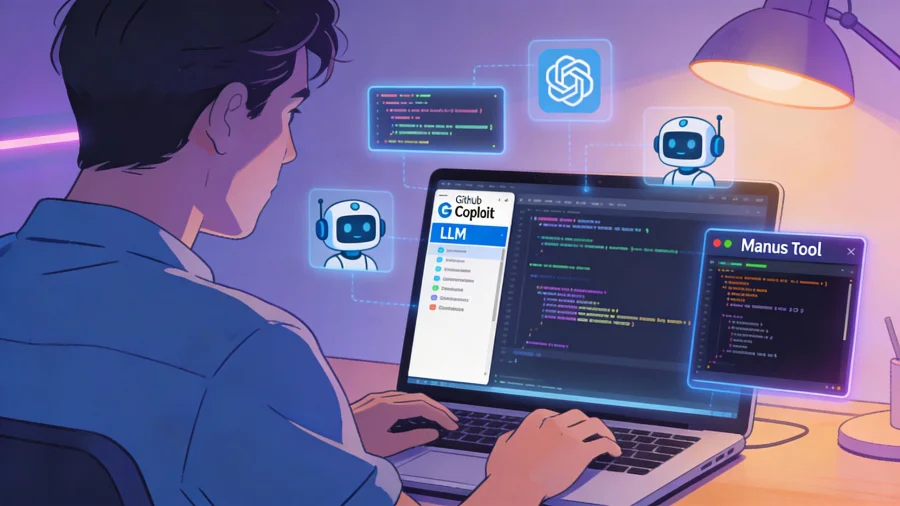
Personally, I lean towards GitHub Copilot for its seamless integration with my existing workflow in VS Code, but Manus is impressive for projects requiring extensive research and development.
Integrating LLMs into Your Workflow
Step 1: Initial Setup and Configuration
Start by ensuring your development environment is ready to accommodate the LLM. This includes installing the necessary plugins or extensions for your IDE. GitHub Copilot, for example, requires a simple extension installation in VS Code. Configuration is pretty straightforward, but make sure to set it up to match your coding style preferences to maximize its utility.
Step 2: Writing and Reviewing Code
When writing code, leverage the LLM to handle repetitive tasks and boilerplate code. For instance, when setting up a new React component, let the LLM handle the initial scaffolding. This frees up your cognitive resources for more complex problem-solving.
For code reviews, tools like Manus can be invaluable. They not only catch syntax errors but also suggest optimizations and refactorings. This is particularly useful in large projects where manual reviews can be time-consuming.
Step 3: Debugging and Testing
LLMs excel in debugging by identifying potential issues and suggesting fixes. When encountering an error, describe the problem to the LLM. It can often suggest solutions based on similar issues across different projects. In testing, LLMs can generate test cases based on your function descriptions, ensuring edge cases are covered.
Overcoming Common Challenges
Challenge 1: Managing Over-Reliance
One potential pitfall is becoming too reliant on the LLM, which can lead to a decrease in your problem-solving abilities. To counter this, I recommend using LLMs as a guide rather than a crutch. Always review and understand the suggestions before implementing them.
Challenge 2: Ensuring Code Quality
While LLMs can suggest code, they don't have the contextual awareness of a human developer. Always perform thorough reviews and tests. Use static code analysis tools alongside LLMs to maintain high code quality.
Maximizing Productivity with LLMs
Tip 1: Set Clear Objectives
Define what you want the LLM to do for you. Whether it's generating code, debugging, or researching, having a clear objective will help you use the tool more effectively.
Tip 2: Continuous Learning
Stay updated with the latest features and improvements in LLM tools. They are rapidly evolving, and new capabilities can significantly enhance your workflow.
Tip 3: Customize and Adapt
Every project is different, so don't hesitate to customize your LLM settings and adapt its usage to fit the specific needs of your project.
Incorporating LLMs into your coding workflow can transform how you approach software development. With the right setup and mindset, these tools can enhance your productivity and code quality, preparing you for the challenges of 2026 and beyond. Whether you're a solo developer or part of a larger team, the key is to use these tools to complement your skills, not replace them.