Vipin PG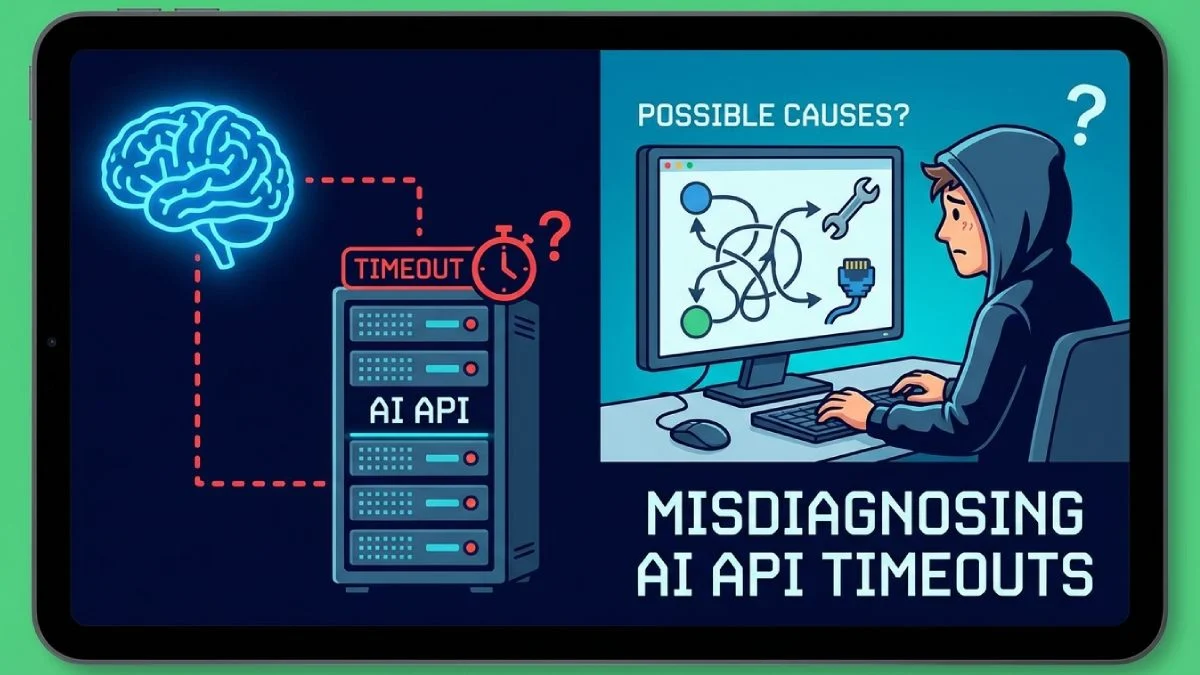
Modern AI workloads don’t fail loudly. They degrade. They stall. They surface as timeouts that look like provider throttling.
In 2026, most production AI stacks are layered: serverless edges, containerized workers, LLM gateways, observability pipelines, circuit breakers, rate limiters. When something times out, the instinct is predictable:
“The model provider is throttling us.”
Sometimes that’s true. Often, it isn’t.
This article walks through a real-world failure pattern I’ve seen repeatedly in AI-heavy systems — and why experienced engineers still misdiagnose it.
1. The Failure Scenario
A US-based SaaS platform provides AI-assisted document review. Architecture looks like this:
- Edge: Cloudflare Workers
- API layer: AWS API Gateway
- App tier: EKS (Kubernetes 1.32)
- LLM gateway: internal proxy service
- Model provider: OpenAI-compatible endpoint
- Observability: Datadog + OpenTelemetry
- Queue: SQS for async processing
- Autoscaling: HPA + Karpenter
Traffic pattern:
- ~1,200 RPS peak
- 15–25% of requests trigger LLM calls
- Average LLM latency: 2.4s
- p95 LLM latency: 5.8s
Then incidents start appearing:
ERROR llm-proxy: upstream timeout
provider=openai
model=gpt-4.2
duration=29.998s
status=504
trace_id=7b92c1...
Metrics dashboard shows:
- Spike in 504s
- p95 latency jumps from 6s → 30s
- CPU utilization normal (55%)
- Memory normal (62%)
- No obvious pod crashes
- No provider status alerts
Engineers immediately suspect provider throttling.
Because the errors look like this:
HTTP/1.1 504 Gateway Timeout
x-request-id: req_92af3
And occasionally:
HTTP/1.1 429 Too Many Requests
retry-after: 2
The team increases retry logic. They increase client timeout from 30s to 60s. They add exponential backoff.
The problem gets worse.
2. The Technical Root Cause
The issue was not upstream throttling.
It was connection pool exhaustion inside the internal LLM proxy.
The proxy service used:
- Node.js 22
- undici HTTP client
- Keep-alive enabled
- max connections per origin: 10 (default)
Configuration looked like this:
const client = new Pool("https://api.provider.com", {
  connections: 10,
  pipelining: 1,
  keepAliveTimeout: 60_000,
});
Under peak load:
- 300+ concurrent LLM calls
- Each request held connection ~3–6 seconds
- Pool size fixed at 10
Effect:
- Requests queued internally
- No visible CPU spike
- No container memory pressure
- No autoscaler trigger
- No immediate provider rejection
Queue time inside the proxy grew silently.
Actual breakdown (from tracing):
| Stage | Duration |
|---|---|
| API Gateway → proxy | 8ms |
| Proxy internal queue wait | 21,700ms |
| Provider processing | 2,900ms |
| Response serialization | 40ms |
The 30-second timeout wasn’t provider latency.
It was:
21.7 seconds waiting for a free outbound socket
- 2.9 seconds actual model inference
- = ~24.6 seconds
- network jitter
- = timeout
Why did 429s appear occasionally?
Because once backlog built up, burst retries amplified outbound concurrency spikes, briefly exceeding provider rate limits.
But throttling wasn’t the origin of the problem.
It was a saturated client pool.
3. The Cognitive Bias Involved
This failure pattern is driven by availability bias and anchoring.
Availability Bias
AI providers sometimes throttle. Developers have experienced it before. So when timeouts occur, that explanation is cognitively “available.”
The brain prefers familiar causes.
Anchoring
The first log entry seen was:
HTTP 429 Too Many RequestsThat becomes the anchor.
Subsequent 504s are interpreted through that lens:
“We’re being throttled harder now.”
The team never re-evaluates the base assumption.
Instead of asking:
Where exactly is latency accumulating?
They assume:
The provider is slow or limiting us.
Even experienced engineers fall into this trap because the hypothesis is plausible.
4. The Missed Signal
The signal was in distributed tracing — but it was subtle.
OpenTelemetry traces showed:
span: llm-proxy.request
duration: 29998ms
attributes:
  http.client.duration: 2897ms
  http.queue.duration: 21987ms
That second metric — http.queue.duration — was the clue.
But the team didn’t have alerting tied to client-side queuing.
They monitored:
- CPU
- Memory
- Pod count
- Provider latency
They did not monitor:
- Outbound connection saturation
- Event loop lag
- Per-service internal queue depth
- HTTP client pool metrics
Another missed signal:
netstat -an | grep ESTABLISHED | wc -l
= 10
Exactly 10 persistent outbound connections.
Under load of hundreds of concurrent calls.
Yet dashboards showed normal infrastructure health.
The failure was invisible to standard system metrics.
5. The Cost of the Wrong Assumption
The misdiagnosis caused cascading side effects:
1. Retry Amplification
Retry logic multiplied concurrency:
retry:
  attempts: 5
  backoff: exponential
  base: 500ms
Each timeout triggered up to 5 new requests.
This increased internal queue pressure.
2. Increased Client Timeout
Raising timeout from 30s → 60s:
- Doubled socket hold time
- Increased connection pool contention
- Reduced throughput further
3. Autoscaling Noise
HPA scaled based on CPU.
But CPU wasn’t the bottleneck.
Scaling to 40 pods did nothing because each pod still had a 10-connection cap.
4. Incident Duration
Root cause resolution took 11 hours.
Fix took 10 minutes:
connections: 200Plus backpressure control.
The real cost wasn’t downtime.
It was engineering attention misdirected by a faulty mental model.
6. A Repeatable Debugging Framework
Here’s a structured way to avoid phantom throttling diagnoses.
Step 1: Decompose Latency by Stage
Break request time into:
- Edge latency
- Ingress
- App processing
- Outbound queue
- Upstream processing
- Response handling
If you can’t see outbound queue time, instrument it.
Step 2: Measure Concurrency vs Pool Capacity
For every outbound dependency:
- Max concurrent requests
- Max connections configured
- Average request duration
Compute theoretical saturation:
Throughput = connections / avg_durationIf:
- connections = 10
- avg_duration = 3s
Max throughput ≈ 3.3 RPS per pod.
That’s not enough for most AI workloads.
Step 3: Check for Internal Queue Growth
Add metrics:
client.stats()Or equivalent in your HTTP client.
Monitor:
- pending requests
- active sockets
- idle sockets
Alert on queue depth, not just errors.
Step 4: Disable Retries During Diagnosis
Retries distort signals.
Temporarily reduce:
retry:
  attempts: 1
This prevents artificial amplification.
Step 5: Correlate Provider Latency Independently
Use provider-side metrics if available.
If provider p95 remains stable at 3s while your system reports 30s, the bottleneck is local.
Step 6: Validate with Load Test
Reproduce under controlled load:
- Fixed RPS
- Measure queue growth
- Observe saturation point
This turns speculation into measurement.
7. Architecture Lessons
This class of failure reveals structural weaknesses in many AI stacks.
1. LLM Calls Are Long-Lived
Compared to typical REST calls, LLM calls:
- Are slower (seconds, not milliseconds)
- Consume connections longer
- Increase risk of pool starvation
Default HTTP client configs are rarely sufficient.
2. Connection Pools Are Infrastructure
Treat them like capacity-managed resources.
In Kubernetes, scale math must include:
Total outbound capacity = pods × connections per podIf each pod supports 10 connections and you have 20 pods:
Max concurrent upstream calls = 200.
That’s your ceiling.
3. Observability Needs Queue Awareness
Monitor:
- Internal queue wait time
- Connection pool utilization %
- Event loop delay (Node)
- Async task backlog
Without these, you’re blind to phantom throttling.
4. Backpressure Beats Retries
Instead of aggressive retries:
- Apply circuit breakers
- Enforce bounded concurrency
- Use token buckets per pod
Example pattern:
import pLimit from "p-limit";

const limit = pLimit(100);

await limit(() => callLLM());
This prevents runaway saturation.
5. Cognitive Guardrails Matter
Institutionalize bias checks during incidents:
- What evidence supports our assumption?
- What would disprove it?
- Where is latency actually accumulating?
- Are we measuring queue time or guessing?
This is engineering hygiene.
Final Reflection
AI infrastructure failures in 2026 are rarely dramatic outages. They are subtle resource mismatches amplified by retries and scaling policies.
When timeouts appear, “provider throttling” is an easy narrative. It feels plausible. It matches prior experience. It explains the symptoms.
But if you don’t isolate queue time, connection limits, and concurrency math, you’re debugging a story — not a system.
Phantom throttling isn’t a vendor problem.
It’s a visibility problem shaped by cognitive bias.
The fix is usually small.
Recognizing your own mental shortcut is the hard part.