Vipin PG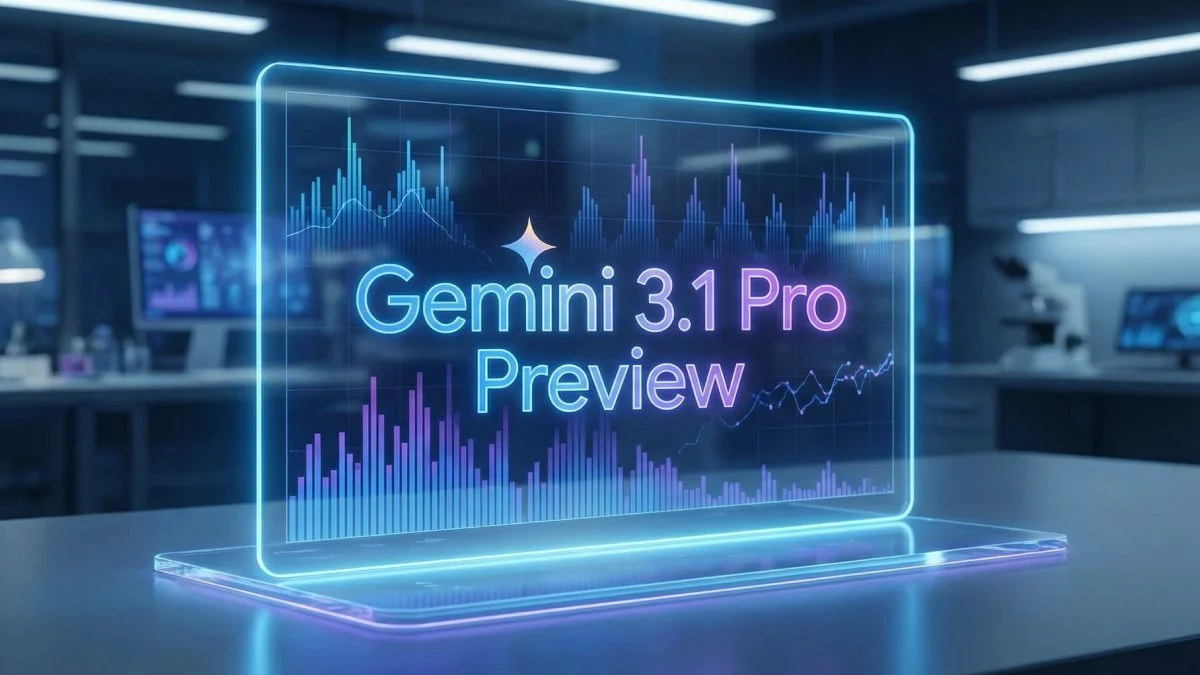
If you’ve been poking around the Google Cloud Vertex AI Model Garden recently, you might have spotted a new entry that feels deeper than a database glitch: Gemini 3.1 Pro Preview.
For those of us building on Vertex daily, this isn’t just noise. It’s a signal flare. It means Google is staging the next major iteration of its top-tier model for early developer testing. In the generative AI race, that kind of preview window is the difference between leading the pack and playing catch-up.
Here is what the community is decoding from this signal, what “Preview” actually entails in the Google ecosystem, and how your team should be strategizing for the rollout.
Decoding the Signal
Seeing a model like Gemini 3.1 Pro Preview appear in the Model Garden is rarely an accident. It’s a specific stage in the lifecycle. It signifies that the model has graduated from pure R&D to having an internal name and a slot in the public catalog.
We’ve seen this movie before with Gemini 3 Pro. Those early catalog listings were the precursors to actual endpoints becoming callable via the API. While this isn’t a press release or a General Availability (GA) announcement, it is a clear indication that infrastructure, documentation, and controlled access flows are being finalized.
TL;DR: The hardware is warming up.
What “Preview” Actually Means (in Google Cloud Speak)
If you’ve been burned by early adoption before, you know that “Preview” on Vertex AI comes with fine print. This isn’t a luxury launch; it’s a sandbox with flexible rules. Keep these caveats in mind:
- It’s Fluid: APIs, quotas, rate limits, and even output formats are subject to change before the GA tag is applied.
- Access is Selective: Just because you see the listing doesn’t mean you can invoke it. Access is often rolled out by region or project allow-lists.
- Expect Turbulence: Early usage is often bursty. Prepare for 429 throttling or transient 5xx errors as they ramp up capacity.
- Pricing TBD: Don’t build your financial models on Preview billing. Terms often shift between Preview and Production.
Why Builders Need to Move Now
If the environment is unstable, why bother? Because these early windows are where you gain your competitive edge.
- Beat the Crowd to Insights: You get weeks (or months) to understand the model’s quirks before the wider market.
- Benchmark Early: This is your chance to compare latency and output quality against your current baseline without the pressure of a live production migration.
- Prompt Migration: We all know prompts don’t always transfer 1:1 between model versions. Use this time to refine your templates based on actual model behavior rather than guessing.
- Stress Testing: Understanding error modes and rate limits now prevents 3 a.m. pager duty alerts later.
Your Testing Playbook
Once you get access to the Gemini 3.1 Pro Preview endpoint, don’t just throw random queries at it. Be systematic.
- Check for Regressions: Run your “Golden 20″—those essential prompts your product relies on—and diff the results against your current stable model.
- Profile Latency: Measure p50, p95, and p99 response times at distinct concurrency levels. Is it faster? Does it hang under load?
- Audit Output Quality: Specifically look for hallucination rates and JSON formatting compliance (a common pain point in model upgrades).
- Calculate True Cost: Don’t look at token price alone. Look at “cost-per-task.” If the new model is more verbose, it might cost more even if the token price is equivalent.
How to Roll Out Safely
When you are ready to put this into the wild, discipline is key. Do not swap your production endpoint overnight.
Start with a Canary deployment sending just 10% of traffic to the Preview model. Ensure you have an automated fallback mechanism to your stable model if error rates spike. Most importantly, instrument your logs to tag the model version alongside the prompt template version.
Conclusion
A “Preview” tag on Vertex AI is a practical invitation to start evaluating the next generation of model behavior before the rest of the industry catches on. If Gemini 3.1 Pro follows previous patterns, the documentation and API phases are imminent.
Staying ahead in this window means you aren’t just reacting to a new model release—you’re optimizing for it long before it hits the mainstream.