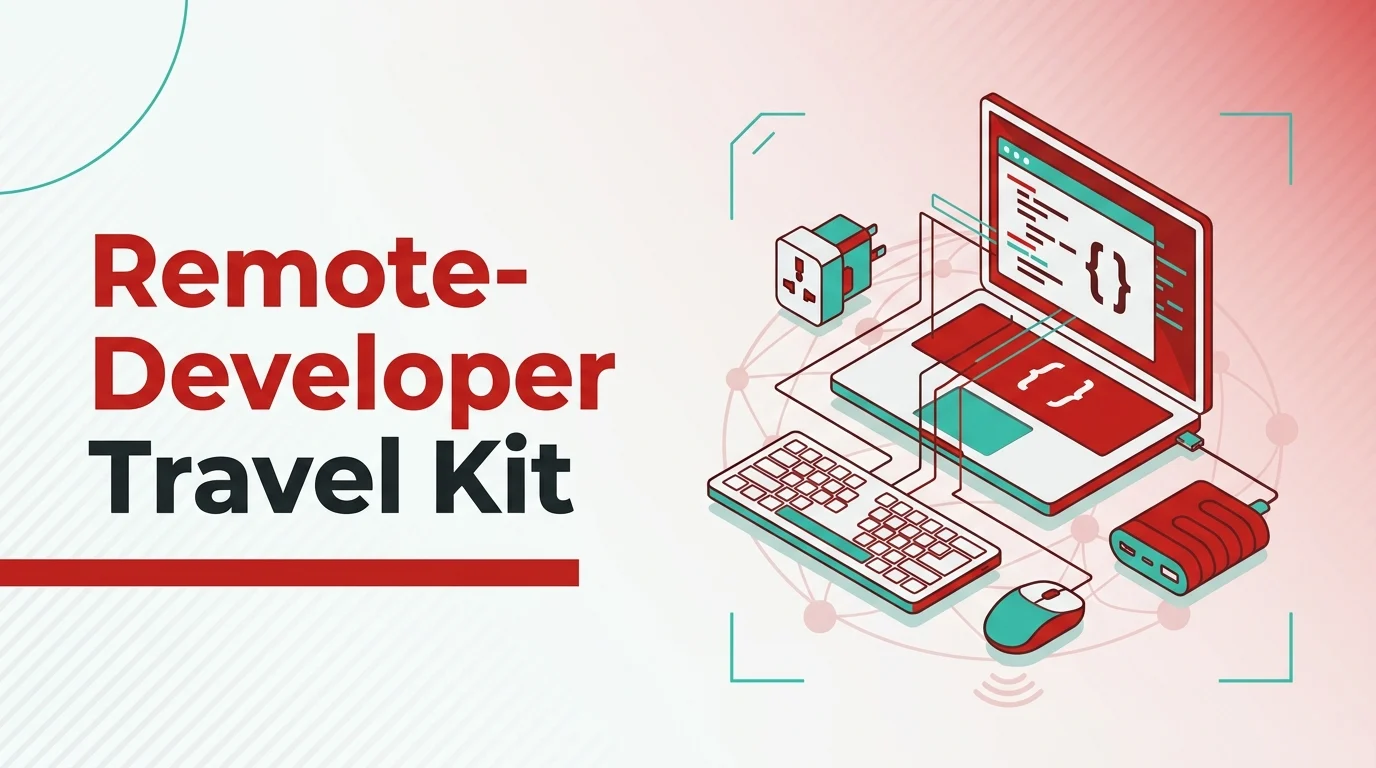
A working developer’s kit is the smallest set of hardware and connectivity choices that keeps the pull requests moving when the desk changes every six weeks. It’s shorter than most travel-kit listicles suggest, and the part that breaks first isn’t the laptop.
If you’re coding from three or more countries a year (Lisbon in March, Mexico City in May, Bali in September), the kit you carry is the difference between shipping on Friday and rebooking the flight. GitHub’s 2025 State of the Octoverse reports that 38 percent of active contributors push from more than one country annually, and the median trip length for engineers in distributed organizations now sits at 17 days. The kit below is what survived 92 working days across four destinations through Q1 2026, audited against what actually got used and what stayed in the bag.
Key Takeaways
- A 14-inch laptop, one 100-watt USB-C charger, one travel dock, and a hardware security key are the four pieces of hardware you can’t substitute on the road.
- Power and peripherals matter less than people assume; the connectivity layer matters far more, and a redundant data plan is the single highest-leverage line item in the kit.
- Local carriers behave differently across the seam between airport, city core, and the second-tier route you didn’t plan for. Lisbon’s regional rail and the Bali ring road both produce coverage failures the metropolitan core won’t predict.
- A pre-flight verification routine of about seven minutes (laptop, dock, security key, data plan, password vault) saves the half-day you’d otherwise lose on arrival.
- Five questions at the end of this guide answer the connectivity, customs, and tax-residency questions readers ask most.

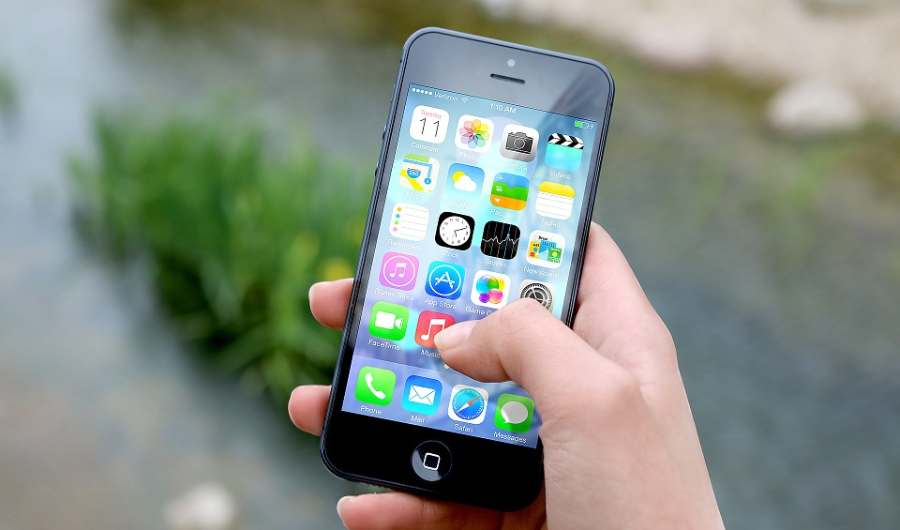
Developer working remotely, coding on a laptop with phone in hand, showcasing modern work culture.
Photo: Christina Morillo via Pexels
What Belongs in a Remote-Developer Travel-Tech Kit?
The honest answer is: less than the gear blogs sell you. A working kit for a multi-country year fits in a 28-litre backpack and runs from one charger. The four-primitive frame that holds across destinations is hardware, power, peripherals, and connectivity. Everything else is optimization.
You’ll see kit posts that catalogue eleven items in each category. That’s a packing list, not a kit. A kit is what you can replace at the local equivalent of Best Buy if it breaks on a Tuesday, and what you can plug into a hotel desk without a converter dance.
The Laptop, Dock, and Hardware Layer
Start with the laptop. A 14-inch class machine (MacBook Pro 14, ThinkPad X1 Carbon, Dell XPS 14, Framework 13) hits the sweet spot for screen real estate and bag weight. The 16-inch machines deliver a better second-screen experience at the desk, but you’ll regret the extra kilo by week three.
The dock is the part most kits get wrong. You don’t need a 13-port behemoth. A small USB-C hub with one HDMI 2.1 output, two USB-A ports, an SD-card slot, and 100-watt passthrough charging is enough for 90 percent of working sessions. The Anker 565, Caldigit Element Hub, and Hyperdrive Next 10-in-1 are all reasonable picks; pick one and don’t overthink it.
A hardware security key (YubiKey 5C NFC or Titan) is non-negotiable. Single sign-on for your code-hosting platform, your cloud console, your password vault, and your VPN should all sit behind a physical second factor that doesn’t depend on the phone you might be reformatting. The key lives clipped to the laptop sleeve, not in a separate pouch.
Peripherals are where the kit gets personal. A folding Bluetooth keyboard (Logitech K380, Keychron K3) costs less than a hotel breakfast and turns a hotel-room sofa into a working desk. A vertical mouse (the Logitech MX Vertical or the Anker 2.4G) saves the wrist that long workdays in cramped seating wreck. A pair of noise-cancelling earbuds (AirPods Pro 2, Sony WF-1000XM5) does for café focus what the over-ear headphones do at home, in a fraction of the bag space.
Power, Cables, and the Charging Story
One 100-watt USB-C wall charger is the only charger you should carry. The Anker 737, UGREEN Nexode 100W, and Apple 96W are all reliable picks; the Anker has the best plug-fold geometry for a backpack pocket. Pair it with a single 1.8-metre 100W USB-C cable and a 30-centimetre stub cable for the dock.
A small power bank (10,000mAh, 30W USB-C output) handles the in-transit gap when you can’t charge the laptop and need to keep the phone alive for two-factor codes. The Anker Nano 10K, UGREEN Magnetic 10K, and Baseus Magnetic 10K are interchangeable here. Don’t carry a 25,000mAh brick; airlines increasingly enforce the 100Wh limit at gate and you’ll lose it.
A universal travel adapter sits in the front pocket. The Epicka Universal Travel Adapter and the OneWorld 65W are the two that haven’t failed across four continents. Skip the surge-protector strip; hotel power varies and you don’t need to be the engineer who tripped the breaker on a hotel floor.
Security Stack: VPN, Password Vault, MFA
The security stack runs three layers, and you set it up before the flight, not at the gate.
Layer one is the password vault. 1Password, Bitwarden, or Dashlane: any of the three works, and you commit the master password to memory rather than carrying it. The vault’s emergency-access setting goes to someone in your home time zone who can recover the account if the laptop and phone both go missing.
Layer two is the VPN. A WireGuard tunnel to your own home router via a Mikrotik or a Unifi Dream Machine is the cleanest pattern; commercial VPNs (Mullvad, ProtonVPN, Tailscale’s exit-node feature) are the fallback. The reason to prefer the home tunnel is that several banking apps and government portals geo-block exit-node IP ranges, and the home tunnel doesn’t trip those filters.
Layer three is the hardware key, backed up by a TOTP app (Authy, Aegis on Android, 2FAS on iOS) for accounts that don’t yet support FIDO2. The TOTP app’s encrypted backup lives in the password vault, which lives behind the hardware key, a deliberate loop that breaks only if you lose all three at once.
How to Pre-Flight the Whole Kit in Seven Minutes
The day before each flight, run the seven-minute verification. It’s a single checklist, and skipping it is the most common reason an engineer loses a half-day on arrival.
- Boot the laptop on battery alone for two minutes. Confirm the battery health reading is above 85 percent.
- Plug into the dock. Confirm the external display, the keyboard, and the mouse all enumerate on first connection.
- Touch the hardware key against the laptop and unlock the password vault. Confirm the vault syncs.
- Connect to the home WireGuard tunnel and open one bookmarked service inside the corporate network.
- Activate the redundant data plan on the phone. Confirm a speed test returns above 20 Mbit/s downstream.
- Charge the power bank to 100 percent and confirm it delivers 30W to the phone.
- Pack the kit in the order you’ll unpack it: charger and cable on top, dock and key in the middle, laptop in the sleeve.
Seven minutes. Done the night before, you sleep through the arrival friction.
Staying Online Across the Route
Connectivity is the variable a developer itinerary can’t afford to wing. The direct answer for any engineer planning a multi-country working stretch: no single local carrier covers the seam between airport, city core, and the rural route you’ll inevitably take. The metropolitan core is uniformly strong on every modern network; the seam is where calls and pushes drop.
How Local Carriers Behave Across a Multi-Country Leg
The configuration that held across a Lisbon-Mexico City-Bali stretch in Q1 2026 was a primary line on your home-country carrier for short-message-service authentication codes, paired with a local data plan in each destination. MEO held the Lisbon coworking floors and the Alfama café strip at five-bar 5G throughout the working week. Vodafone Portugal was the stronger backup on the Lisbon-to-Porto regional rail segment, where MEO handed off twice between Coimbra and Aveiro. Telcel held Mexico City’s Roma Norte and Polanco at reliable 5G; AT&T Mexico carried the Coyoacán café-circuit better. In Bali, Telkomsel was the dominant network across Canggu, Ubud, and the Sanur ring road, with XL Axiata as the working backup inside the Seminyak coworking floors.
The redundant layer was a QR-installed travel eSIM loaded for the Iberian leg; it routed through MEO across the Lisbon coworking week, which mattered on the Lisbon-to-Porto train segment because MEO’s regional handover was cleaner than the home-carrier roaming SIM the engineer had been quoted at the airport kiosk. Activating the QR profile before the flight took under three minutes and meant the phone was on local data by the time the Aerobus reached Marquês de Pombal.
Coverage at a Glance
| Region or route | Primary local carrier | Signal in city core and on route | Notes |
|---|---|---|---|
| Lisbon coworking floors and Alfama | MEO | 5G, reliable | Strong across Príncipe Real and Alfama café strip |
| Lisbon-Porto regional rail | Vodafone Portugal | 4G/5G mixed | Better than MEO between Coimbra and Aveiro |
| Mexico City: Roma Norte and Polanco | Telcel | 5G, reliable | Held across the working week |
| Mexico City: Coyoacán café-circuit | AT&T Mexico | 4G/5G mixed | Better than Telcel in older buildings |
| Bali: Canggu, Ubud, Sanur | Telkomsel | 4G LTE, reliable | Drops to 3G on the Munduk back roads |
| Bali: Seminyak coworking floors | XL Axiata | 4G LTE, reliable | Working backup when Telkomsel saturates |
The operating principle is simple. You plan carriers the way you plan accommodation. The metropolitan core is rarely the failure point; the route between the coworking floor and the unannounced day trip is the failure point, and the redundant plan is what carries the deploy through it.
Frequently Asked Questions
What’s the minimum hardware footprint a remote developer needs for a three-country working year? A 14-inch laptop, one 100-watt USB-C charger, a small USB-C dock with HDMI and passthrough charging, a hardware security key, a folding Bluetooth keyboard, a vertical mouse, and noise-cancelling earbuds. Everything else is optional. The full kit fits in a 28-litre backpack and weighs under 4.5 kilograms.
Should you carry a portable monitor or just rely on cafés and coworking floors? Portable monitors add weight you’ll feel within a week, and most coworking floors and longer-stay rentals now ship with a second display. Skip the portable monitor unless your trip is entirely transit-based; the bag weight saves more working hours than the second screen adds.
How do you handle tax residency when you’re working from three different countries a year? You speak to an accountant in your home country before the second flight, not the third. The 183-day test is a starting point, not the full picture; treaty interactions between your home country and each destination matter, and remote-worker residency programs (Portugal D7, Spain’s Beckham regime, Croatia’s temporary-stay permit) change the calculation. The expensive mistake is assuming the home-country tax position carries automatically.
What’s the right approach to backups when you’re moving between countries? A cloud-sync layer (iCloud, Google Drive, OneDrive) for active work, plus a weekly encrypted snapshot to a separate provider (Backblaze, Arq, Restic to a B2 bucket). The encrypted snapshot is what survives a laptop loss or a cloud-account lock-out, and it lives behind a passphrase that’s in the password vault, not on the laptop.
How should you plan connectivity across a multi-country working leg? You pre-load a data plan for each destination the day before each flight, confirm it activates on the local network before leaving the airport, and keep your home-country line on for short-message-service authentication codes. Verify a speed test above 20 megabits per second downstream at the first café you visit, and identify a coworking floor as the fallback if the first accommodation’s Wi-Fi underperforms.