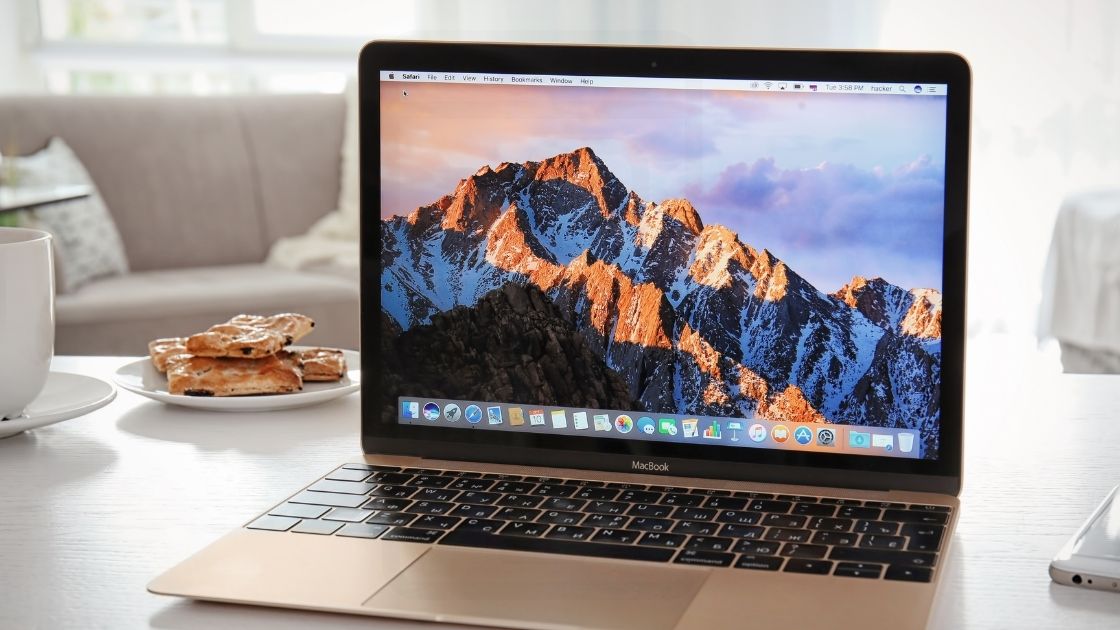
To take a screenshot on a Mac using a Windows keyboard, press the Windows key (which functions as Command) along with Shift and 3. This captures the entire screen, just like the Print Screen button does on a Windows PC.
In Windows we can take the screenshot of the current page/window using the Print Screen button.
Where as in mac using the windows keyboard it can be performed by using the following key combination
 Vipin PG