Do your old photos look blurry or low quality? Many people want their pictures to look sharp or clear, but don’t know where to start.AI photo enhancers fix everything in one click. But there are many tools available, it is to know which one actually works.
In this article, you’ll check the 6 best AI photo enhancers of 2025. We tested over 20 tools to find the ones that restore, upscale, and enhance photos.
Top 6 AI Photo Enhancement Tools Tested
If you’re working on old and low-quality images, a powerful AI photo enhancer can save the day. These tools can sharpen details, fix flaws and upgrade image quality without extra effort.In this article, you’ll see six leading AI photo enhancement tools tested in 2025. Each offers unique features and one tool stands out for its impressive results.
1. HitPaw FotorPea

HitPaw FotorPea stands out for its powerful photo enhancement capabilities especially when you want to enhance old, blurry or low resolution images. The tool uses advanced AI to sharpen details, fix blur and upscale photos and no quality lost in the process.
You can enhance every kind of photo with FotorPea such as a portrait with motion blur or a grainy memory from the past.
The AI driven enhancement engine of this tool detects faces, edges and fine textures. Then it rebuilds missing or unclear areas with impressive accuracy. You’ll get results that look natural as there is no over smoothing, no fake details. The final image is a cleaner, sharper version of the original.
We suggest you to use this amazing AI photo enhancer tool for scanned photos, social media images and mobile camera shots.
| Pros | Cons |
|
|
2. Topaz Photo AI 4
Topaz Photo AI 4 brings advanced image restoration with its Super Focus, Face Recovery, and Raw Denoise models. It helps recover lost details in photos blurred by motion or distance.
Users can sharpen images and restore textures like skin or fabric. The tool works best for portraits and wildlife shots.
RAW support gives it a professional edge. Photographers can denoise and upscale photos. Photo AI also removes scratches automatically.
| Pros | Cons |
|
|
3. Remini AI Photo
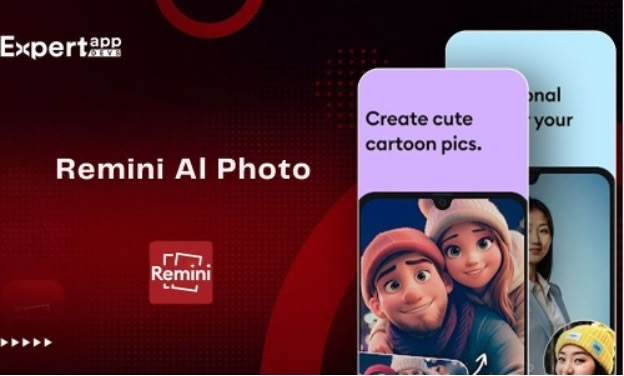
Remini AI Photo specializes in hyper realistic self-portraits using generative AI. It turns everyday selfies into studio-quality images. Users train the AI with 8 to 12 of their photos, then generate countless versions.
Popular features include professional-looking CV photos, childhood recreations with Baby Me, and emotion-rich Maternity portraits. It works for modeling shots and location swaps.
The mobile app is available for both iOS and Android.
| Pros | Cons |
|
|
4. Luminar Neo
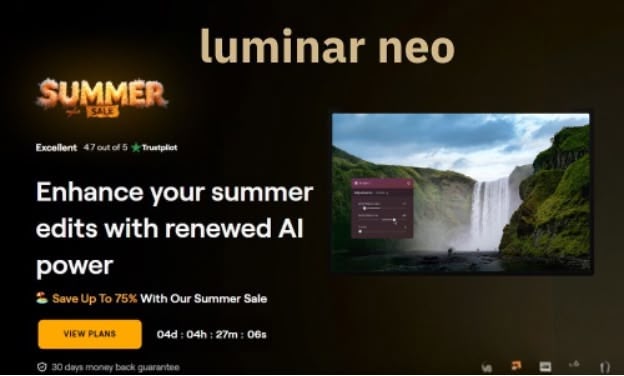
Luminar Neo has user-friendly features. It has EnhanceAI which adjusts lighting, contrast, color and tone with a single slider.
Super Sharp AI sharpens blurred images with impressive precision. Noiseless AI removes noise while preserving details.
Portrait tools like BokehAI and RelightAI help create soft background blur and fix underexposed faces. For landscape and travel shots, SkyAI replaces dull skies, and Sunrays AI adds realistic sunlight.
Luminar has RAW editing, layers, batch processing and creative features like GenErase and GenSwap.
| Pros | Cons |
|
|
5. Adobe Photoshop
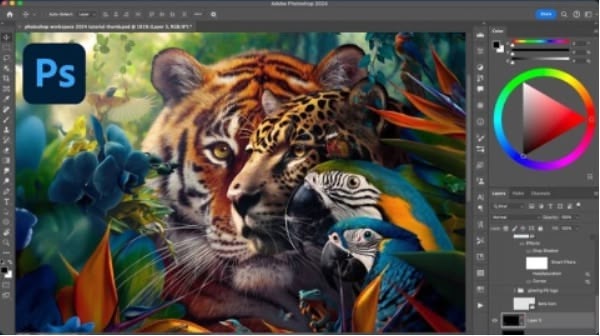
Adobe Photoshop provides advanced image editing with generative AI features like Generative Fill and smart workflow suggestions. It works for both desktop and mobile platforms.
Photoshop’s Remove Tool detects and deletes unwanted objects. The Dynamic Text and on-canvas color controls make design adjustments without switching panels.
It has many features like Precise Selection Tools, smart AI recommendations and multi-image compositing.
| Pros | Cons |
|
|
6. PicWish
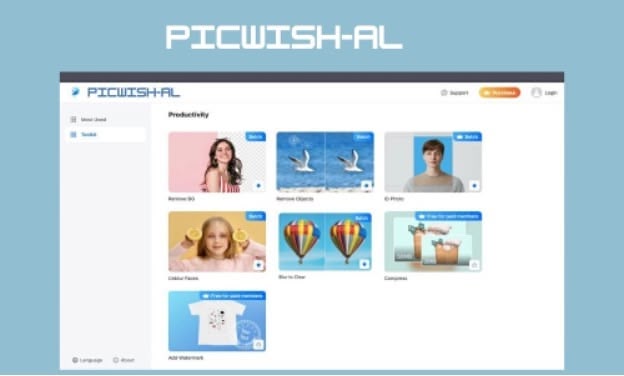
PicWish is an online photo editing platform. It has editing tools that process multiple images at once.
Its features include background remover, batch watermark removal, and white background generator. You can enhance blurry images, upscale resolution and extend image backgrounds.
The tool also has an AI Image Translator that detects and translates text in photos. PicWish is available on web, desktop and mobile.
| Pros | Cons |
|
|
Step-by-Step Photo Enhancement with HitPaw FotorPea on PC
Old photos have memories that fade with time. It is difficult to restore blurry faces, yellowed prints or faded textures. You can now bring them back to life easily.
Here’s how to restore old photos using HitPaw FotorPea in just a few steps:
Step 1: Launch the App and upload your photo. It supports most formats such as JPG, PNG, TIFF, and BMP.
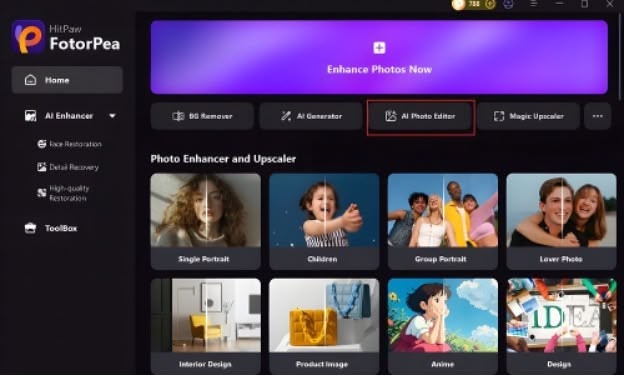
Step 2: Select the Right AI Model: Use the Face Model to recover facial features. You can select the Sharpen Model to fix blur. Use Denoise Model if the photo has heavy grain.
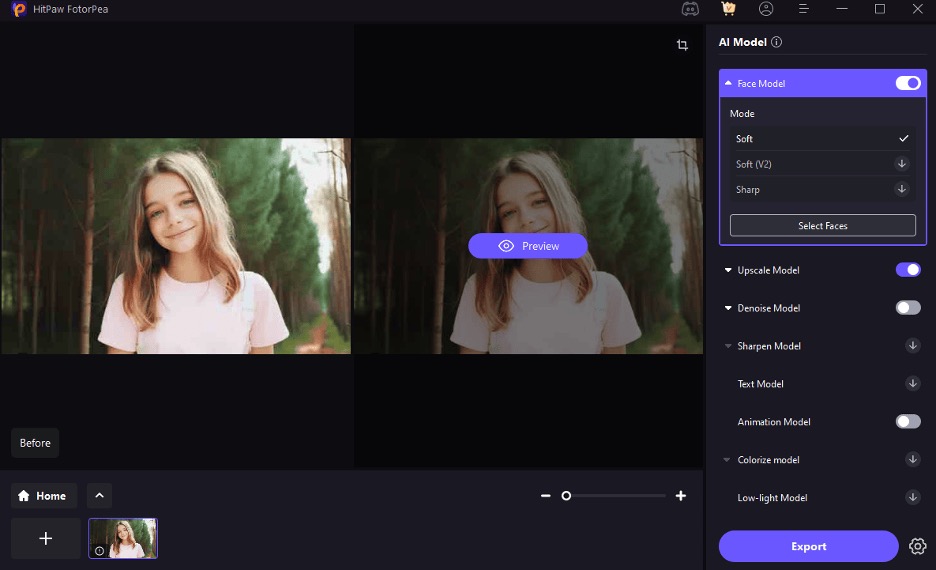
Step 3: Preview the Result: FotorPea lets you preview the enhancement in real-time. You can compare photos with one click.
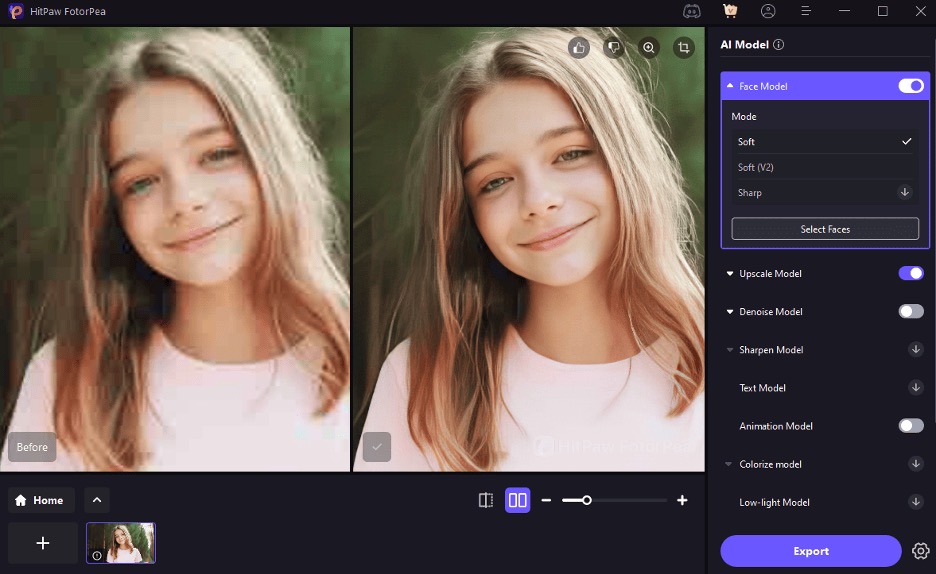
Step 4: Export Your Image: Click the Export to save your restored photo. You can choose any file types and resolutions.
HitPaw FotorPea helps you restore photos effortlessly. You can follow the 6 steps that we mentioned above and enhance your photos easily. Try this tool today and see the difference.
Choosing Your AI Enhancer: Scenario-Based Guide
So you’ve learned about all the tools that we suggested but you’re confused as to which tool is the best for your job.
Each tool has unique strengths and it depends on your needs and the task you want to perform. Let’s compare HitPaw FotorPea with other tools so you can decide faster.
If you’re restoring old portraits or blurry scans
Go with HitPaw FotorPea. Its facial detail recovery is top tier, especially for black and white or low-light shots.
If you’re a professional editor working with RAW files
Topaz Photo AI gives you more control and better RAW support and this tool is ideal for detailed editing and wildlife photos.
Need quick profile or social media photos?
Remini AI Photo is best for generating aesthetic selfies and polished headshots using generative AI.
Like creative edits and landscape fixes?
Luminar Neo adds artistic touches like sky replacement and lighting effects which is perfect for creators.
Looking for a general editor with advanced tools?
Photoshop is unmatched in control and features but comes with a steeper learning curve.
Working in bulk or with e-commerce images?
PicWish offers batch background removal and upscaling and is a great tool for store owners and product listings.
Top Pick: If you’re looking for a tool that does all jobs such as restore clarity, upscale resolution and enhance details in one go then we recommend HitPaw FotorPea. This tool combines powerful AI with a user-friendly interface that makes it easy for anyone to get pro-level results in seconds.
Conclusion
AI tools have changed the process of enhancing photos. It takes a few seconds with better results. AI makes it simple, from fixing blur to restoring color. If you’re looking for a beginner friendly option to enhance photo quality, HitPaw FotorPea is the best.