



Are your notes a disorganized mess? So much so that you can’t ever find what you need? You’re not alone.
Whether for school, work, or just everyday to-do lists, keeping track of your notes can be a real challenge. But don’t worry! Organizing your notes doesn’t have to be difficult. Here are five simple ways to get your notes in order and keep them accessible when you need them most.
A Classic System That Still Works: The Notebook Approach
There’s something to be said for the tried-and-true method of using a good old-fashioned notebook. Sure, digital tools are great, but there’s a certain satisfaction that comes from writing things down on paper. The beauty of this system is its simplicity—everything you need is in one place. If you’re a tactile person, there’s something about physically flipping through pages that makes it easier to connect with the material. But organizing those pages? That’s where the magic happens.
For a smooth experience, consider dividing your notebook into sections. If you’re in school, this might mean creating a different section for each subject. For example, you could have a section for History, another for Math, and one for English.
For work projects, you could organize your notes in several ways, such as:
- By different clients
- By specific tasks
- By stages of a project (e.g., brainstorming, planning, action steps)
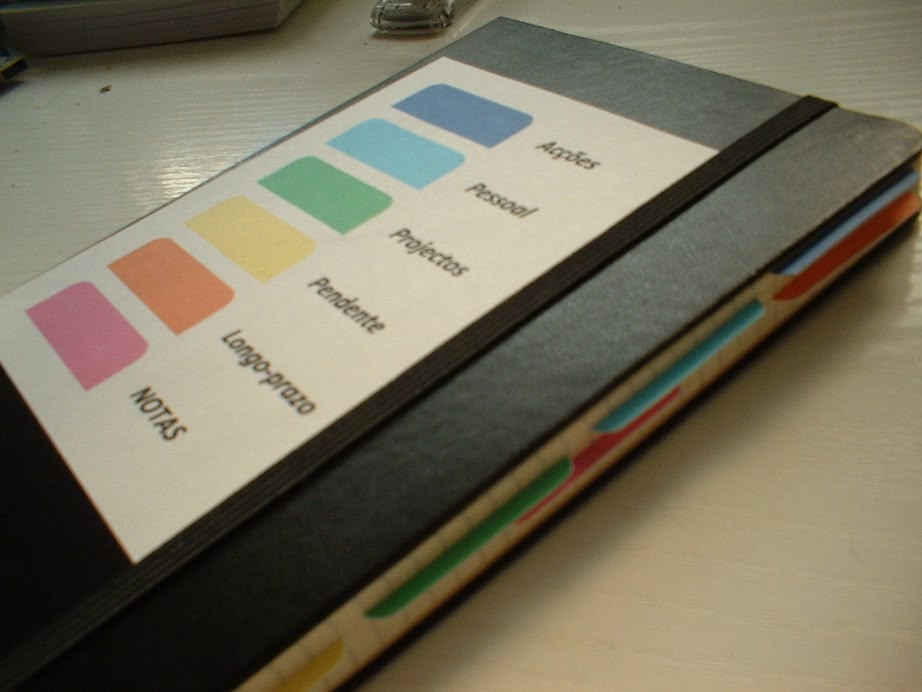
If you want a bit more structure, consider using dividers or tabs to keep everything clearly separated. The key is consistency. Color-coding your notes with different pens or highlighters is another simple yet effective way to stay organized and quickly spot the most important details.
Digital Tools: Stay Organized, Stay On-the-Go
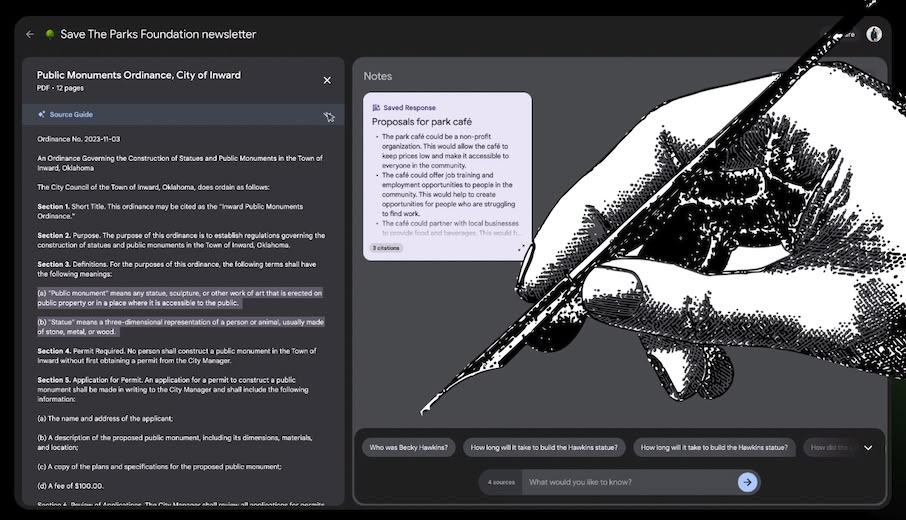
For those who thrive in the digital world, organizing your notes on a device is a no-brainer. We all carry our smartphones, tablets, or laptops with us, so why not take advantage of that? Digital note-taking has a ton of perks—syncing across devices, accessibility, and the ability to add multimedia like images, links, and voice memos. For students, one great tool is Edubirdie Docs, which lets you exchange and search notes on different subjects—making it easier to find exactly what you need for assignments or classwork. Digital tools allow you to store notes safely and access them from anywhere, whether you’re at home, in class, or on the go.
Apps for Digital Note-Taking:
- Evernote: Create notebooks for each topic and tag notes for easy retrieval.
- OneNote: Organize notes into categories with subpages for detailed information.
- Notion: Use databases to categorize and link notes for complex projects.
And here’s an added bonus: when you take the time to periodically review and reorganize your notes, you not only make it easier to find what you need later, but you also give yourself the chance to retain more of the information you’ve jotted down.
How to Organize Your Notebook:
- Divide the notebook into sections for each subject or project.
- Use dividers or tabs to separate sections clearly.
- Color-code the sections or use different colored pens/highlighters to indicate priority or importance.
- Take the time to review and reorganize your notes periodically for easy future access.
Bullet Journaling: The Creative (and Fun) Way to Stay Organized
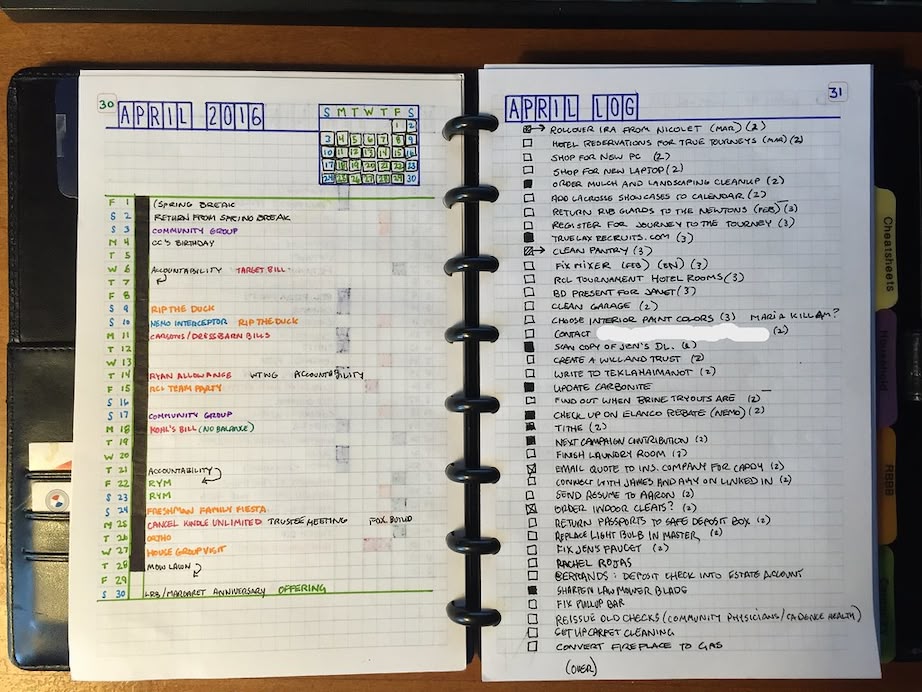
If you love flexibility and don’t mind a bit of creativity, bullet journaling might be your new best friend. It’s a customizable system that encourages you to create layouts that fit your needs. You can use symbols like dots for tasks, dashes for notes, and circles for events. This method can adapt to your lifestyle, allowing you to include calendars, brainstorming pages, and even habit trackers in one journal.
For example, you could have a “Task Tracker” with bullet points that allow you to mark off completed tasks. Create a section for a “Weekly Overview” where you list important deadlines, meetings, or assignments.
You can use different colors to:
- Mark priorities
- Distinguish between types of notes (e.g., work, personal, to-do lists)
The beauty of bullet journaling is that it’s a fun mix of art and organization. You can doodle, use vibrant colors, and make your notes visually appealing while still keeping them structured. Whether you’re jotting down goals, tracking deadlines, or sketching ideas, bullet journaling adds a creative twist to your routine.
Bullet Journal Layout Examples:
- Task Tracker: Use bullet points to mark completed tasks.
- Weekly Overview: A section to list deadlines, meetings, and assignments.
- Habit Trackers: Create a visual section to monitor goals.
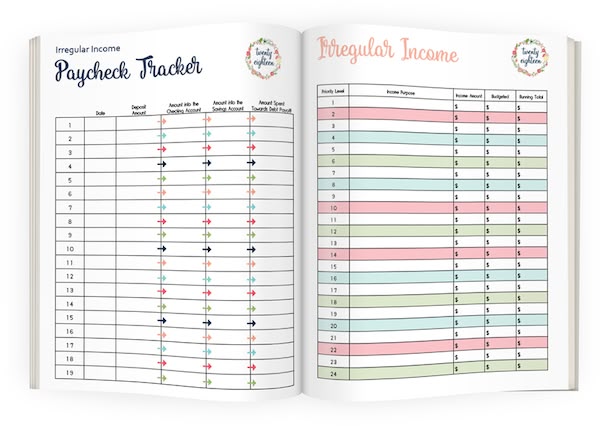
Bullet journaling is a fun way to organize your notes, and with the use of different colors and symbols, you can easily differentiate between priorities.
Mind Mapping: See the Bigger Picture
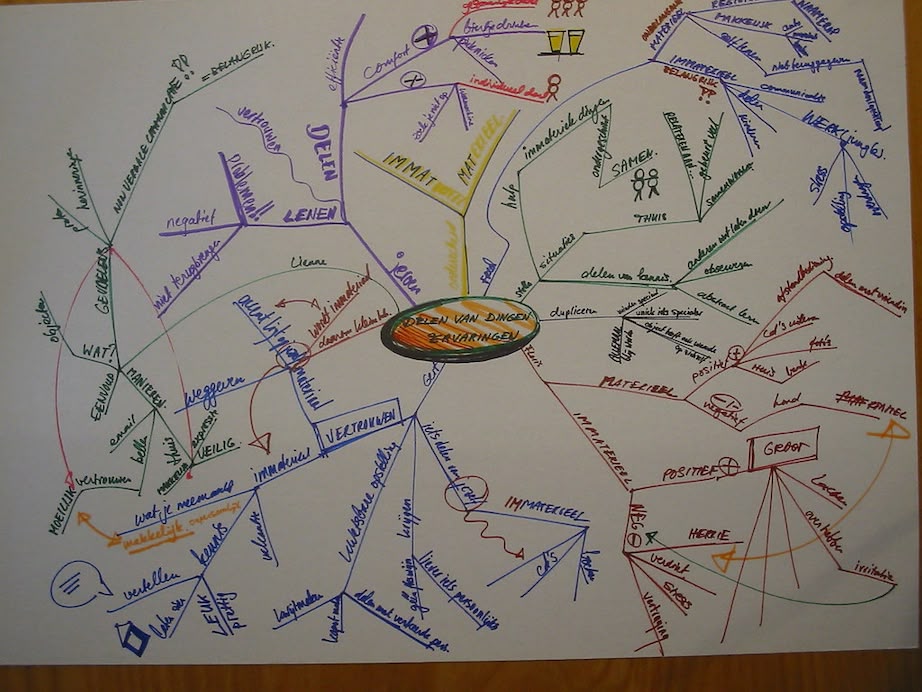
If you’re someone who organizes better visually, mind mapping could be the method you need. Mind mapping allows you to see the connections between ideas by starting with a central concept and branching out with related thoughts. Think of it as drawing a web of ideas to organize complex information and show how different elements relate to each other.
For instance, if you’re brainstorming for an essay or working on a project, start by writing the main topic in the center—such as “Marketing Strategy.” Then, branch out with subtopics like:
- Target Audience
- Advertising Channels
- Budget
You can add lines or arrows to show how one idea leads to another. Visual elements like images or color can also help highlight key points. This technique allows you to clearly see the relationships between ideas and keeps the information organized in a structured way.
How to Mind Map:
- Start with a central idea in the middle of the page.
- Branch out to subtopics related to the main idea.
- Add details or concepts around each subtopic, connecting them with lines or arrows.
Mind maps allow you to organize complex information visually, making it easier to see connections and retain information.
The Cornell Method: Structured for Success
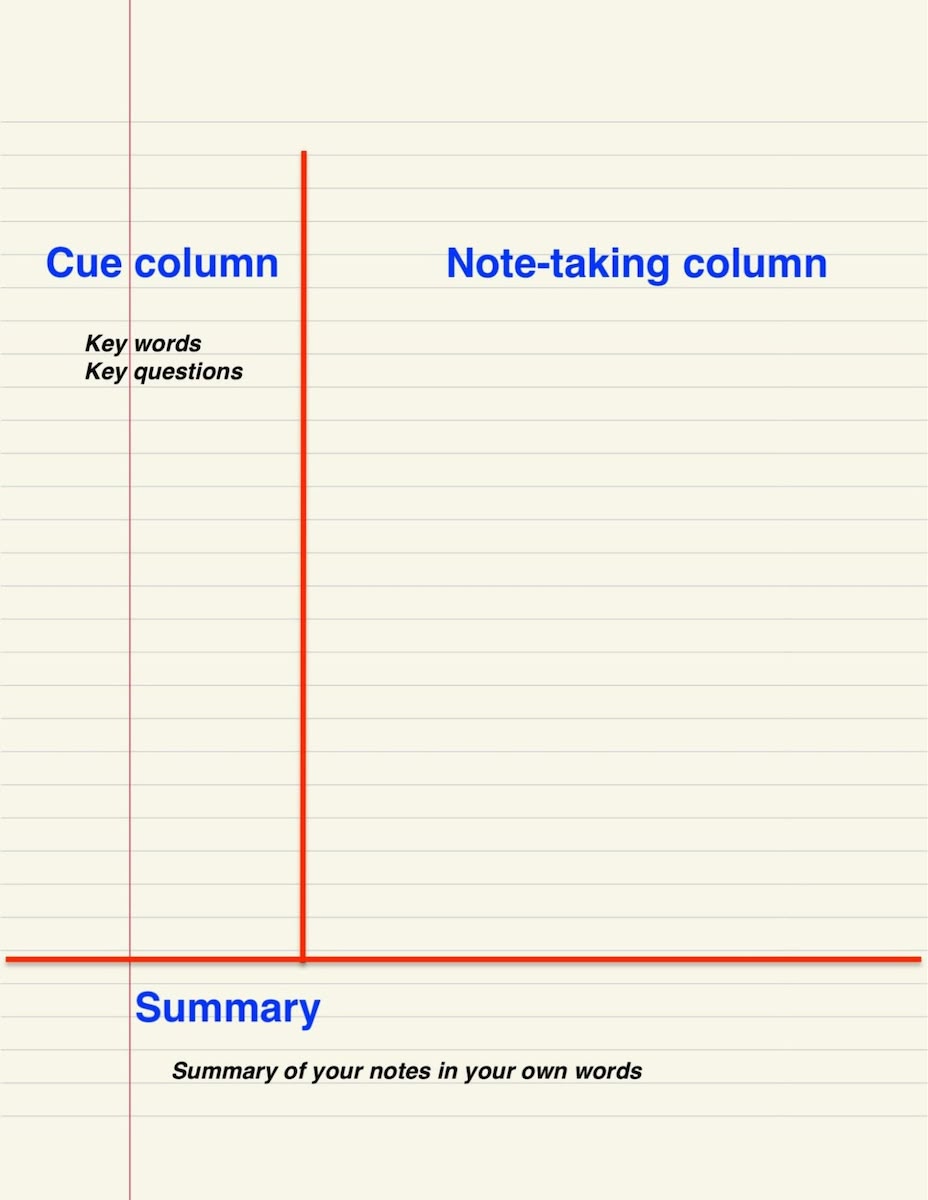
If you prefer structure, the Cornell Note-Taking Method could be exactly what you need. This system divides your paper (or screen) into three sections: a narrow column on the left for cues or questions, a larger column on the right for detailed notes, and a summary section at the bottom. This method forces you to reflect on the material and helps you actively engage with the content.
In practice, you might write down a key question or concept in the left column, such as “What are the benefits of renewable energy?”
Then, in the right column, you would write your detailed notes, such as:
- Solar panels
- Wind turbines
- Reduced carbon footprint
At the bottom, you can write a brief summary of the material, like:
“Renewable energy helps mitigate climate change and provides sustainable power.”
The Cornell method works wonders for reviewing because it allows you to quickly refresh your memory without needing to sift through disorganized pages.
How to Use the Cornell Method:
- Left Column: Write key concepts or questions.
- Right Column: Take detailed notes during lectures or reading.
- Bottom Section: Write a brief summary to reinforce key points.
The Cornell method is perfect for anyone who prefers an organized, structured approach to note-taking. It encourages review and self-testing, which makes it great for studying.
When it comes to organizing your notes, there’s no one-size-fits-all solution. However, finding a system that works for you can make all the difference in boosting your productivity and reducing stress. Whether you prefer the tactile feel of a notebook, the creative flexibility of a bullet journal, the convenience of digital tools, the visual clarity of mind maps, or the structured approach of the Cornell method, the key is consistency.
It’s about discovering a method that aligns with your personality and work style. Once you find your ideal system, organizing your notes will become second nature, freeing up your time to focus on what really matters. Why not give a few of these techniques a try? Your organized future is just a note away.

